Configure access to the Web UI (Web User Interface) for the IW9167E or IW9165 device.
This task allows you to access the Web UI configuration interface for your device.
Use this procedure when you need to configure or manage your IW9167E or IW9165 device through the web-based interface.
Procedure
| 1. | Open the web browser and enter the following URL: https://<IP address of unit>/ The IW9167E or IW9165 Configurator window appears. |
|
| 2. | Enter the credentials using the Username and Enable password. |
|
| 3. | Log into the GUI. Once you successfully log into the GUI, the URWB configurator displays: 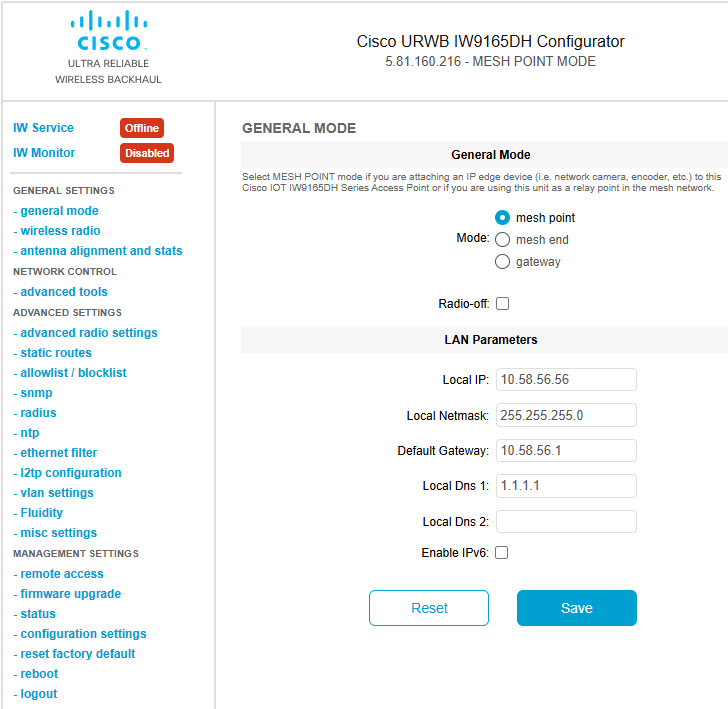
|