This section provides details about smart licensing for Cisco Optical Site Manager. Smart Licensing is a cloud-based, software license management solution that enables you to automate time-consuming, manual licensing tasks.
Review information about smart licensing for Cisco Optical Site Manager.
|
Feature Name |
Release Information |
Feature Description |
|---|---|---|
|
Cisco Optical Site Manager Smart Licensing |
Cisco IOS XR Release 24.3.1 |
Cisco Optical Site Manager now supports the smart licensing. It enables you to automate the time-consuming manual licensing tasks and allows you to easily track the status of your license and software usage trends. |
Smart Licensing is a cloud-based, software license management solution that enables you to automate time-consuming, manual licensing tasks. The solution allows you to easily track the status of your license and software usage trends.
For NCS 2000, Cisco Optical Site Manager must be running on the SVO line card.
Smart licensing core functions
Smart Licensing helps you simplify three core functions:
-
Purchasing: Register installed software without needing Product Activation Keys.
-
Management: Automatically track license usage across your network without installing license files on each node. Create license pools to match your organizational structure. Use Cisco Smart Software Manager, a centralized portal, to manage all Cisco licenses in one place.
-
Reporting: Access a unified view of purchased and deployed licenses through the portal. This visibility helps you make informed purchasing decisions based on actual usage.
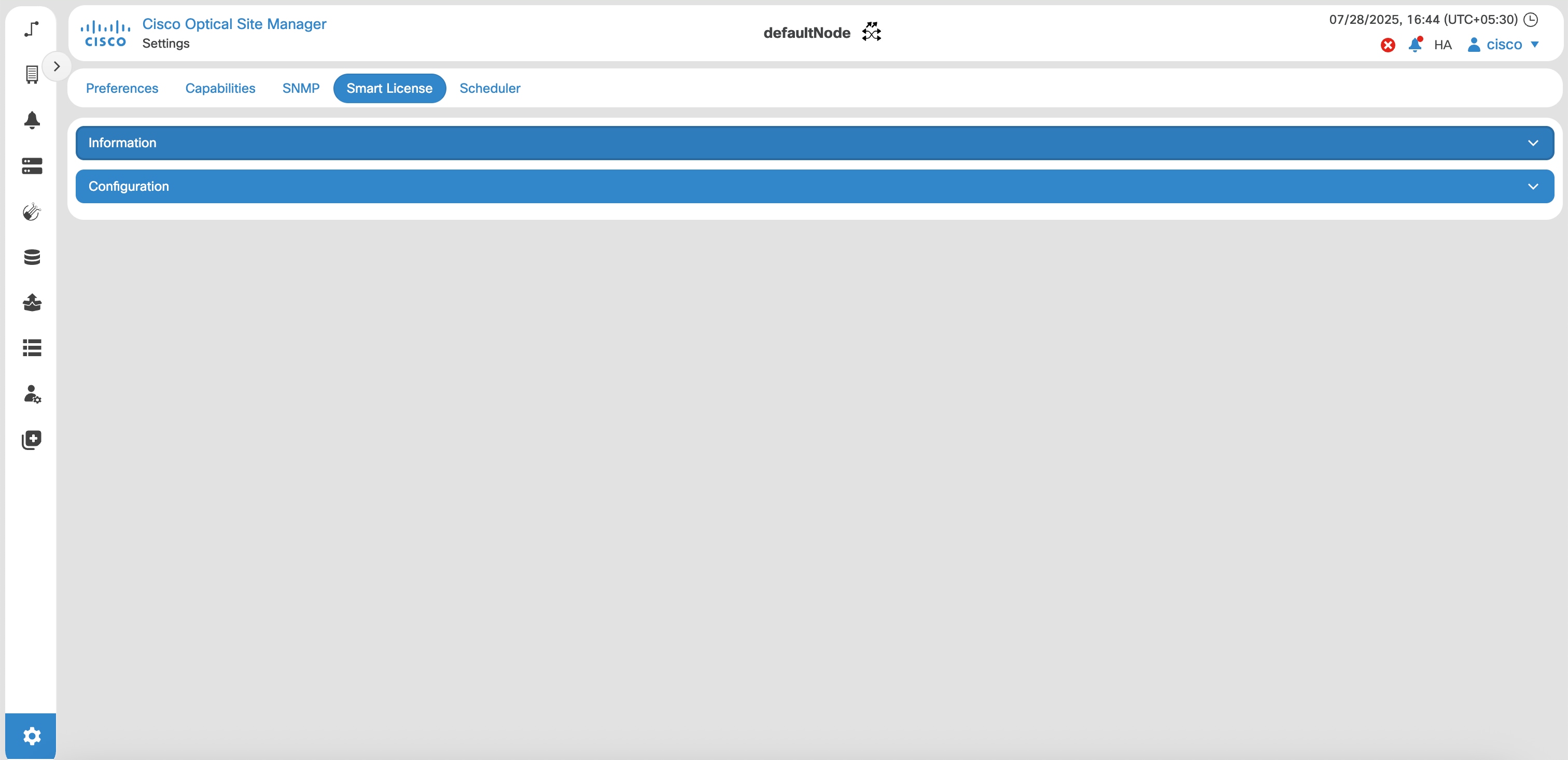
These are the key features of Smart Licensing:
-
Direct and proxy registration: registers Cisco Optical Site Manager application.
-
Centralized management: manages your license inventory using CSSM, simplifying software asset tracking and management.
-
License portability: moves or transfers your licenses easily between devices, offering flexibility in deploying software assets within the organization.
-
Simplified activation: simplifies this process by using a pool of licenses that aren't tied to a specific device as against Traditional licensing.
-
Automatic license renewal: renews licenses automatically, reducing the administrative burden of tracking license expiration dates and manual renewals.
-
Usage reporting: generates detailed reports on license usage to understand device software consumption, optimizing your license investments.
-
Compliance assurance: provides visibility into license entitlements versus actual usage, helping that you stay compliant.
-
Support for hybrid environments: supports both on-premises and cloud-based environments, allowing for consistent license management across different deployment models.
-
Real-time updates: receives real-time updates from Cisco, ensuring that you have access to the latest features and compliance information.
Cisco Smart Account
Cisco Optical Site Manager integrates with Cisco Smart Accounts to simplify license management.
Smart Accounts provide a centralized, organized, and simple-to-use solution for managing Cisco software licenses across an entire organization. They act as a container that holds all Cisco software assets, allowing customers to view, store, manage, and move these assets as needed. Smart Accounts enable full visibility into license entitlements and usage, helping optimize software management. Smart Accounts support license pooling, portability, and provide compliance reporting.
When creating a Smart Account, you must have the authority to represent the requesting organization. After submitting, the request goes through a brief approval process. See http://software.cisco.com to learn about, set up, or manage Smart Accounts.
Cisco Smart Software Manager
Cisco Smart Software Manager enables you to manage all of your Cisco Smart software licenses from one centralized website. With Cisco Smart Software Manager, you organize and view your licenses in groups called virtual accounts (collections of licenses and product instances). Use the Cisco Smart Software Manager to do the following tasks:
-
Create, manage or view virtual accounts.
-
Create and manage Product Instance Registration Tokens.
-
Transfer licenses between virtual accounts or view licenses.
-
Transfer, remove or view product instances.
-
Run reports against your virtual accounts.
-
Modify your email notification settings.
-
View overall account information.
Virtual accounts
Virtual Accounts are customizable subaccounts within a Smart Account used to organize and optimize Cisco licenses. They can be structured to reflect business units, product types, or geographic locations, allowing better planning and utilization of assets. They are created and maintained by the Smart Account administrator.
Smart Licencing allows you to create multiple license pools or virtual accounts within the Smart Software Manager portal. Using the Virtual Accounts option you can aggregate licenses into discrete bundles associated with a cost center so that one section of an organization cannot use the licenses of another section of the organization.
For example, if you segregate your company into different geographic regions, you can create a virtual account for each region to hold the licenses and product instances for that region.
All new licenses and product instances are placed in the default virtual account in the Smart Software Manager, unless you specify a different one during the order process. Once in the default account, you may choose to transfer them to any other account as desired, provided you have the required access permissions.
Use the Smart Software Manager portal to create license pools or transfer licenses.