This section explains workflow for software upgrade in Cisco Optical Site Manager. You can upgrade NCS 1000 device and Cisco Optical Site Manager application software using the Software Manager.
You can upgrade NCS 1000 device and Cisco Optical Site Manager application software using the Software Manager.
Perform these tasks to upgrade software NCS 1000 device and Cisco Optical Site Manager application software.
-
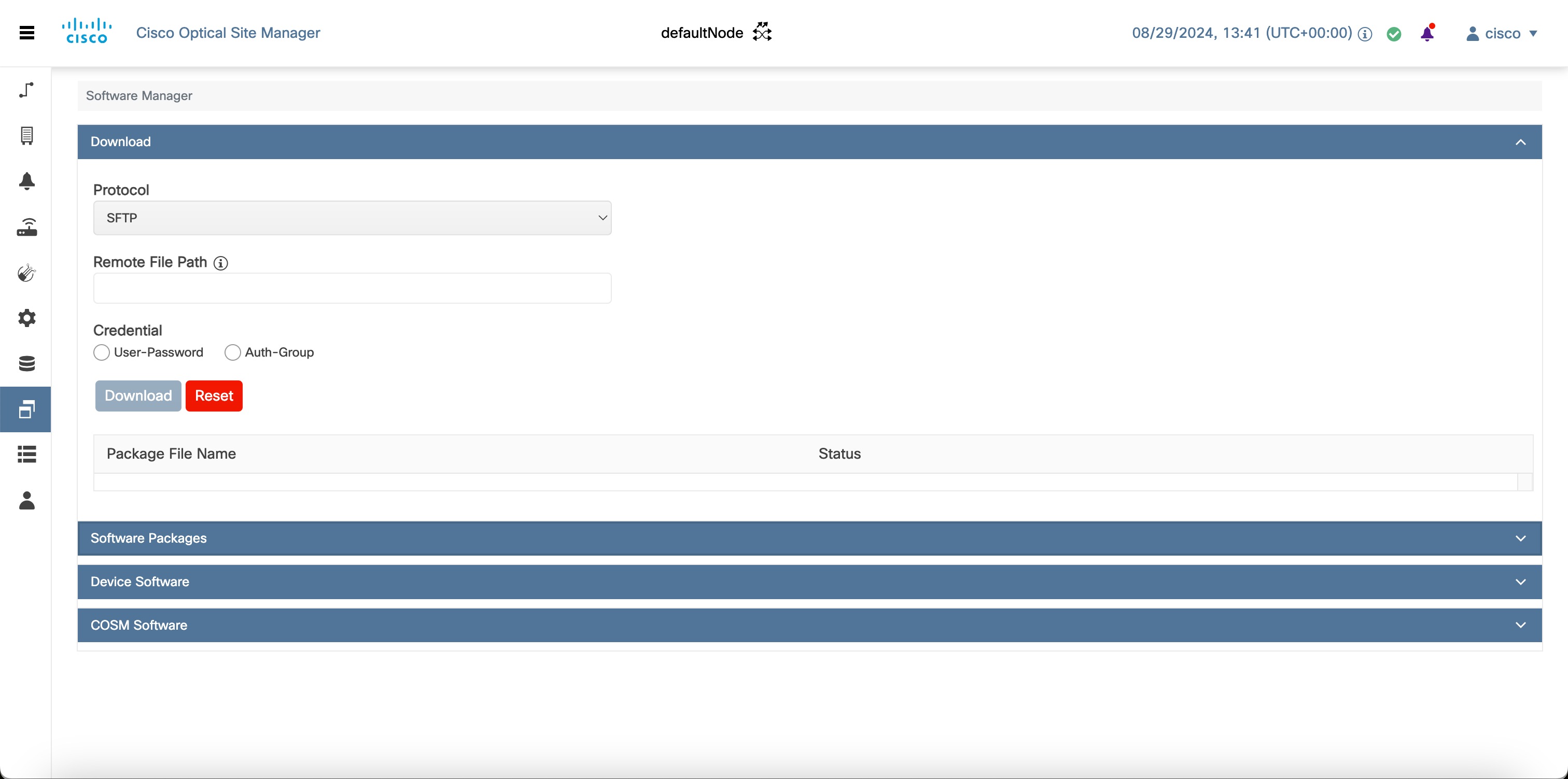
Download Software Package : Download the necessary packages from the Cisco repository to the Cisco Optical Site Manager. For more details, see Download GISO image. The downloaded packages appear in the Software Packages tab.
-
Download Software Package to Device: Download the software package from Cisco Optical Site Manager to the NCS 1000 device. For more details, see Download software package on device.
-
Activate Device Software: Activate the device software. For more details, see Activate NCS 1000 and NCS 2000 device software.
Additional information
-
Downgrading Cisco Optical Site Manager software is not supported and should not be used as a recovery method following an upgrade.
-
If you manually revert IOS XR after upgrading Cisco Optical Site Manager, remove the
migration-donefile at the/misc/disk1/data/softwarelocation before reinstalling Cisco Optical Site Manager. Otherwise, the subsequent Cisco Optical Site Manager upgrade might not complete correctly. -
When Cisco Optical Site Manager is upgraded from R25.1.1 to R25.4.1, trust must be re-established. See Establish Trust.
-
If the software reports an internal error during software download or activation without identifying the cause or failure stage, collect diagnostic logs to determine the root cause.