This chapter covers viewing inventory in Cisco Optical Site Manager. Use it to find topics about view inventory of all racks and chassis and view inventory of single rack and chassis.
This reference provides information about view inventory.
This chapter describs the tasks to view the inventory details of a single or multiple racks.
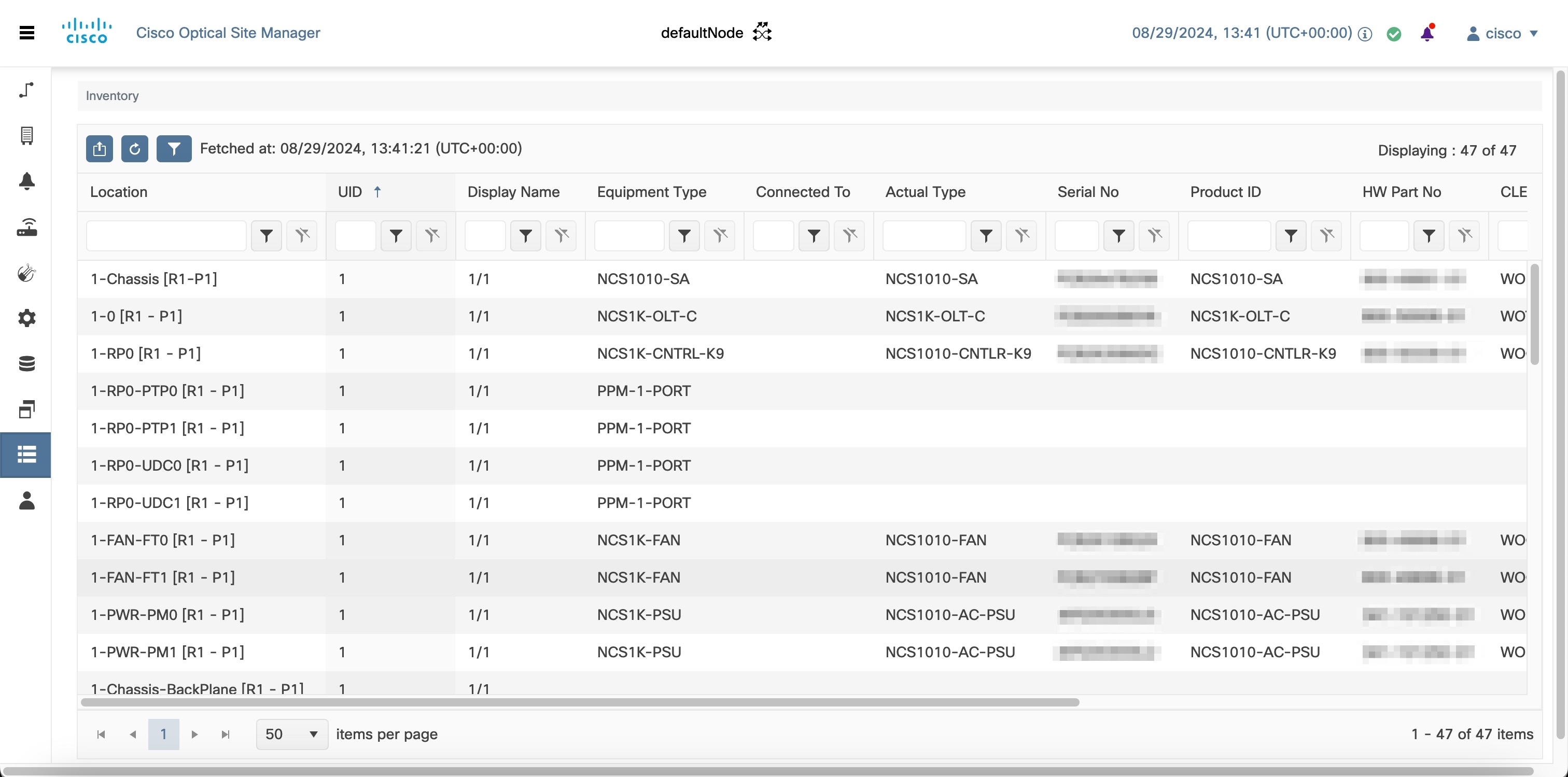
View inventory of all racks or chassis
View inventory of all racks or chassis in Cisco Optical Site Manager. You can view inventory details of all racks and chassis, such as location, display name, and equipment type.
View inventory of a rack or chassis
Use this procedure to view inventory of a rack or chassis in Cisco Optical Site Manager. You can view inventory details, such as location, display name, and equipment type, for a specific rack or chassis.