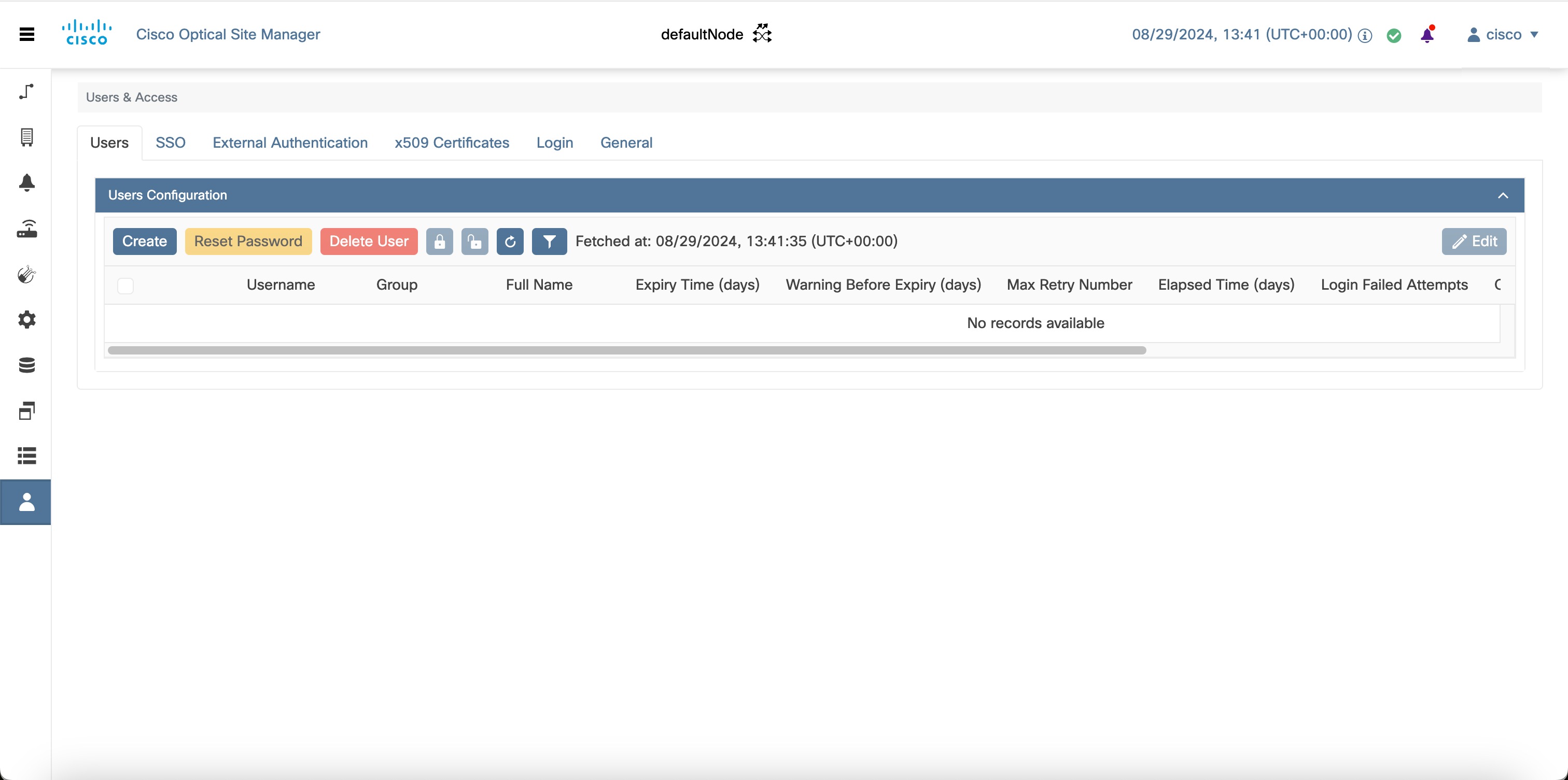
Add new user accounts with specific roles and permissions. This enables controlled access to the Cisco Optical Site Manager for managing optical site operations, ensuring that only authorized personnel can perform configuration and monitoring tasks.
Only users with admin privileges can create new users. The process involves specifying user details such as username, password, password expiry, retry limits, and user group (for example, admin, editor, maintenance, snmp, viewer).
Procedure
-
Click Users & Access in the left panel.
-
Click the Users tab.
-
In the Users Configuration section, click Create.
The Create User dialog box is displayed.
-
Enter the details as described in the Table 1 table.
-
Click Create.
A new user is created. The user account is added to the Cisco Optical Site Manager with the configured credentials and permissions.
Table 1. User details
| Field |
Description / Requirements |
| User Name |
Type the user name.
User name requirements:
-
Must be 6–40 characters long.
-
Can include alphanumeric characters (a-z, A-Z, 0-9) and special characters: @, - (hyphen), . (dot).
|
| Password |
Enter the login password.
Password requirements:
-
Must be 8–127 characters long. Must include alphanumeric (a-z, A-Z, 0-9) and special characters (+, #, %).
-
Must not contain the user name.
|
| Retype Password |
Re-enter the password for confirmation.
|
| Expiry Time (days) |
Enter the number of days before the user must change the password.
Example:
-
If set to 20 days, the user must change the password before 20 days are over.
-
After expiry, the user is moved to the OnlyPassword group and must update the password before performing any other action.
|
| Warning Before Expiry (days) |
Enter the number of days in advance to warn the user before the password expires.
|
| Max Retry Number |
Maximum number of consecutive failed login attempts. After this limit, the account is moved to the OnlyPassword group.
|
| Group |
Select the group from the drop-down list.
Available options:
-
admin
-
editor
-
maintenance
-
snmp
-
viewer
|