Provides instructions to configure an ECMP zone for DVTI-based VPNs to distribute traffic and optimize connectivity in Firewall Management Center (FMC).
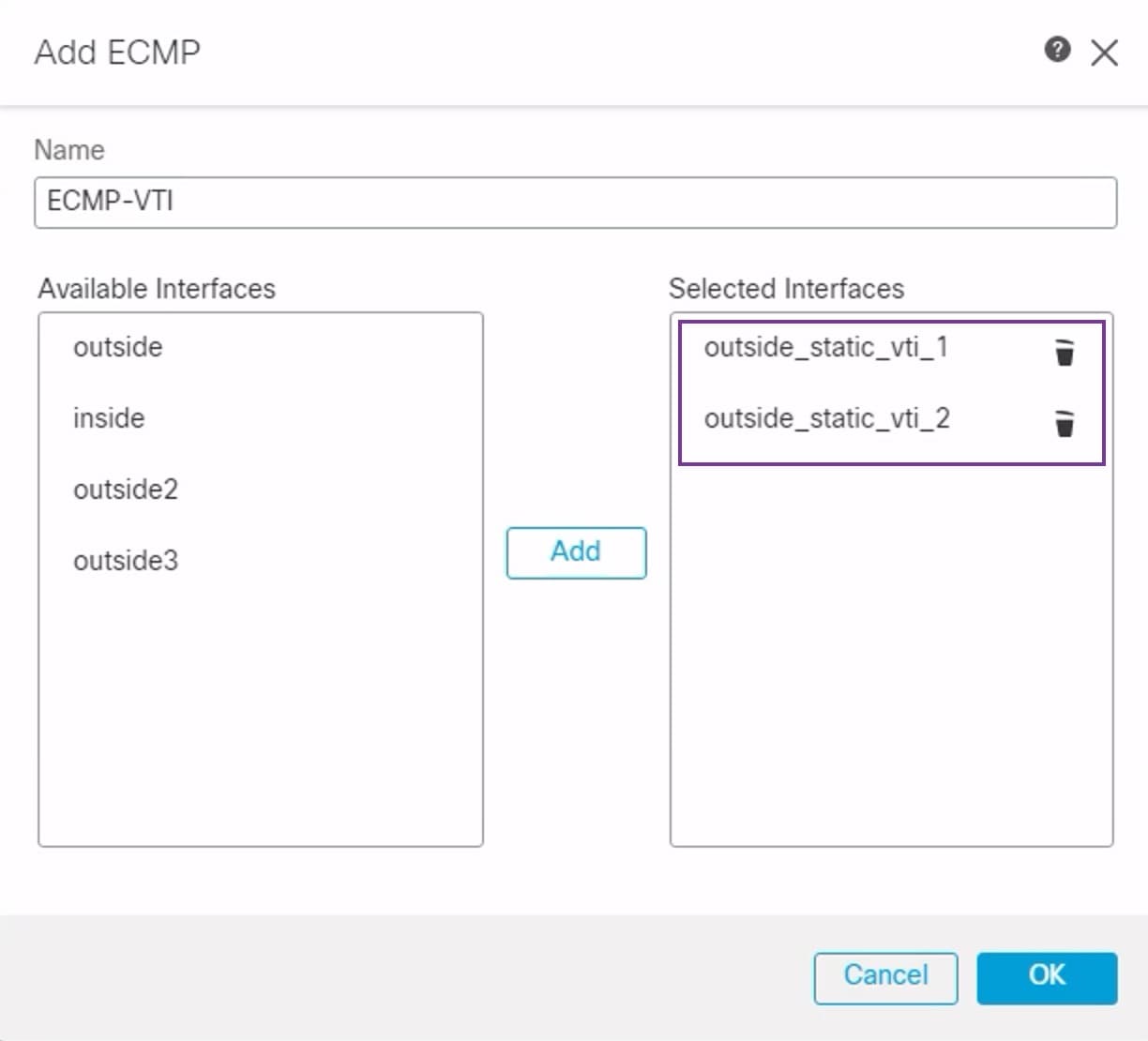
Configure ECMP on the primary and secondary static VTI interfaces on the branch node for link redundancy and for load balancing the VPN traffic.
Procedure
-
To associate interfaces, select the interfaces outside_static_vti_1 and outside_static_vti_2 under the Available Interfaces box, and then click Add.