Learn how to launch a Security Cloud Control tenant for tenant settings, access, and administration.
Procedure
| 1. | Click the appropriate Security Cloud Control button for your region on the Cisco Security Cloud Sign-On dashboard. |
|
| 2. | Click the authenticator logo to choose Duo Security or Google Authenticator if you have set up both authenticators.
The Portals view retrieves and displays consolidated information from multiple tenants. See MSSP Portal for more information. The Tenant view shows several tenants on which you have a user record. 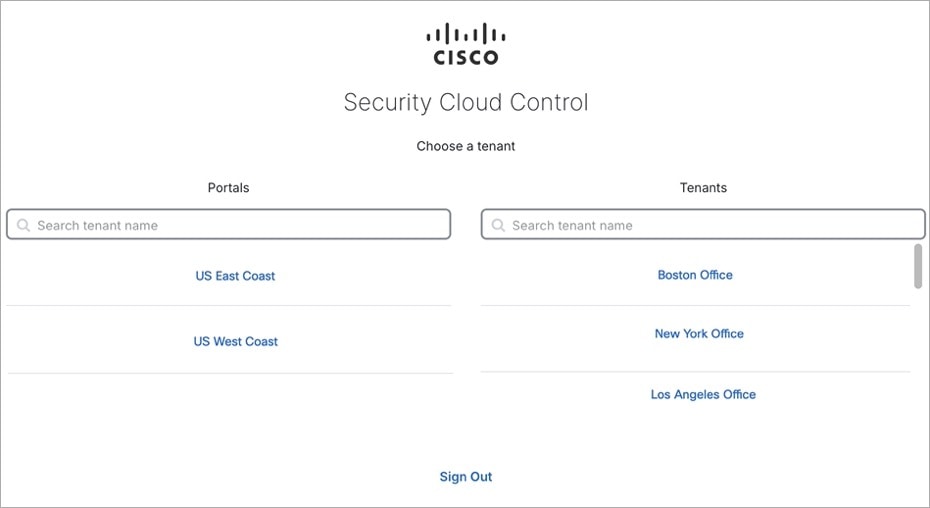
|