Configure cross-launch access to policy groups in Catalyst SD-WAN Manager from Security Cloud Control Firewall Management for onboarded devices.
This task enables you to navigate directly to the Policy Groups page in Catalyst SD-WAN Manager from Security Cloud Control Firewall Management for managing Catalyst SD-WAN devices.
Security Cloud Control Firewall Management lets you cross-launch to the Policy Groups page in Catalyst SD-WAN Manager for the onboarded Catalyst SD-WAN Manager.
Procedure
-
Select a device and click Policy Groups under Management.
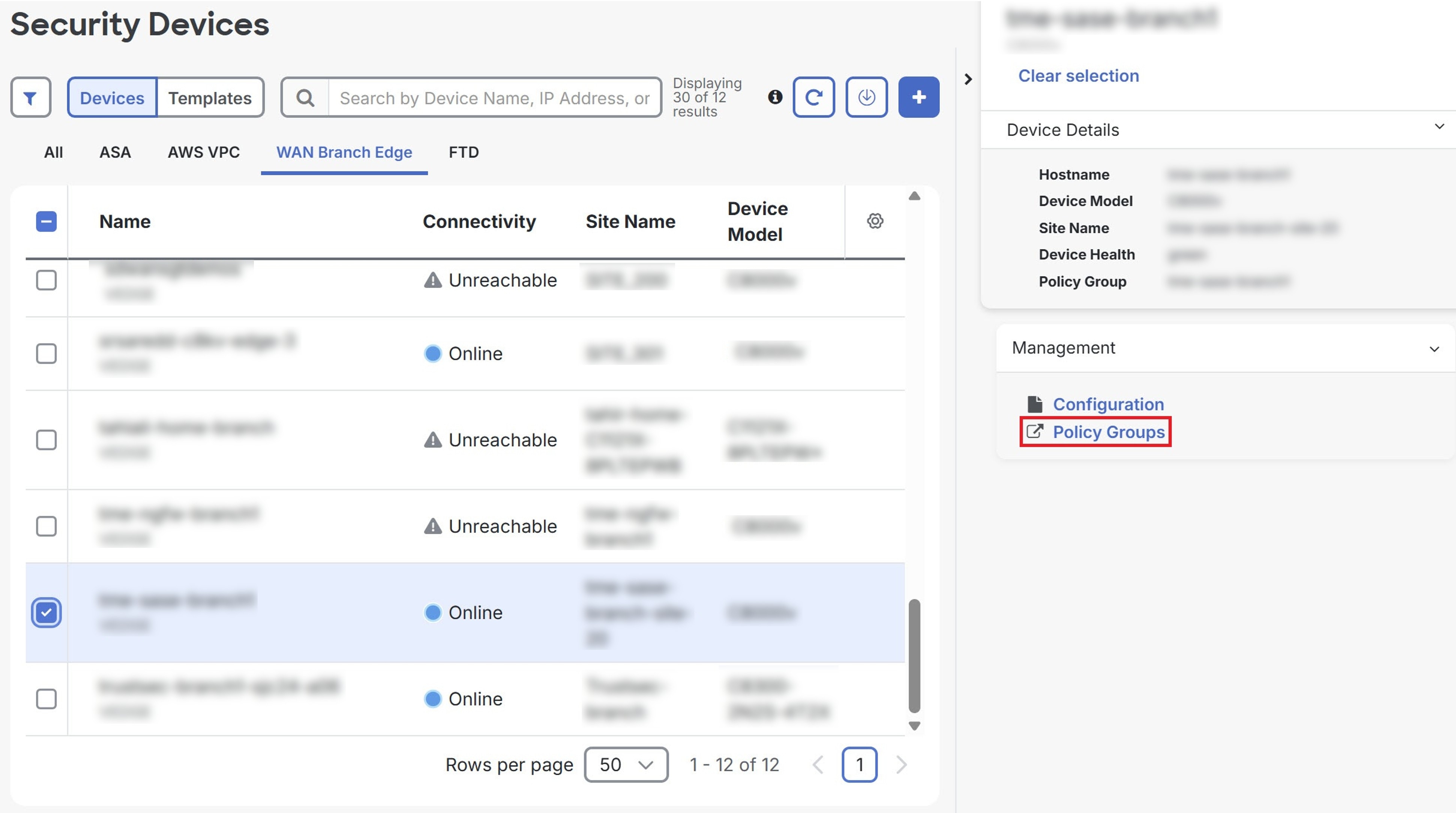
The Policy Groups page opens in Catalyst SD-WAN Manager, allowing you to manage policy configurations for the selected device.