Cisco Security Cloud Control: Secure Firewall Management

PDF

Cisco Security Cloud Control: Secure Firewall Management

Modify Catalyst SD-WAN security objects and security profiles

Want to summarize with AI?

Log in

Configure the values associated with the Catalyst SD-WAN security objects and security profiles from Security Cloud Control Firewall Management.


This task allows you to modify the values associated with Catalyst SD-WAN security objects and security profiles to update configurations as needed.

Use this procedure to modify the values associated with Catalyst SD-WAN security objects and security profiles from Security Cloud Control Firewall Management.

Procedure

  1. From the Security Cloud Control Home page, click Firewall.

  2. Choose Objects.

  3. Click the WAN Branch Edge tab.

  4. Select the security object or profile to modify. To find an object, use the filter.

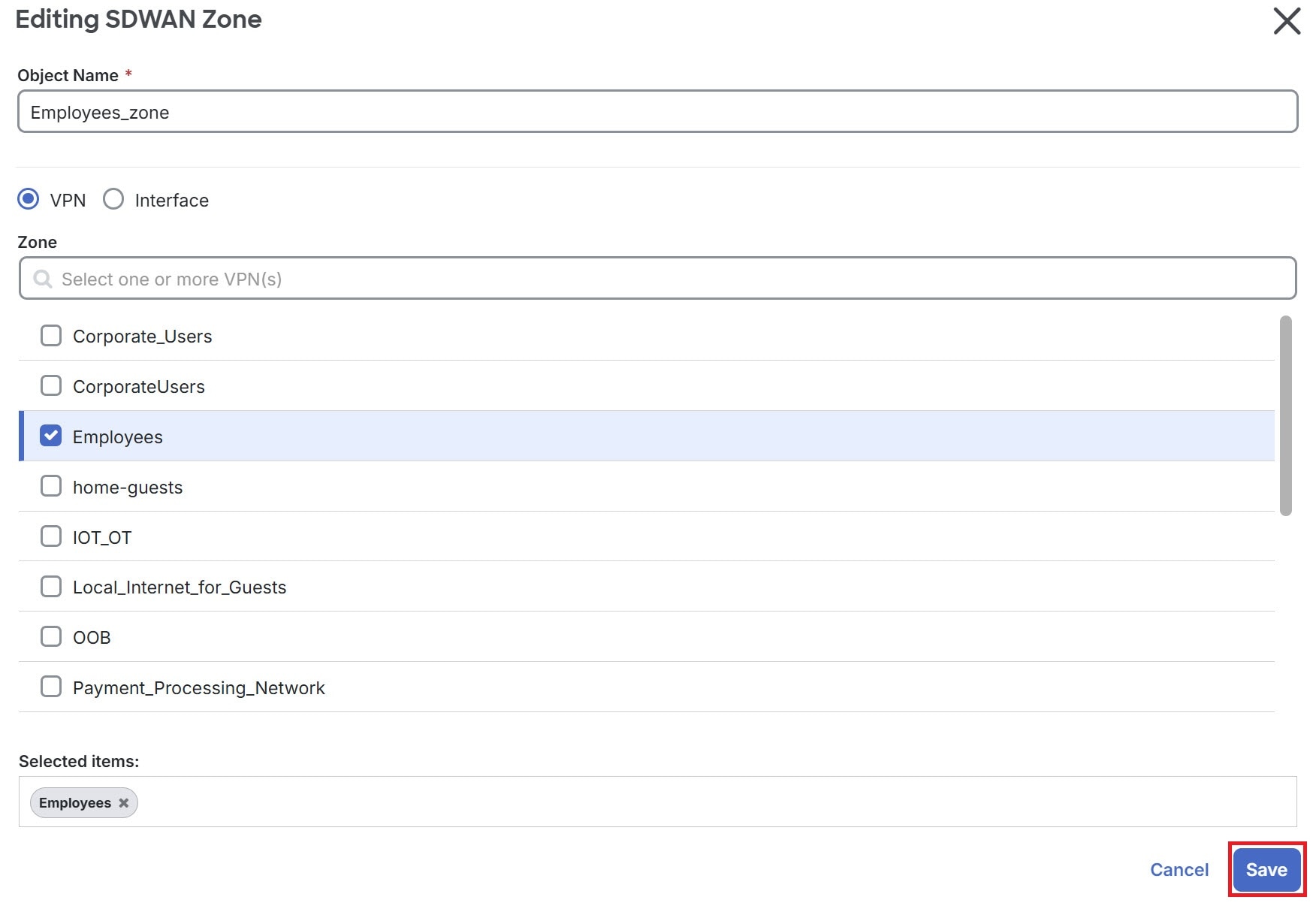
  5. In the Actions pane, click Edit.

    Modify the configurations you want to change.

  6. Click Save to confirm.

    Image showing the editing objects page with editable fields and save button.

The security object or profile is updated with your modifications and the changes are saved.