Captive portal identity source
A captive portal identity source is an active authentication method that
-
presents a login page to users and authenticates HTTP and HTTPS traffic to enable secure access to network resources
-
requires authentication to access the internet or to access restricted internal resources
-
differs from passive authentication by presenting users with a login page on the managed device rather than querying the authentication realm.
You typically use captive portal to require authentication to access the internet or to access restricted internal resources; you can optionally configure guest access to resources. After the system authenticates captive portal users, it handles their user traffic according to access control rules. Captive portal performs authentication on HTTP and HTTPS traffic only.
Captive portal authentication details
Captive portal is one of the authoritative identity sources supported by the system. Active authentication differs from passive authentication in that the user is presented with a login page by the managed device, whereas passive authentication queries the authentication realm (for example, Microsoft AD) to authenticate the user.
After the system authenticates captive portal users, it handles their user traffic according to access control rules. Captive portal performs authentication on HTTP and HTTPS traffic only. You can optionally configure guest access to resources.
 Note |
To use a Microsoft Azure AD (SAML) realm for captive portal, see Create a Microsoft Azure AD (SAML) realm for active authentication (captive portal). |
Note |
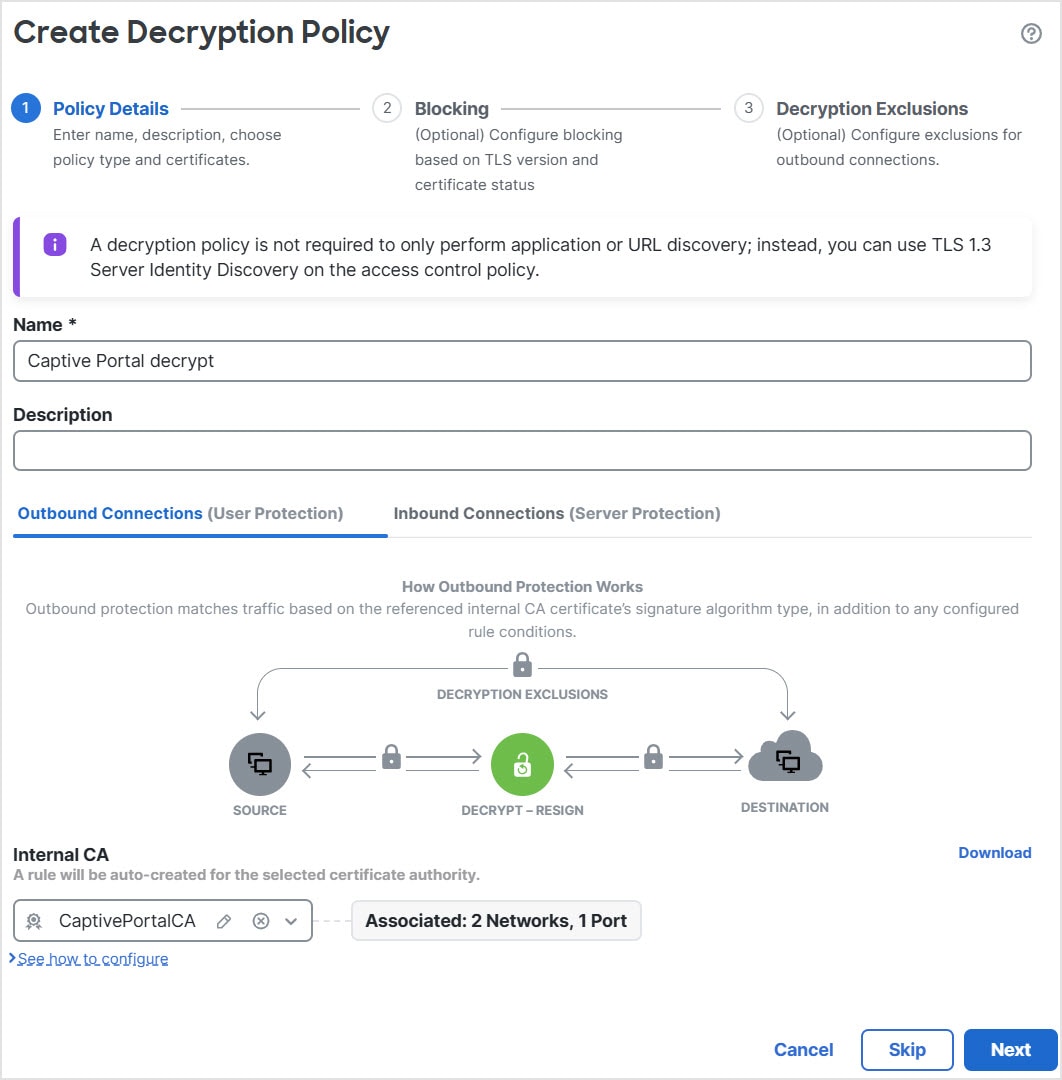
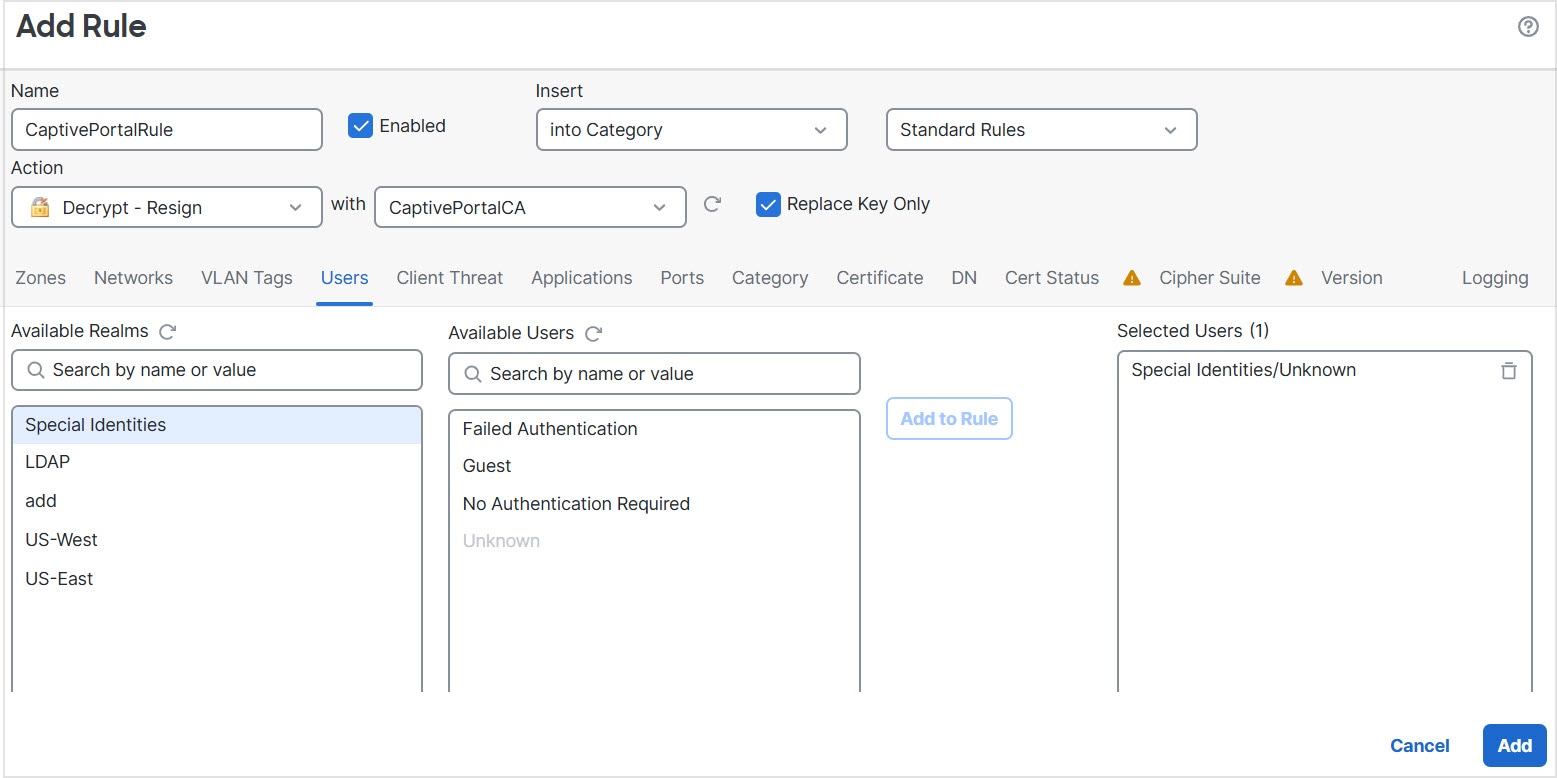
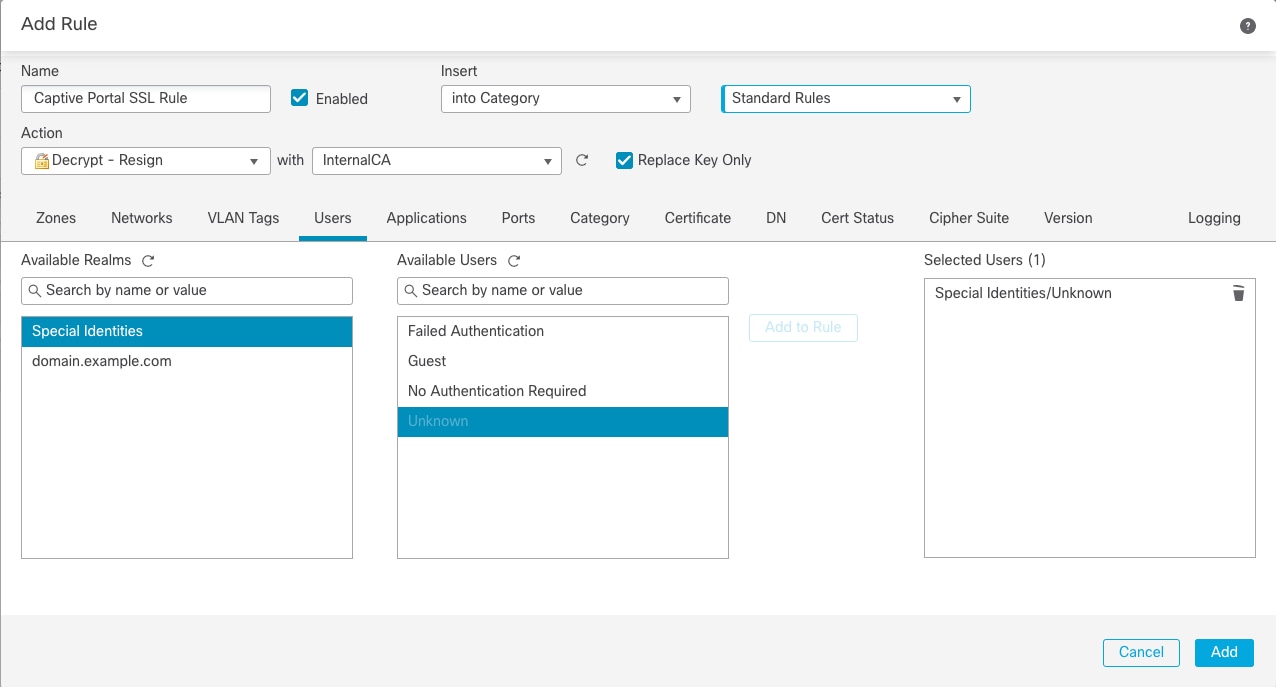
HTTPS traffic must be decrypted before captive portal can perform authentication. |
Captive portal also records failed authentication attempts. A failed attempt does not add a new user to the list of users in the database. The user activity type for failed authentication activity reported by captive portal is Failed Auth User.
The authentication data gained from captive portal can be used for user awareness and user control.
Hostname redirect
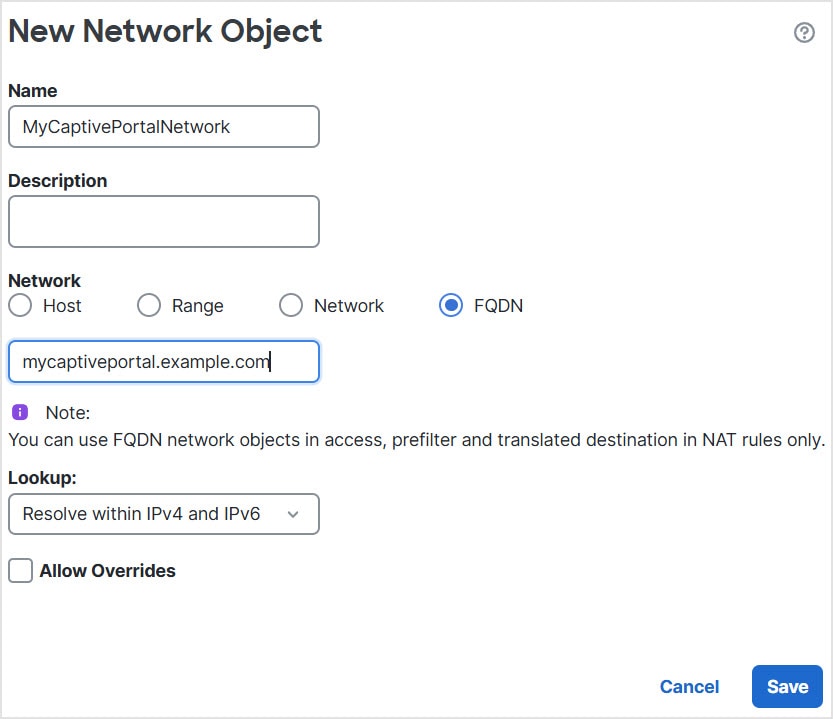
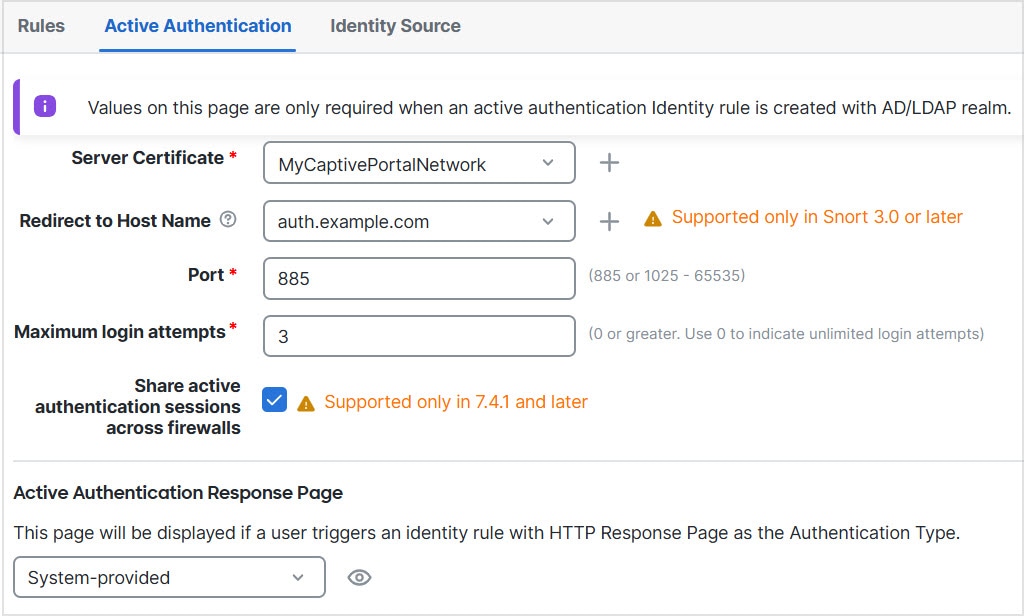
A hostname redirect uses the managed device's fully-qualified domain name (FQDN) instead of an IP address for authentication redirections.
(Snort 3 only) An active authentication identity rule redirects to the captive portal port using its configured interface. Because the redirect is typically done to an IP address, the user gets an untrusted certificate error. As this behavior is similar to a man-in-the-middle attack, users might be reluctant to accept the untrusted certificate.
To avoid this problem, you can configure the captive portal to use the managed device's fully-qualified domain name (FQDN). With a properly configured certificate, users will not get an untrusted certificate error, and the authentication will be more seamless and appear to be more secure.






 Feedback