|
Clustering for the Secure Firewall 6100
|
10.0.0
|
10.0.0
|
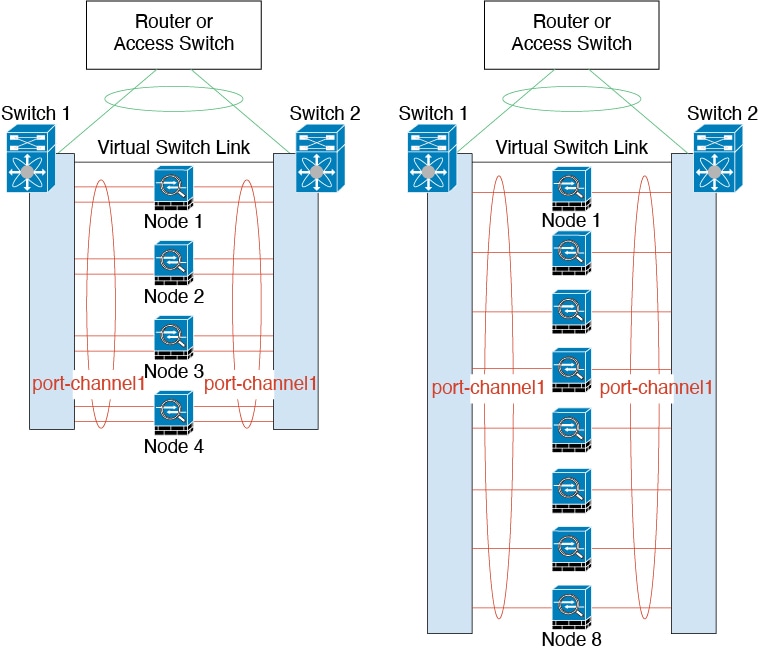
The Secure Firewall 6100 supports Spanned EtherChannel and
Individual interface clustering for up to 4 nodes.
|
|
Distributed site-to-site VPN with clustering on the Secure
Firewall 4200
|
10.0.0
|
10.0.0
|
A cluster on the Secure Firewall 4200 supports site-to-site VPN
in distributed mode. Distributed mode provides the ability to
have many site-to-site IPsec IKEv2 VPN connections distributed
across members of a cluster, not just on the control node (as in
centralized mode). This significantly scales VPN support beyond
centralized VPN capabilities and provides high availability.
Added/modified commands: cluster redistribute
vpn-sessiondb, show cluster vpn-sessiondb,
cluster vpn-mode , show cluster resource
usage, show vpn-sessiondb , show conn detail,
show crypto ikev2 stats
|
|
Cluster redirect: flow offload support for the Secure Firewall
4200 asymmetric cluster traffic
|
10.0.0
|
10.0.0
|
For asymmetric flows, cluster redirect lets the forwarding node
offload flows to hardware. This feature is enabled by default
but can be configured using FlexConfig.
When traffic for an existing flow is sent to a different node,
then that traffic is redirected to the owner node over the
cluster control link. Because asymmetric flows can create a lot
of traffic on the cluster control link, letting the forwarder
offload these flows can improve performance.
Added/modified commands: flow-offload
cluster-redirect (FlexConfig),
show conn , show
flow-offload flow , show
flow-offload info .
|
|
IPsec flow offload for traffic on the cluster control link on the
Firewall Management
Center in distributed site-to-site VPN mode
|
10.0.0
|
10.0.0
|
For asymmetric flows in distributed site-to-site VPN mode, IPsec
flow offload now lets the flow owner decrypt IPsec traffic in
hardware that was forwarded over the cluster control link. This
feature is not configurable and is always available with IPsec
flow offload.
Added/modified commands: show crypto ipsec sa
detail .
|
|
MTU ping test on cluster node join provides more information by
trying smaller MTUs
|
10.0.0
|
10.0.0
|
When a node joins the cluster, it checks MTU compatibility by
sending a ping to the control node with a packet size matching
the cluster control link MTU. If the ping fails, it tries the
MTU divided by 2 and keeps dividing by 2 until an MTU ping is
successful. The successful ping value is shown in
show cluster info trace so you
can fix the MTU to a working value and try again.
Even if the ping fails, the node is allowed to join the cluster.
In this case, you need to resolve the MTU mismatch as soon as
possible.
We recommend increasing the switch MTU size to the recommended
value, but if you can't change the switch configuration, a
working value for the cluster control link will let you form the
cluster.
Added/modified commands: show cluster info
trace , show cluster
history .
|
|
Improved cluster control link health check with high CPU
|
10.0.0
|
10.0.0
|
When a cluster node CPU usage is high, the health check will be
suspended, and the node will not be marked as unhealthy. This
feature is enabled by default when the CPU usage reaches 90% but
can be configured using FlexConfig.
Added/modified commands:
cpu-healthcheck-threshold
(FlexConfig).
|
| 16-node clusters for the Secure Firewall
3100/4200. |
7.6.0
|
7.6.0
|
For the Secure Firewall 3100 and 4200, the maximum nodes were
increased from 8 to 16.
|
|
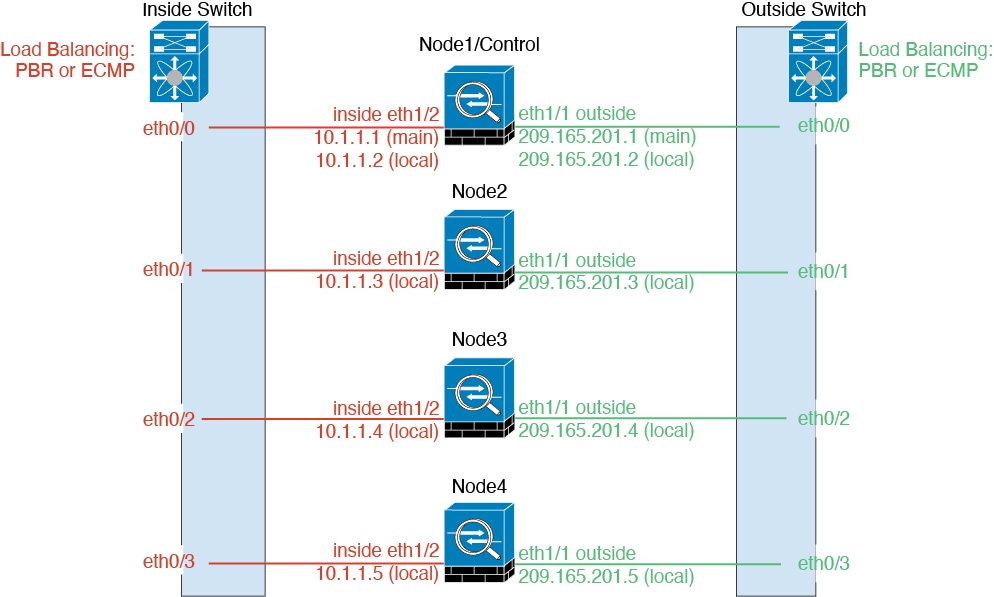
Individual interface mode for
Secure Firewall 3100/4200 clusters.
|
7.6.0
|
7.6.0
|
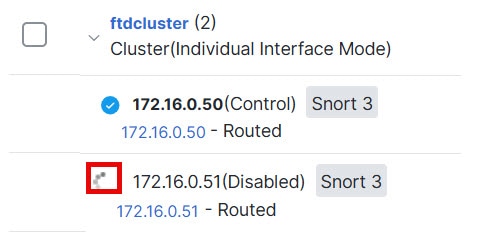
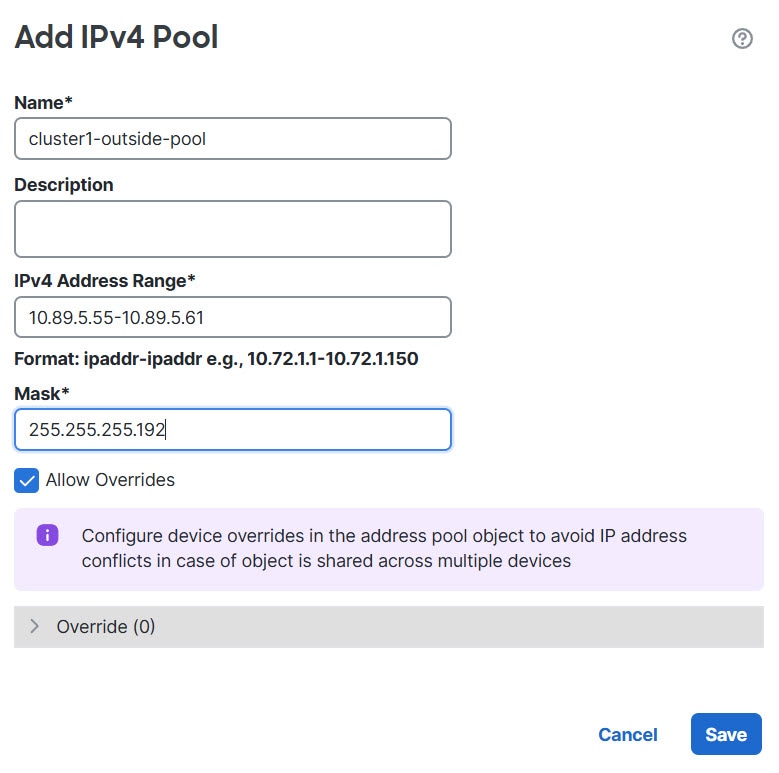
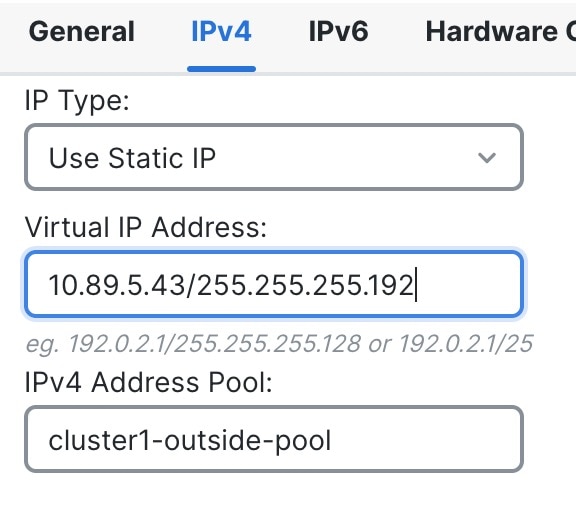
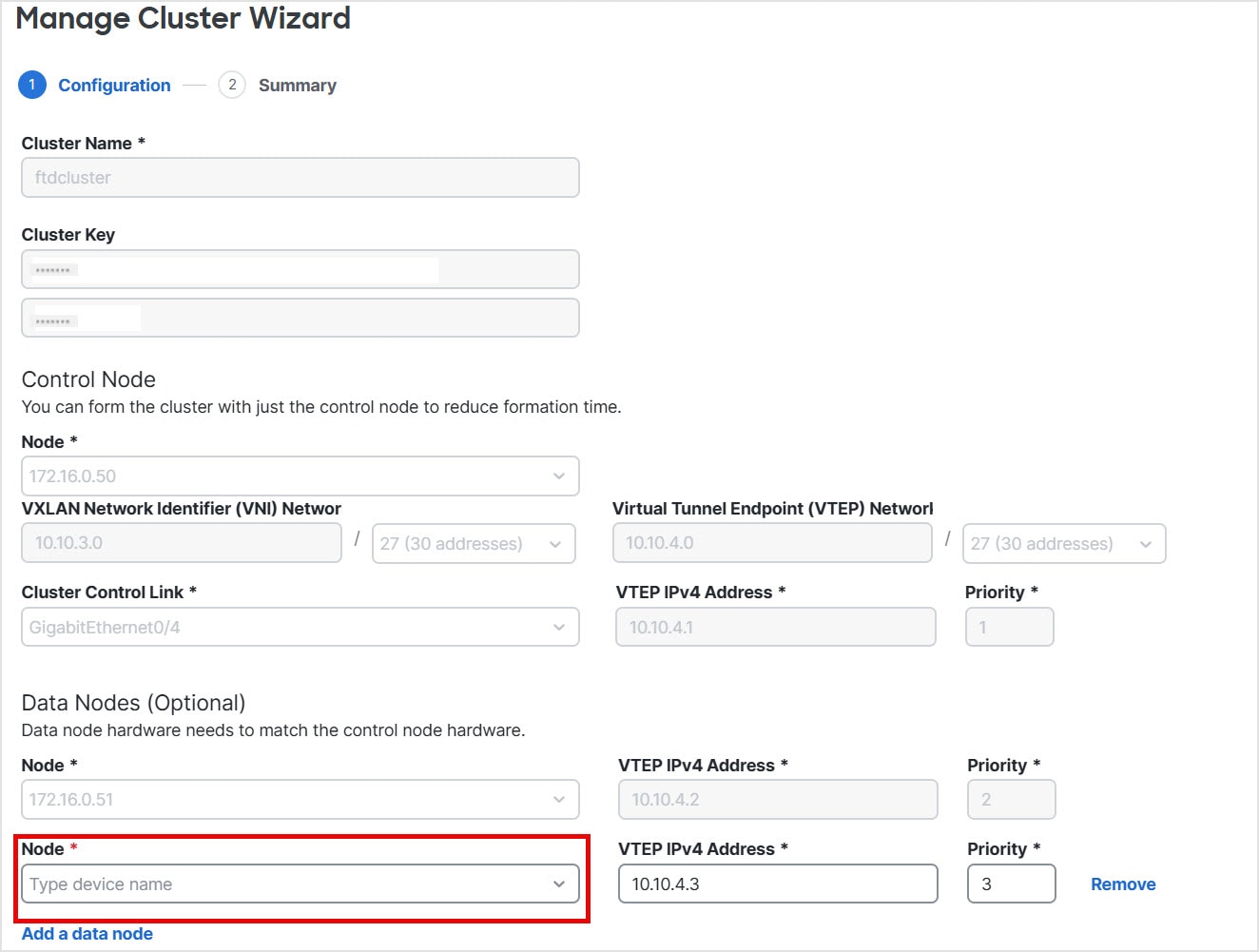
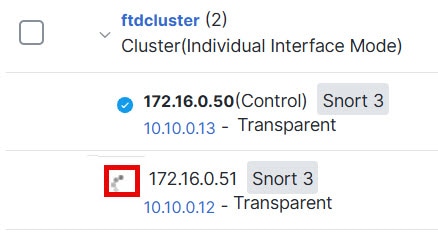
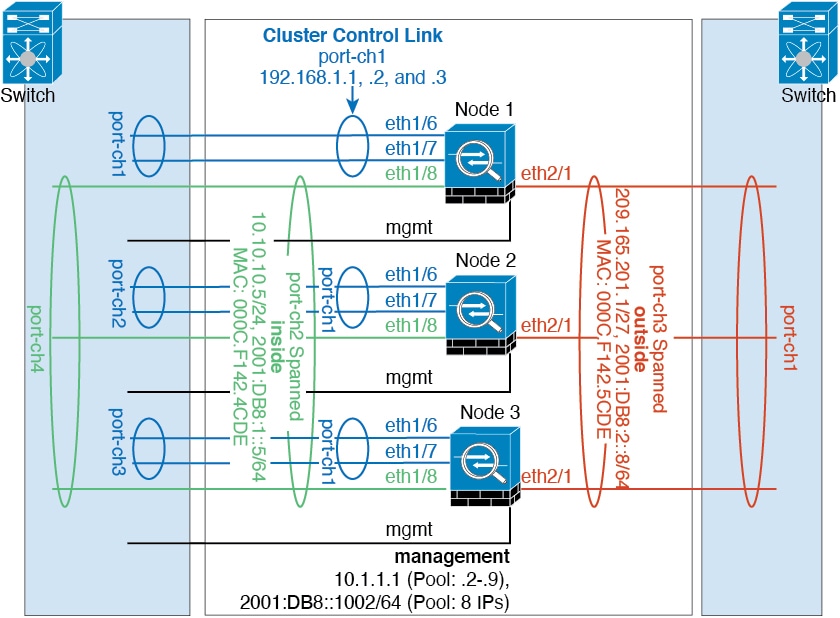
Individual interfaces are normal routed interfaces, each with
their own local IP address used for routing. The main
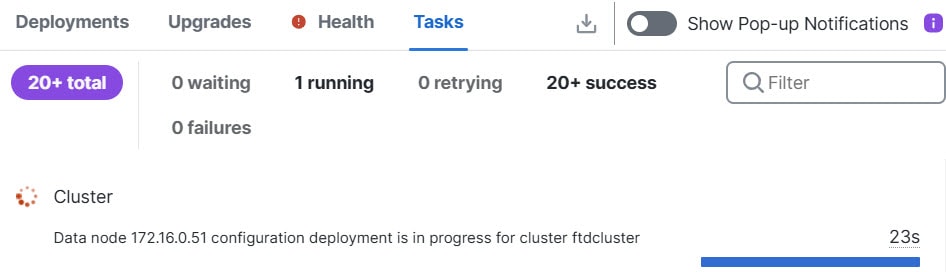
cluster IP address for each interface is a fixed address
that always belongs to the control node. When the control
node changes, the main cluster IP address moves to the new
control node, so management of the cluster continues
seamlessly. Load balancing must be configured separately on
the upstream switch.
Restrictions: Not supported for container instances.
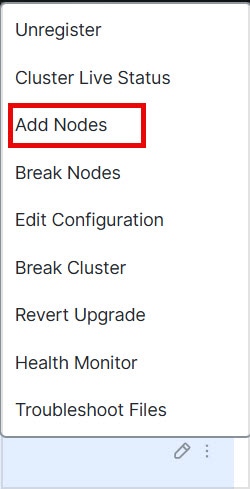
New/modified screens:
|
|
MTU ping test from data node on node join
|
7.6.0
|
7.6.0
|
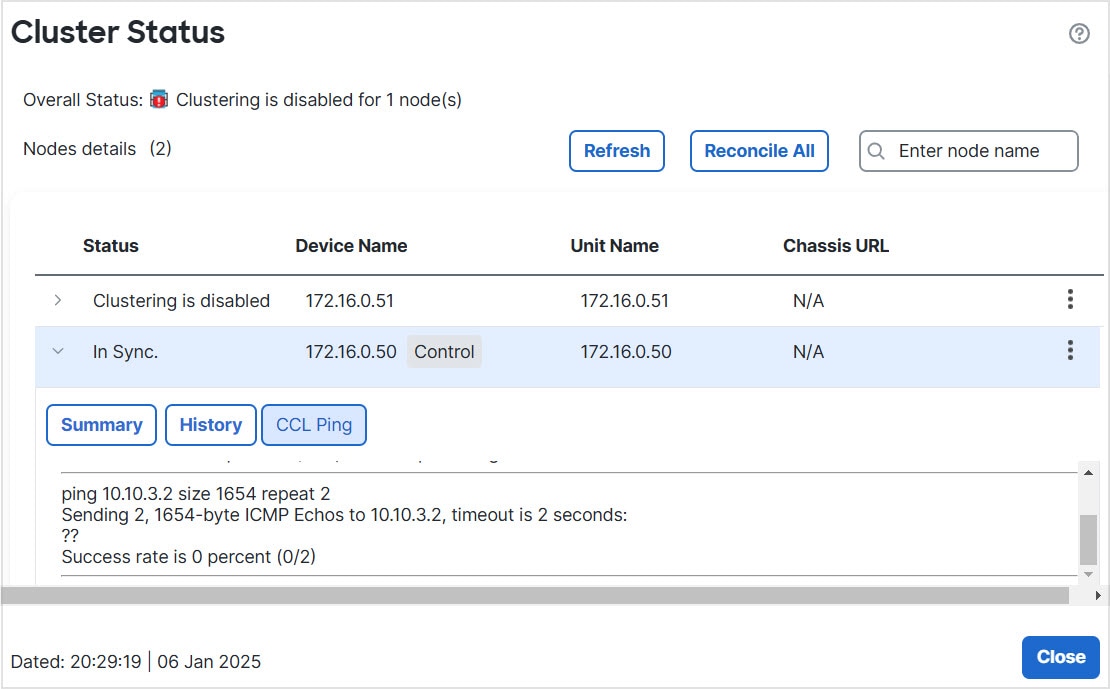
When a node joins the cluster, it checks MTU compatibility by
sending a ping to the control node with a packet size twice
the cluster control link MTU. Previously, only the control
node sent a ping. If the ping fails, a notification is
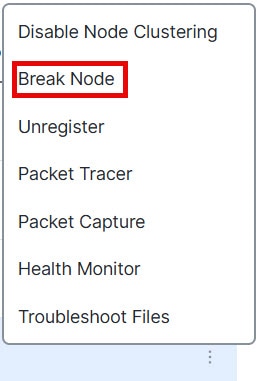
generated so you can fix the MTU mismatch on connecting
switches and try again.
Added/modified commands: show cluster
history .
|
|
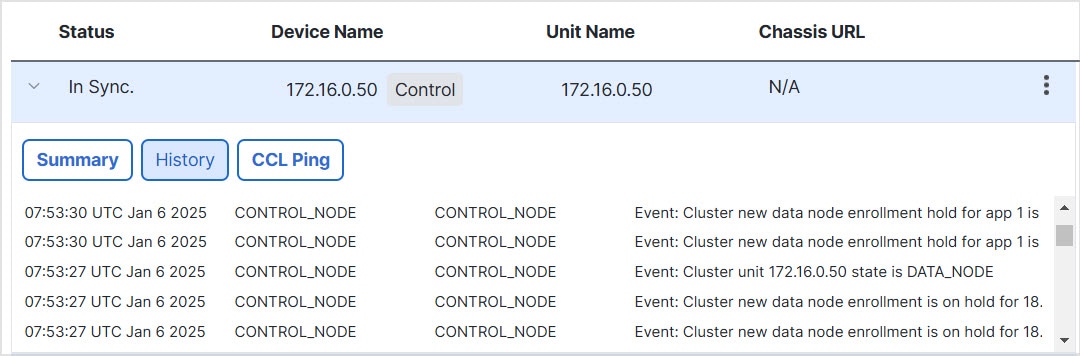
Cluster control link ping
tool.
|
7.2.6
7.4.1
|
Any
|
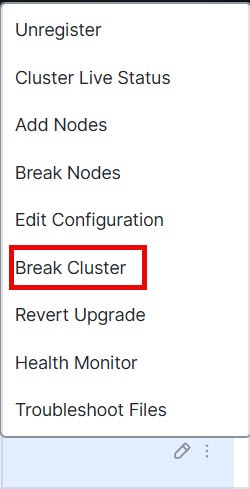
You can check to make sure all the cluster nodes can reach
each other over the cluster control link by performing a
ping. One major cause for the failure of a node to join the
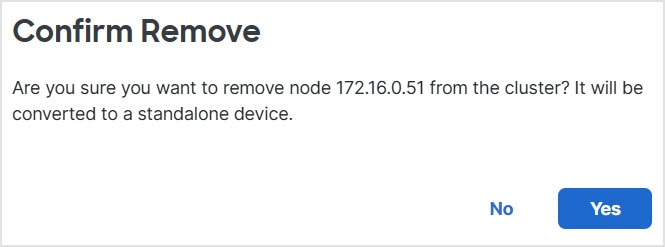
cluster is an incorrect cluster control link configuration;
for example, the cluster control link MTU may be set higher
than the connecting switch MTUs.
New/modified screens:
|
|
Troubleshooting file generation
and download available from Device and Cluster
pages.
|
7.4.1
|
7.4.1
|
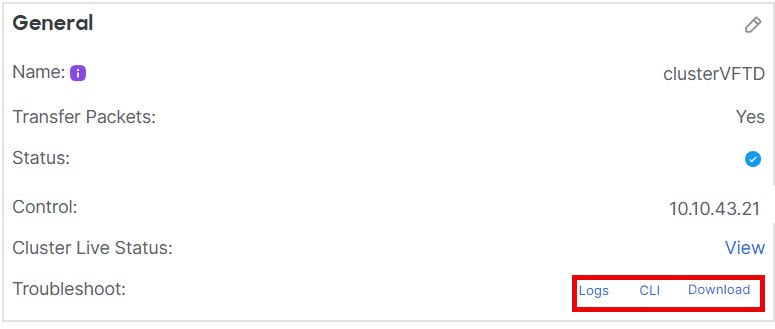
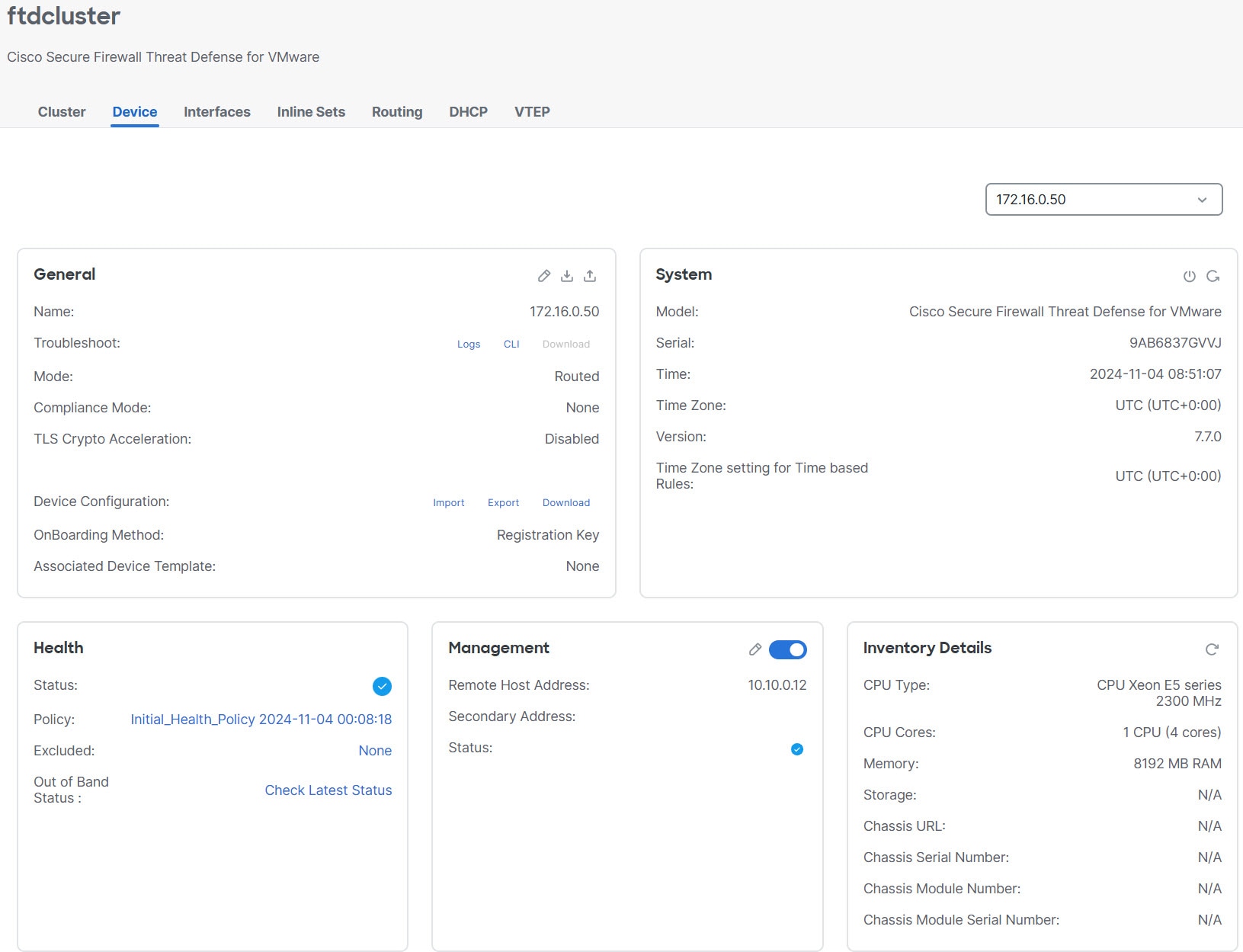
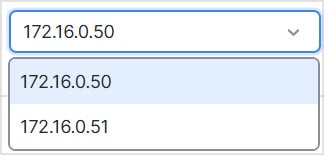
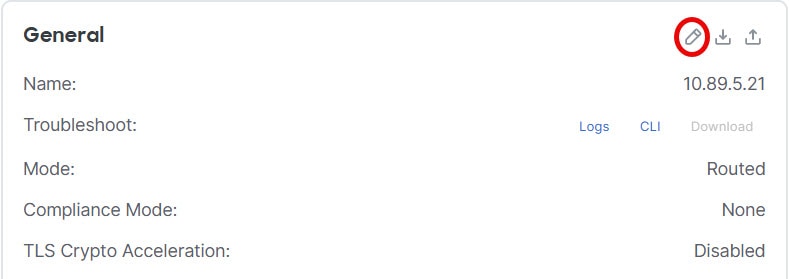
You can generate and download troubleshooting files for each device on the Device page and also for all cluster nodes on the
Cluster page. For a cluster, you can download all files as a single compressed file. You can also include cluster logs for
the cluster for cluster nodes. You can alternatively trigger file generation from the menu.
New/modified screens:
|
|
Automatic generation of a
troubleshooting file on a node when it fails to join the
cluster.
|
7.4.1
|
7.4.1
|
If a node fails to join the cluster, a troubleshooting file
is automatically generated for the node. You can download
the file from Tasks or from the
Cluster page.
|
|
View CLI output for a device or device
cluster.
|
7.4.1
|
Any
|
You can view a set of pre-defined CLI outputs that can help
you troubleshoot the device or cluster. You can also enter
any show command and see the
output.
New/modified screens:
|
|
Clustering for the Secure Firewall 4200
|
7.4.0
|
7.4.0
|
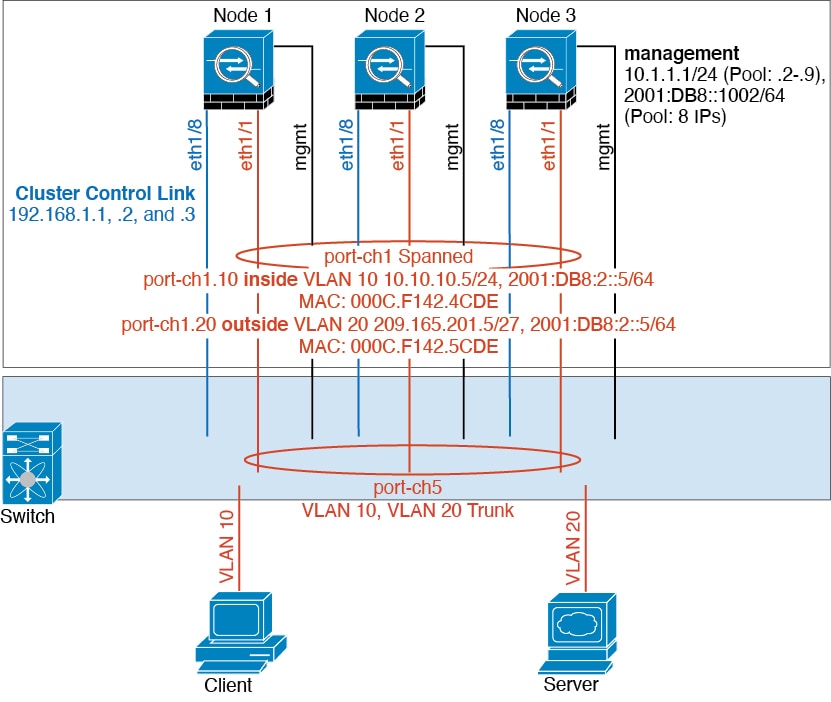
The Secure Firewall 4200 supports Spanned EtherChannel clustering
for up to 8 nodes.
|
|
Cluster health monitor settings
|
7.3.0
|
Any
|
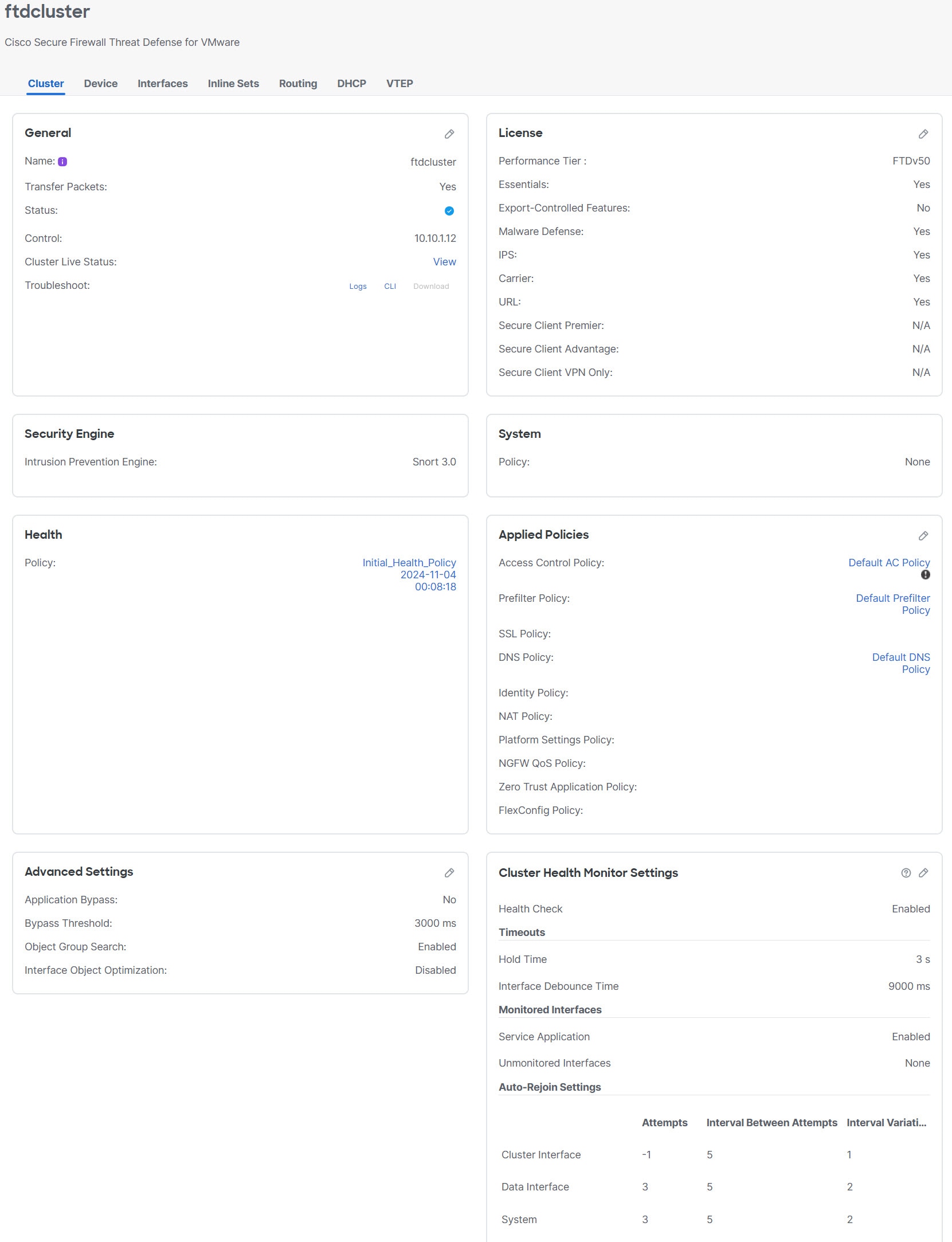
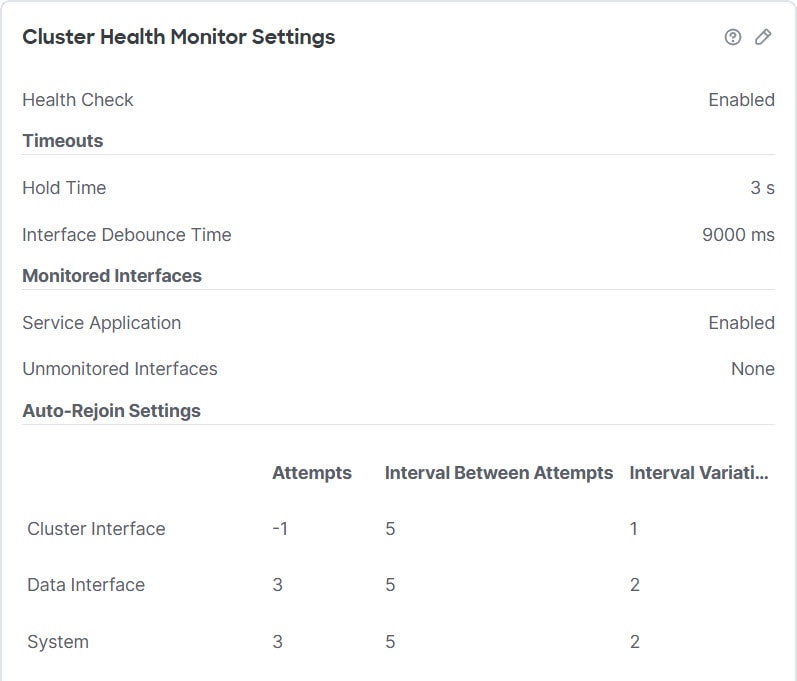
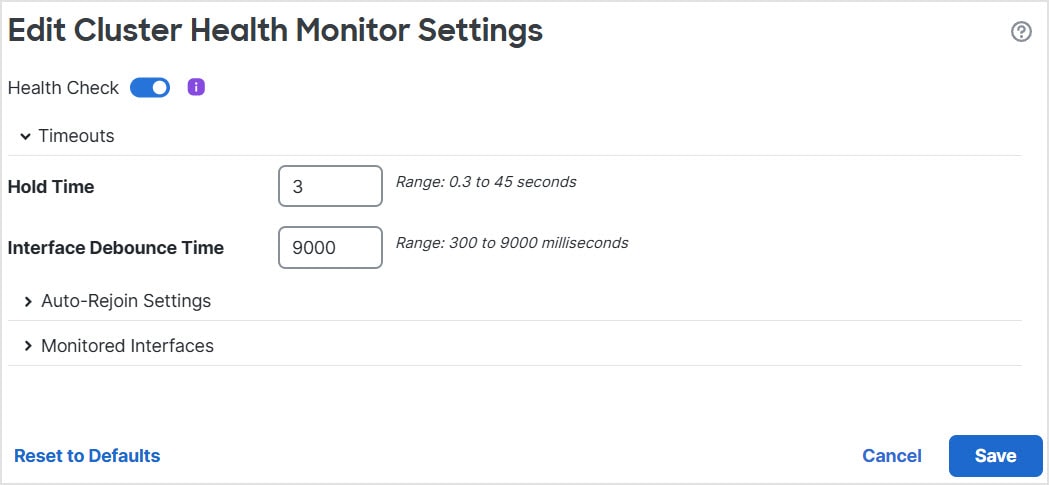
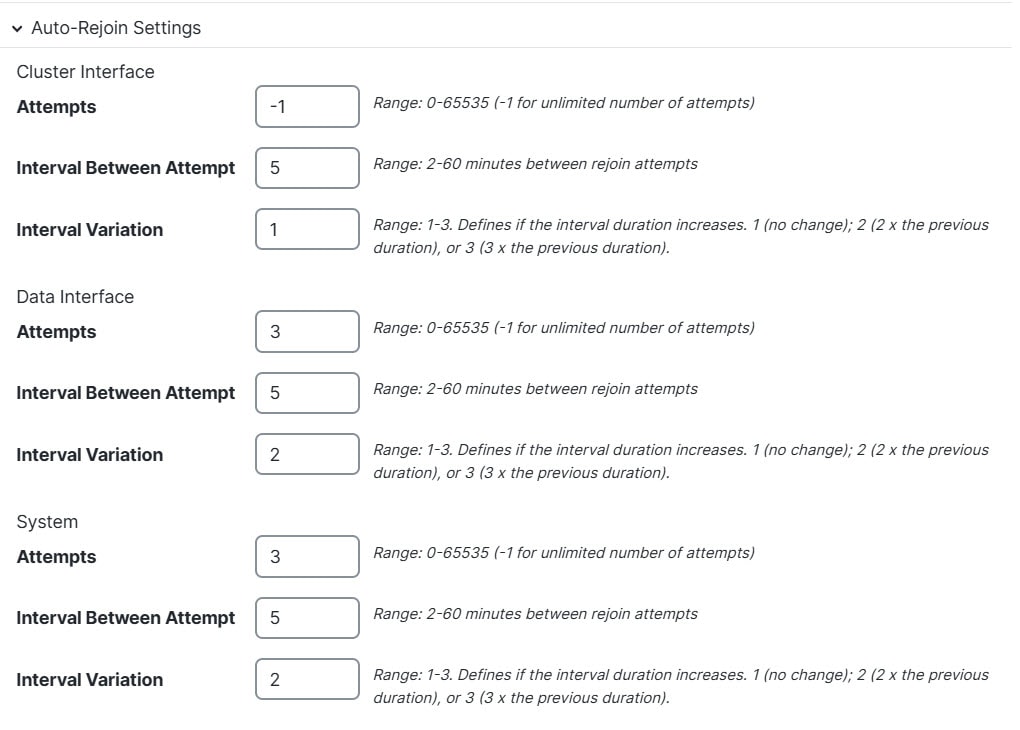
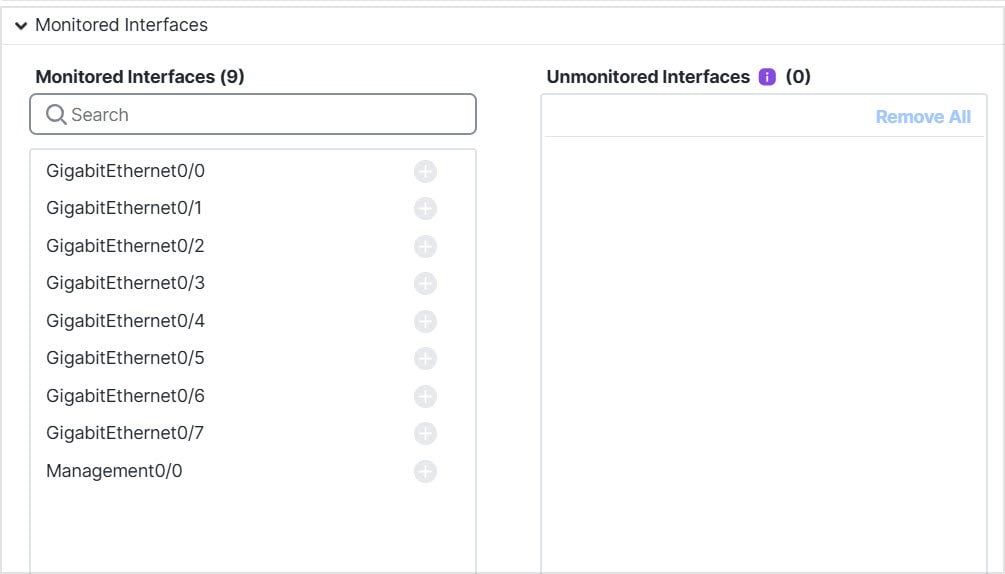
You can now edit cluster health monitor settings.
New/modified screens:
|
Note
|
If you previously configured these settings using FlexConfig,
be sure to remove the FlexConfig configuration before you
deploy. Otherwise the FlexConfig configuration will
overwrite the management center configuration.
|
|
|
Cluster health monitor dashboard
|
7.3.0
|
Any
|
You can now view cluster health on the cluster health monitor
dashboard.
New/modified screens:
|
|
Automatic configuration of the cluster control link MTU
|
7.2.0
|
7.2.0
|
The MTU of the cluster control link interface is now
automatically set to 100 bytes more than the highest data
interface MTU; by default, the MTU is 1600 bytes.
|
|
Clustering for the Secure Firewall 3100
|
7.1.0
|
7.1.0
|
The Secure Firewall 3100 supports Spanned EtherChannel clustering
for up to 8 nodes.
New/modified screens:
Supported platforms: Secure Firewall 3100
|