Use this procedure to log in to Cisco Optical Network Controller. The task helps you access the web UI before you perform configuration and monitoring tasks.
Use this procedure to log in to Cisco Optical Network Controller in Cisco Optical Network Controller. Complete this task when you need to configure, verify, or manage the related network operation.
Cisco Optical Network Controller supports a maximum of 25 users to log in concurrently.
Follow these steps to log into Cisco Optical Network Controller:
Procedure
-
Click Login.
Figure 1. Log into Cisco Optical Network Controller 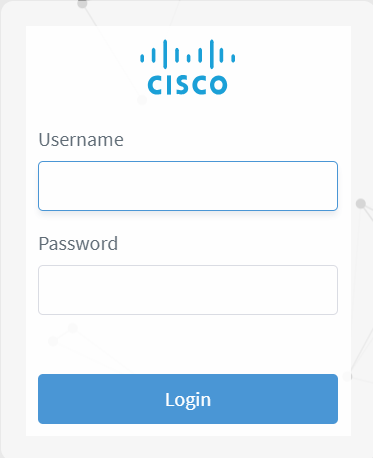
The log in to Cisco Optical Network Controller task is complete.