Cisco Secure Access for Government Help

PDF

Cisco Secure Access for Government Help

Edit Account Settings

Want to summarize with AI?

Log in

Describes editing account settings. It also identifies related requirements, procedures, and operational considerations. It also identifies related requirements and procedures for Secure Access administrators.


With administrator rights, you can change an account's settings at any time.

Procedure

Before you begin

Full Admin user role. For more information, see Manage Accounts.

Procedure

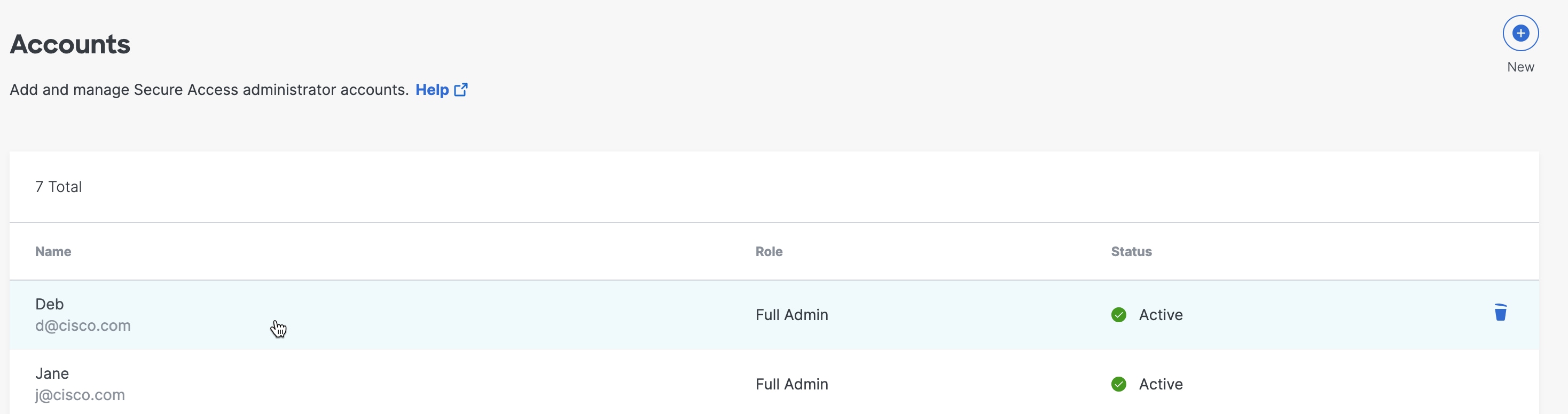
  1. Navigate to Admin > Accounts and click a listed account entry.


    The Accounts Edit interface.
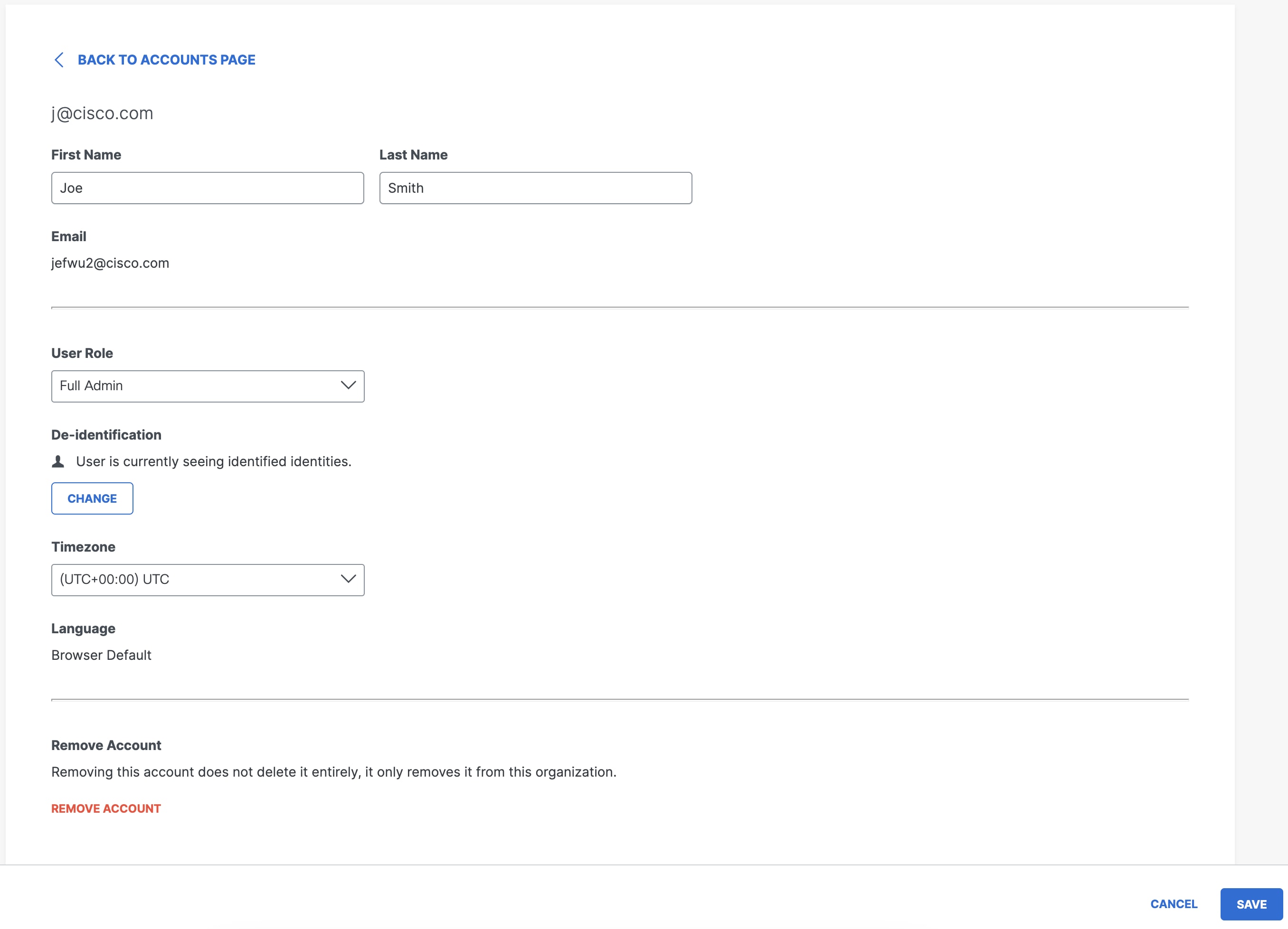
  2. Update account settings as needed.


    The Edit Account interface.

What to do next

The following account settings can be changed:

  • First Name and Last Name

  • User Role—The user role of the account. Only accounts with the user role of Full Admins can change user roles.

  • Timezone—The timezone used in activity and reporting data shown within the dashboard. The timezone selection is unique to each account.

  • Remove Account—Delete the account from Secure Access.