Cisco Secure Access for Government Help

PDF

Cisco Secure Access for Government Help

Delete an Account

Want to summarize with AI?

Log in

Describes deleting an account. After adding a user to your instance of Secure Access, you can delete their account at any time. For information on how to add an account, see Add a New Account.
After adding a user to your instance of Secure Access, you can delete their account at any time. For information on how to add an account, see Add a New Account.


Procedure

Before you begin

Full Admin user role. For more information, see Manage Accounts.

Procedure

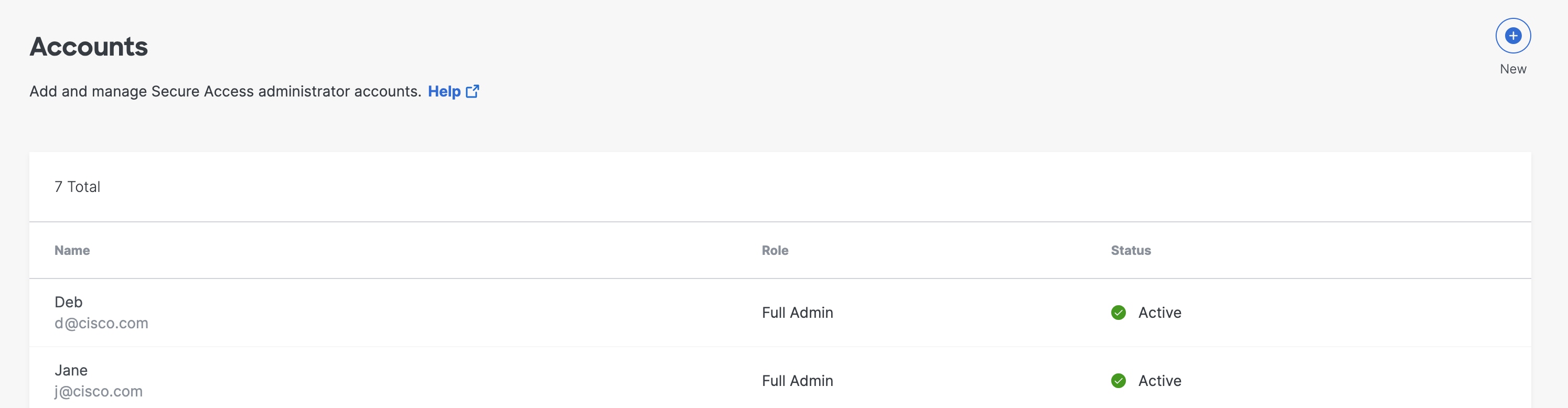
  1. Navigate to Admin > Accounts.


    Full Admin user role. For more information, see Manage Accounts. Navigate to Admin Accounts.
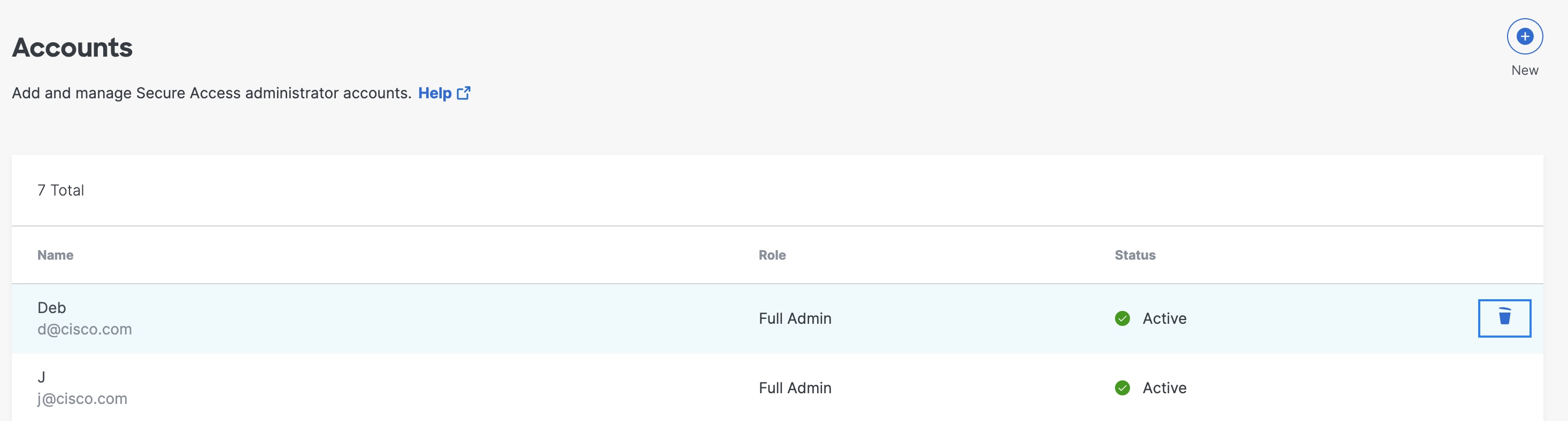
  2. Hover over the account that you want to delete and then click the delete icon next to the account.


    The Delete Account interface.