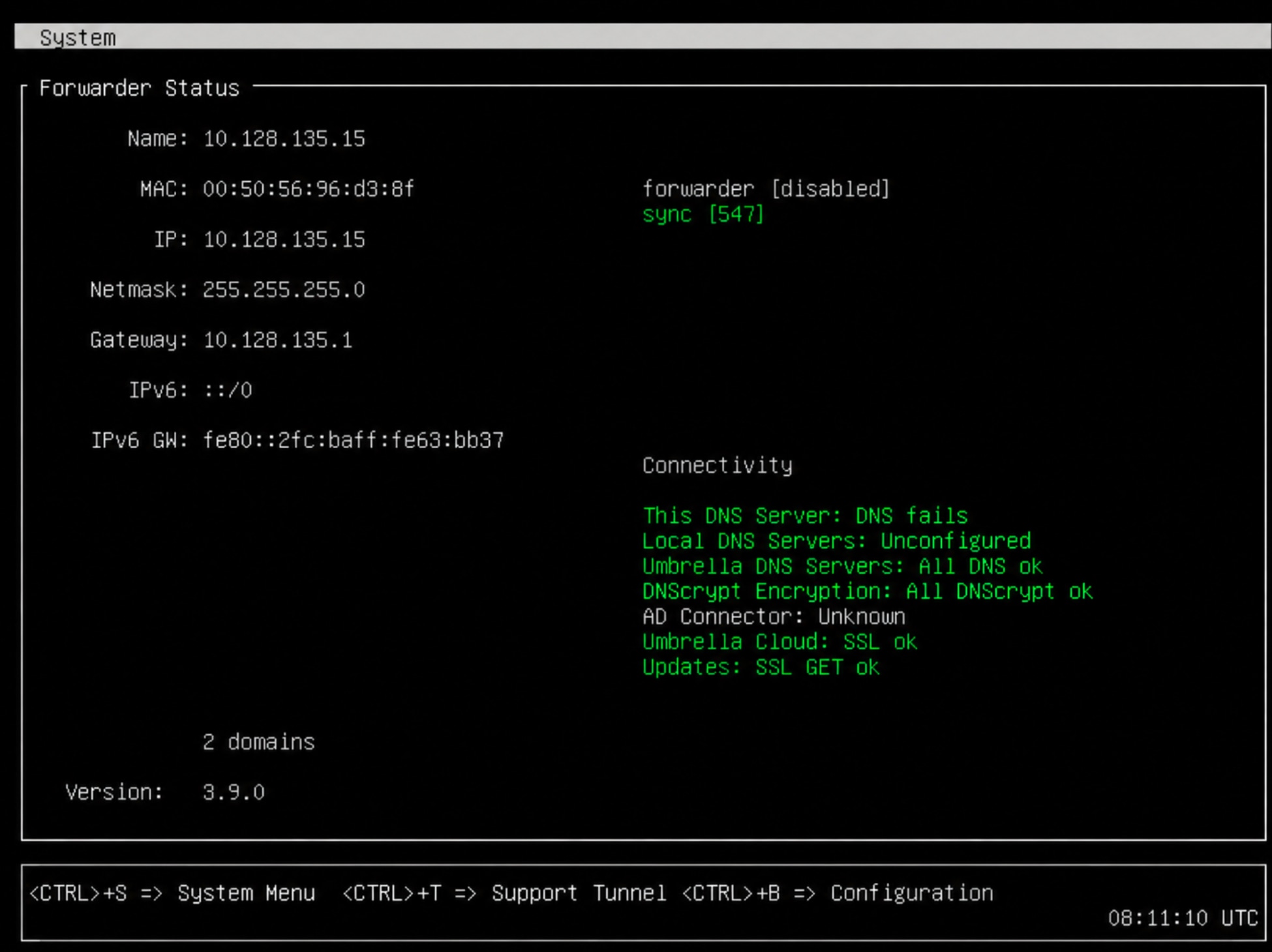
Configuring the VA involves configuring the name, IP details, and local DNS servers. It is mandatory to configure the name and IP, netmask, and gateway (unless already configured). Failing to do this results in the VA not being able to register to Secure Access.
Note
Active Directory integration is currently not supported for IPv6 endpoints.
| Field |
Description |
| Name* |
The name associated with the VA in Secure Access. This is a descriptive name, similar to a hostname for a computer or server. If you have multiple hypervisor hosts, appending or prepending numbers or letters to indicate the local hypervisor host is advised.
-
To configure the name, enter config va name <name>
|
| IP, Netmask, and Gateway* |
Give the VA a local, static IP address on the same network as your endpoints which will utilize the VAs for DNS resolution.
Note
Configuring an IPv4 address is mandatory.
-
To configure the IP, Netmask, and Gateway for the VA, enter: config va interface<ipaddress><netmask> <gateway>
|
| Local DNS 1-6 |
Configure your local DNS servers that will receive DNS queries for internal domains. These are usually your Windows Servers with the DNS server role installed. You can enter IPv4 address here. For more information and commands to configure local DNS servers, see Local DNS Forwarding. |
*Mandatory parameters for the VA.
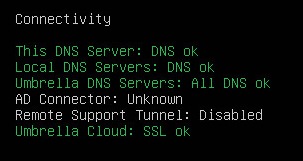
If you have entered the Configuration Mode over SSH, to validate status, enter:
If tests complete without error, the next step is to verify that the VA syncs with Secure Access.
config va status