Introduces managing accounts. You can share access to Cisco Secure Access with other people in your organization by inviting them to create an account.
You can share access to Cisco Secure Access with other people in your organization by inviting them to create an account.
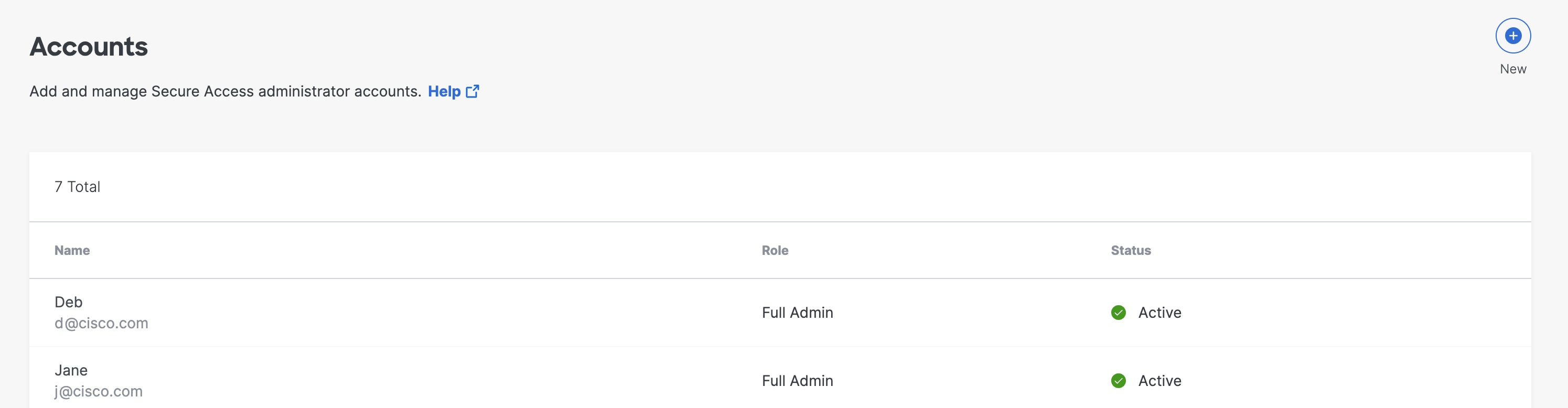
You can manage accounts by navigating to . At a glance, you can see all of the accounts that have access to Secure Access. This includes their name, assigned role, whether they have two-factor authentication enabled, and their account status.
When you create an account for another administrator, you assign a role that defines what type of access they have to Secure Access. You can allow multiple users to view Secure Access while restricting the ability to make changes to a select few administrators.
Add a New Account
Describes adding a new account. You can add users to your instance of Cisco Secure Access by adding a new account. Each account is assigned a role that sets that account's permissions to view, write, change, and delete Secure Access configurations.
Edit Account Settings
Describes editing account settings. It also identifies related requirements, procedures, and operational considerations. It also identifies related requirements and procedures for Secure Access administrators.
Delete an Account
Describes deleting an account. After adding a user to your instance of Secure Access, you can delete their account at any time. For information on how to add an account, see Add a New Account.
Hide Sources with De-identification
Describes hide sources with de-identification. Some regions or organizations require restrictions to hide the sources of users making internet requests. To comply with these restrictions, you can hide source names when generating a report by enabling de-identification for a user.