Learn how to create and run CLI macros in Security Cloud Control to reuse prepared commands, define parameters, apply them to matching devices, and save configuration changes.
A CLI macro is a fully-formed CLI command ready to use on one or more devices of the matching type.
For some device types, Security Cloud Control provides system-defined macros. System-defined macros cannot be edited or deleted.
Procedure
| 1. | In the left pane, click |
|
| 2. | Click the Devices tab. |
|
| 3. | Select one or more devices of the same type, and in the Device Actions pane on the right, click >_Command Line Interface. You cannot create macros without first choosing a device. |
|
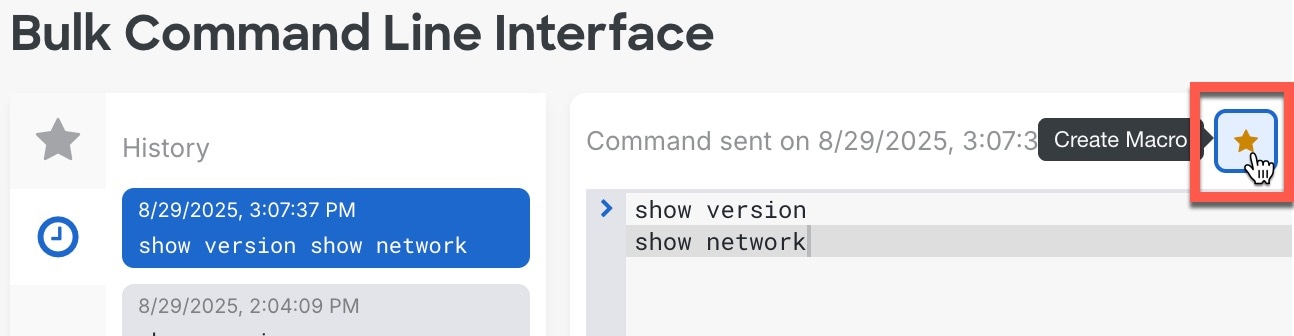
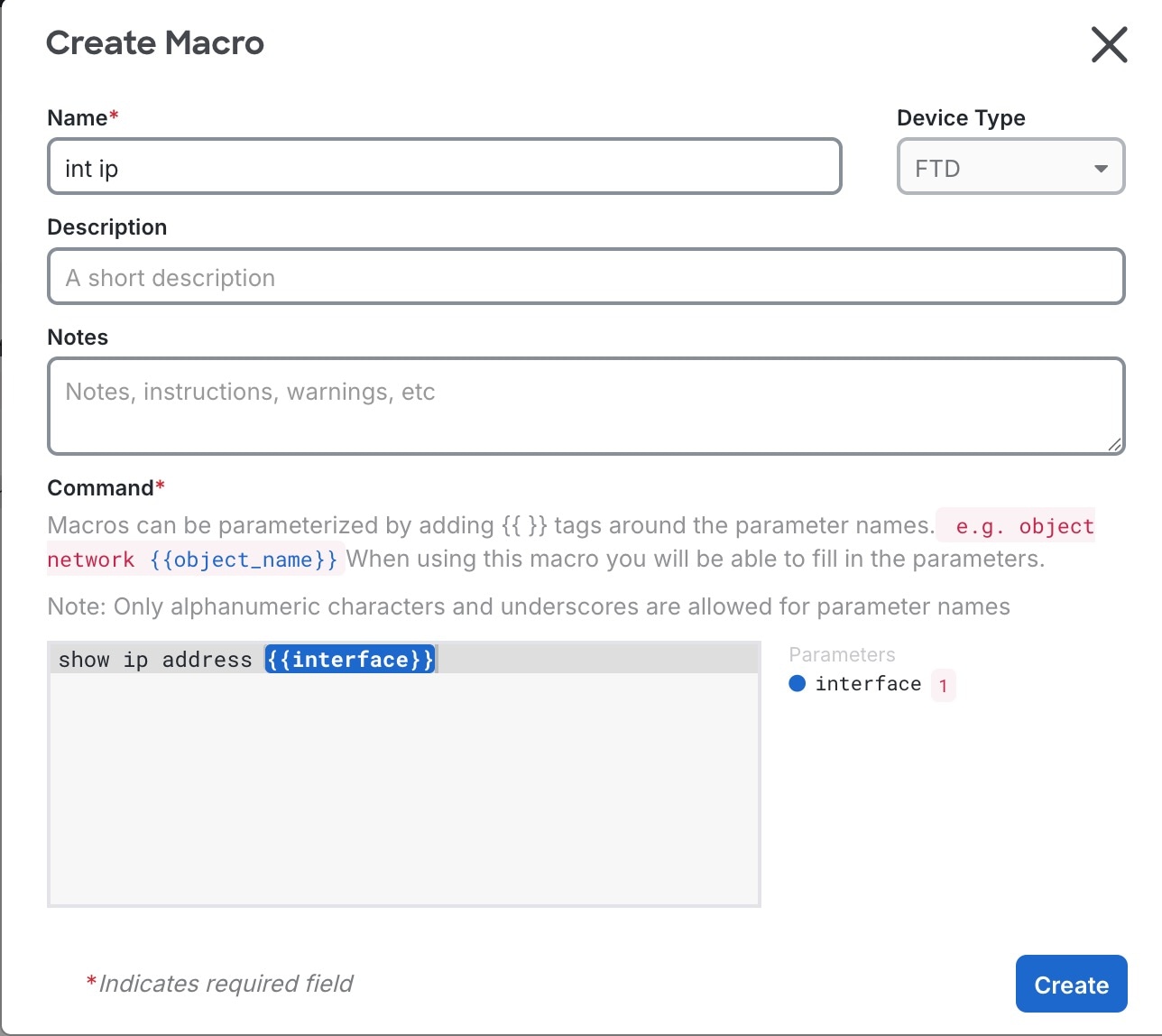
| 4. | Create a macro for this device type if one does not already exist.
|
|
| 5. | Click the star You can edit or delete a macro using the icons next to the macro name. |
|
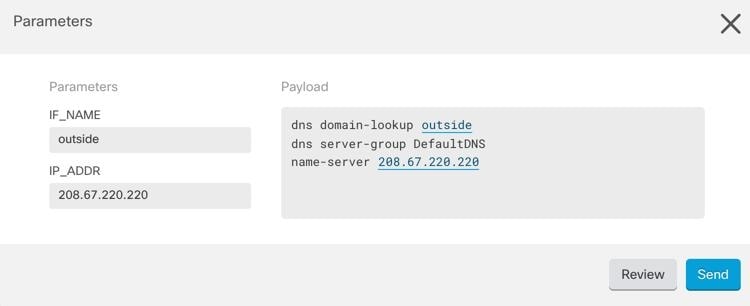
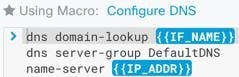
| 6. | Run the macro one of two ways:
|
|
| 7. | Save configuration changes if you made any. After you send the command you may see the message, "Some commands may have made changes to the running config" along with two links. 
|
 ), create a new macro by clicking the
  ) button.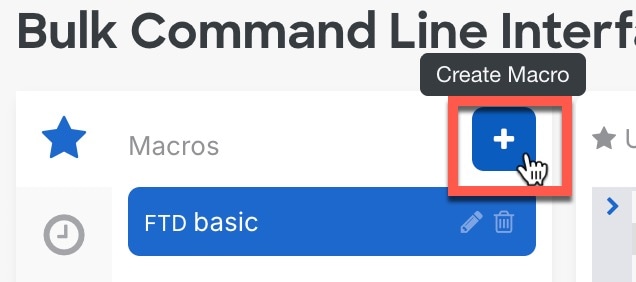
 ) button.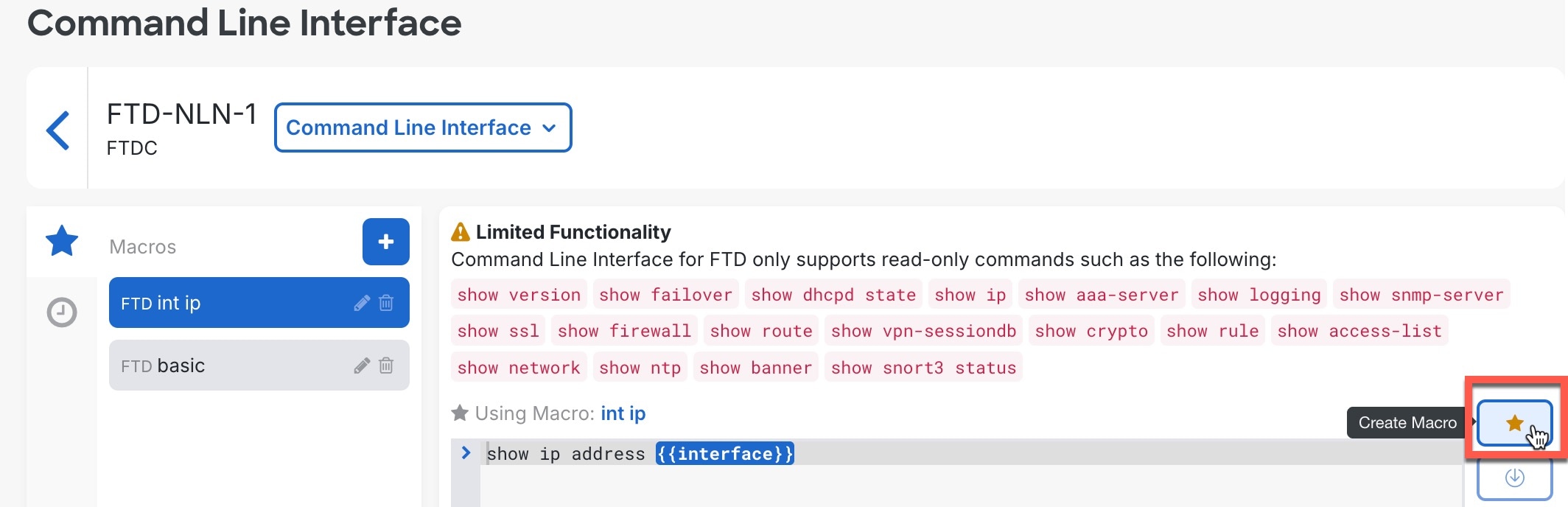
 ), select a command you already ran, and then click