Verifies whether the device is in provisioning mode.
These steps show how to verify if the device is in provisioning mode:
Procedure
-
To verify if the device is in provisioning mode, go to the device configurator interface. The status is shown as Provisioning:
Example:
Figure 1. Provisioning mode page 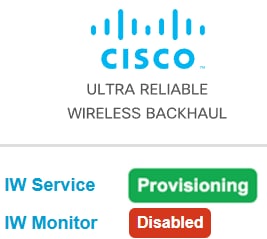
-
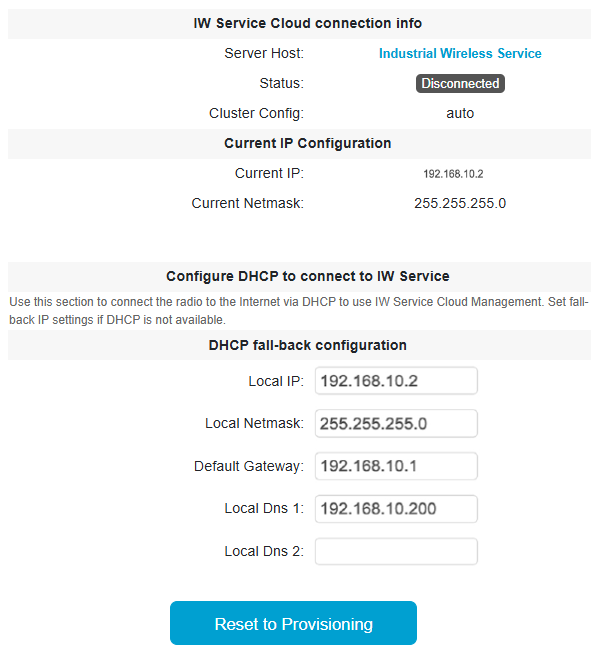
If the device is in provisioning mode, the device configurator interface is shown:
The device's status and LEDs blink continuously and LEDs repeat this cycle until the device either enters a fallback condition, or enters Cloud-Managed, or Offline mode. To know more about LED status, see LED pattern for Catalyst IW9165 or LED pattern for Catalyst IW9167.
Example:
Figure 2. Cloud connection info 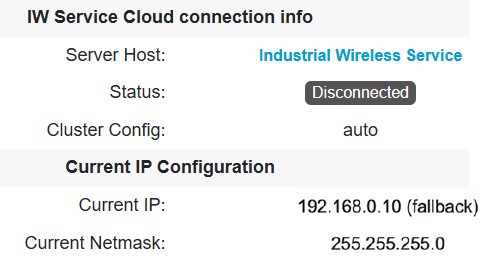
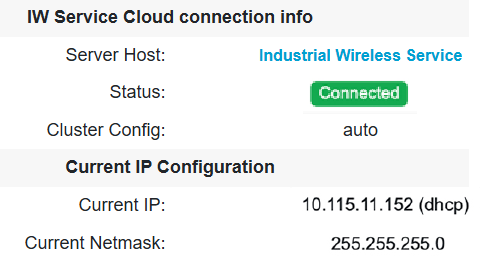
If the connection to Industrial Wireless (IW) Service is successful, the cloud connection info status is shown as Connected.
Example:
Figure 3. Cloud connection info