Use this procedure to view and analyze point-to-multipoint multicast trees in the topology map using Crosswork Network Controller.
Before you begin
To visualize multicast trees in the topology map, Tree-SID policies must be configured in your network. For more information, see the SR Tree-SID configuration documentation for your specific device (for example, Segment Routing Configuration Guide for Cisco NCS 540 Series Routers).
Crosswork Network Controller allows you to visualize Tree-SID policies configured in your network.
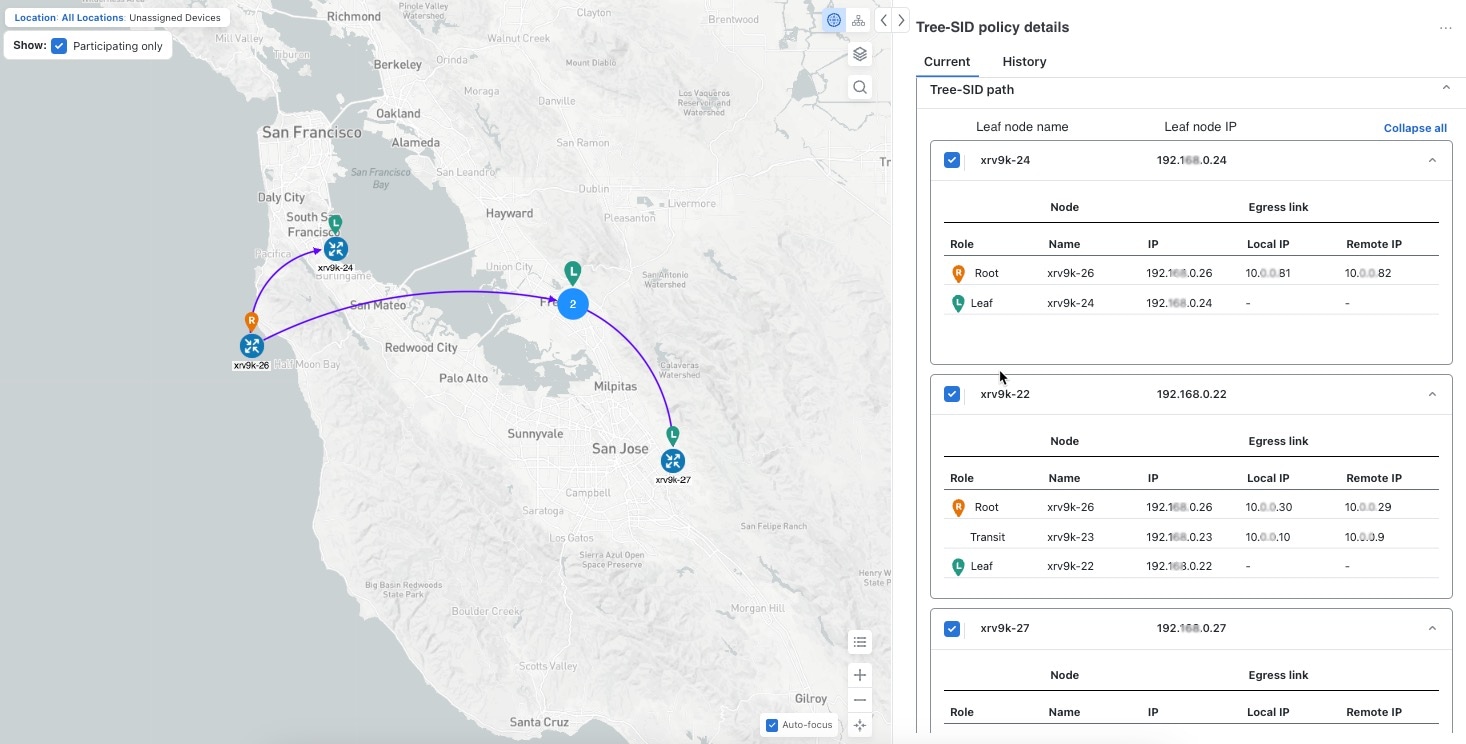
The example shows a representation of a Tree-SID policy in the topology map. The root node (R) and leaf nodes (L) are marked, and the arrows indicate the path through the transit nodes from the root to the leaf nodes.
Procedure
| 1. | From the main menu, select . |
|
| 2. | Select the Tree-SID policies you want to view on the topology map. Only two policies can be displayed on the topology map at a time. 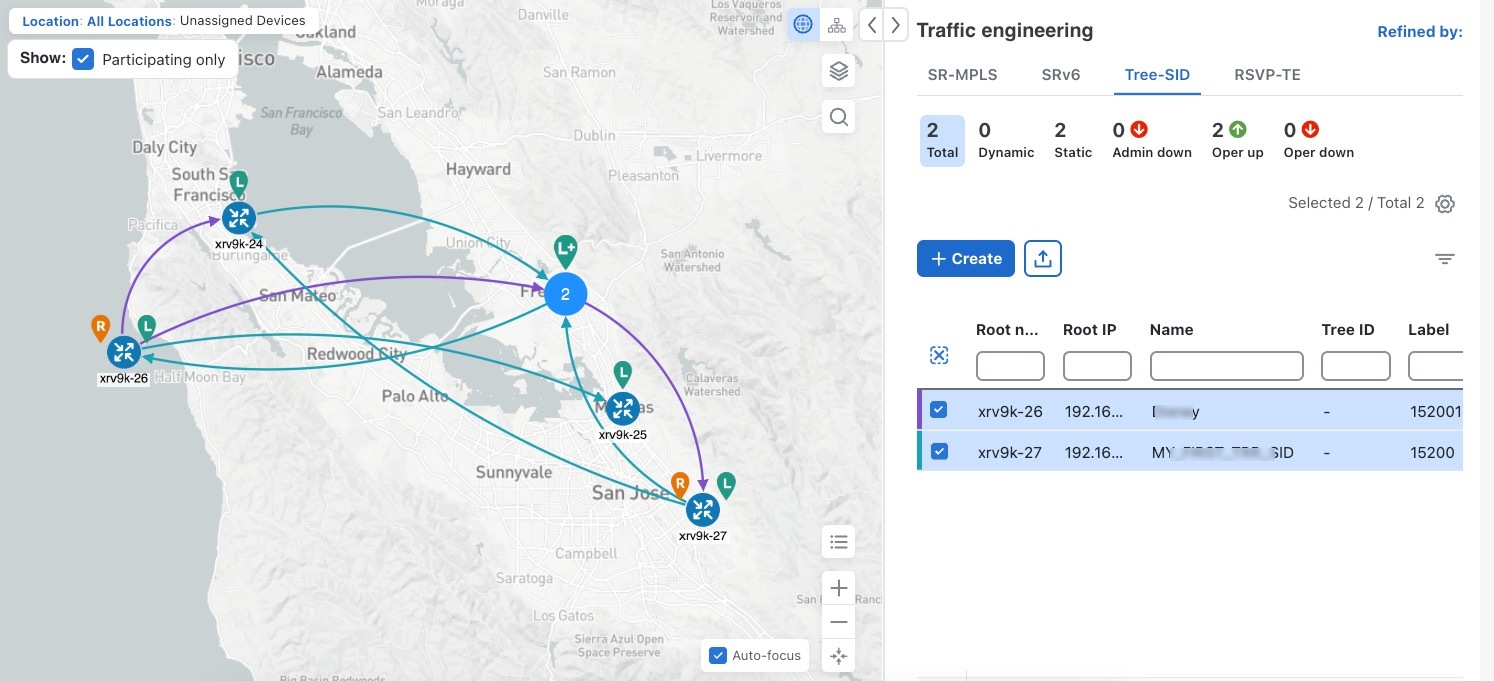
|
|
| 3. | To view Tree-SID details, from the Actions column, click Example: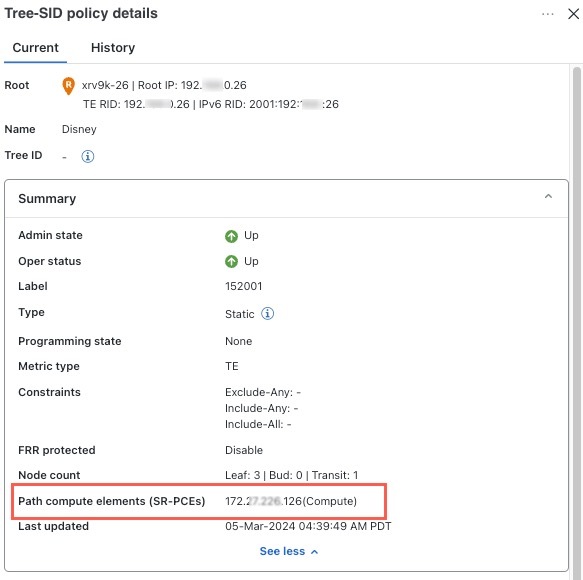
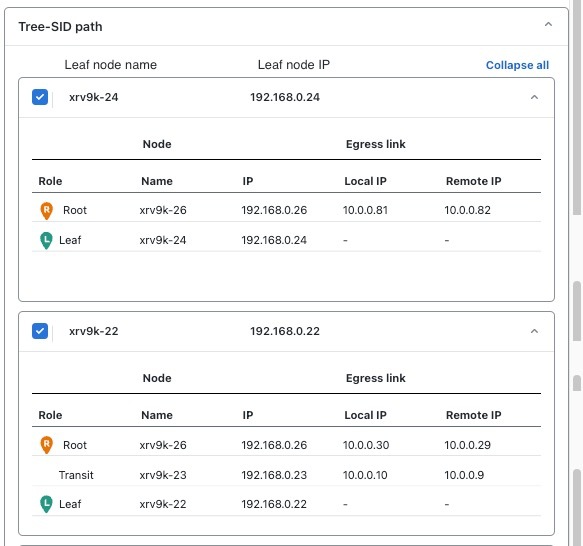
|
