What's New in this Release
There are no new features in this release of Cisco Spaces.
The documentation set for this product strives to use bias-free language. For the purposes of this documentation set, bias-free is defined as language that does not imply discrimination based on age, disability, gender, racial identity, ethnic identity, sexual orientation, socioeconomic status, and intersectionality. Exceptions may be present in the documentation due to language that is hardcoded in the user interfaces of the product software, language used based on RFP documentation, or language that is used by a referenced third-party product. Learn more about how Cisco is using Inclusive Language.
There are no new features in this release of Cisco Spaces.
These enhancements are made in Cisco Spaces: OpenRoaming App.
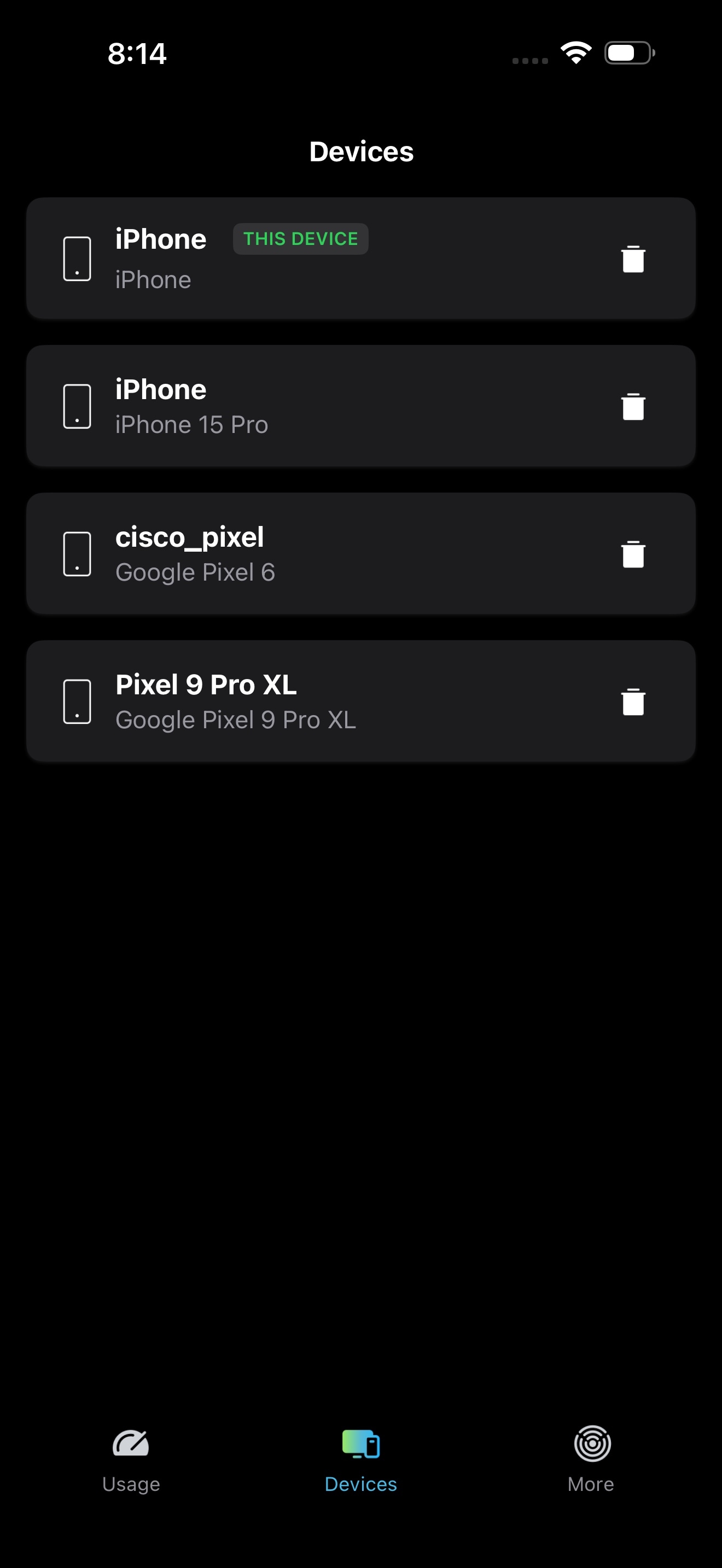
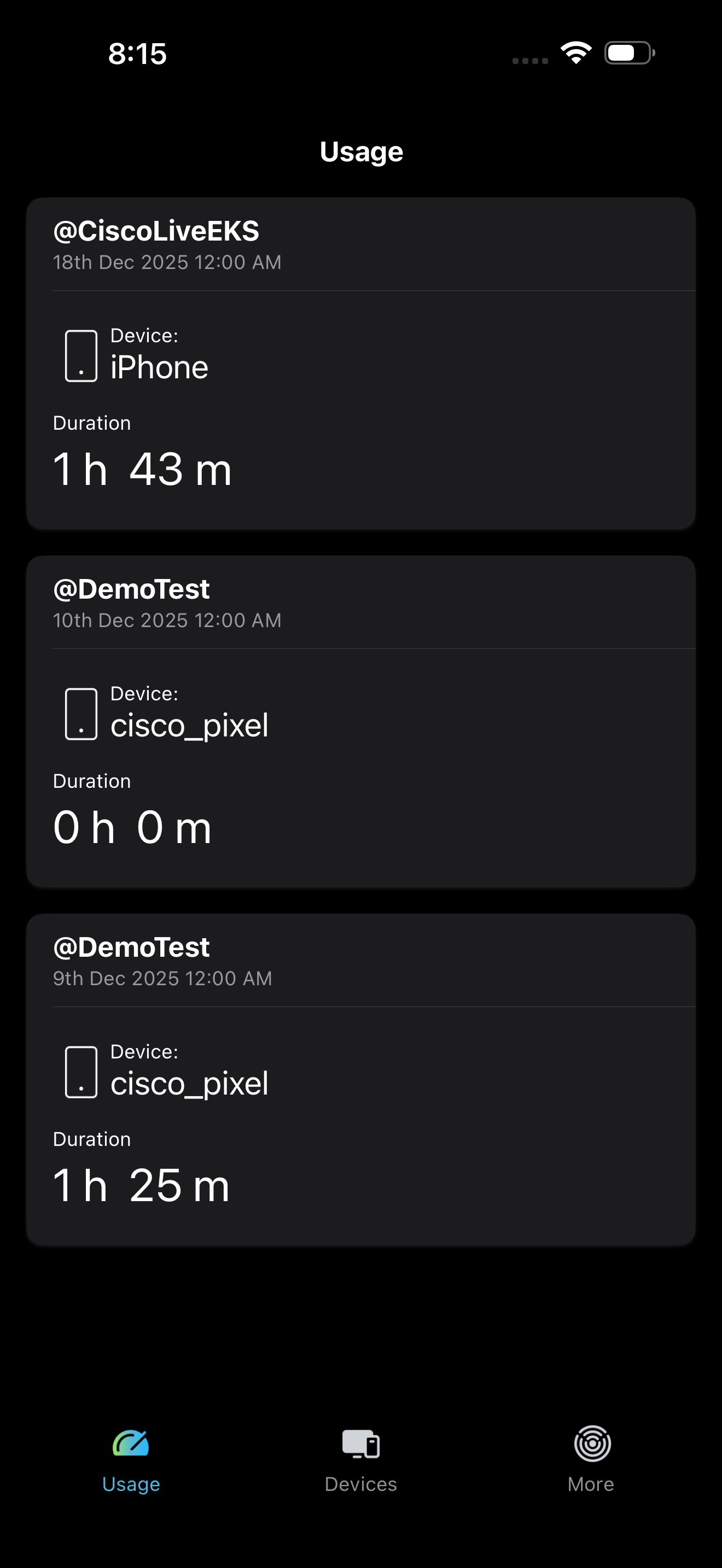
The OpenRoaming iOS app has been redesigned for better experience.
App Rebranding: The OpenRoaming app is now rebranded as the Cisco Spaces App. This rebranding reflects the expanded capabilities and continued commitment to delivering a seamless connectivity experience.
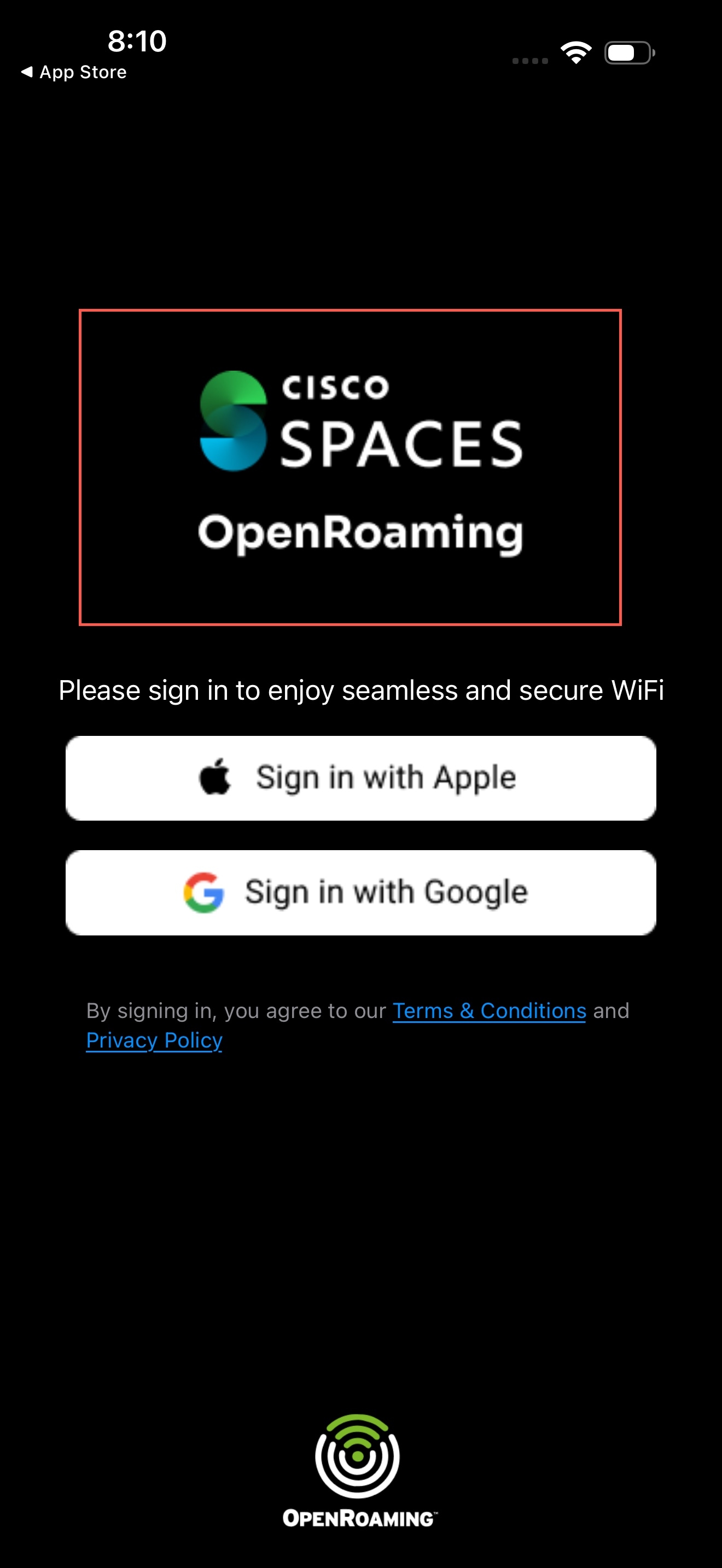
Google Sign-In: Quick and secure access is now even easier. You can sign in using your Google account directly within the application, eliminating the need to remember another password.
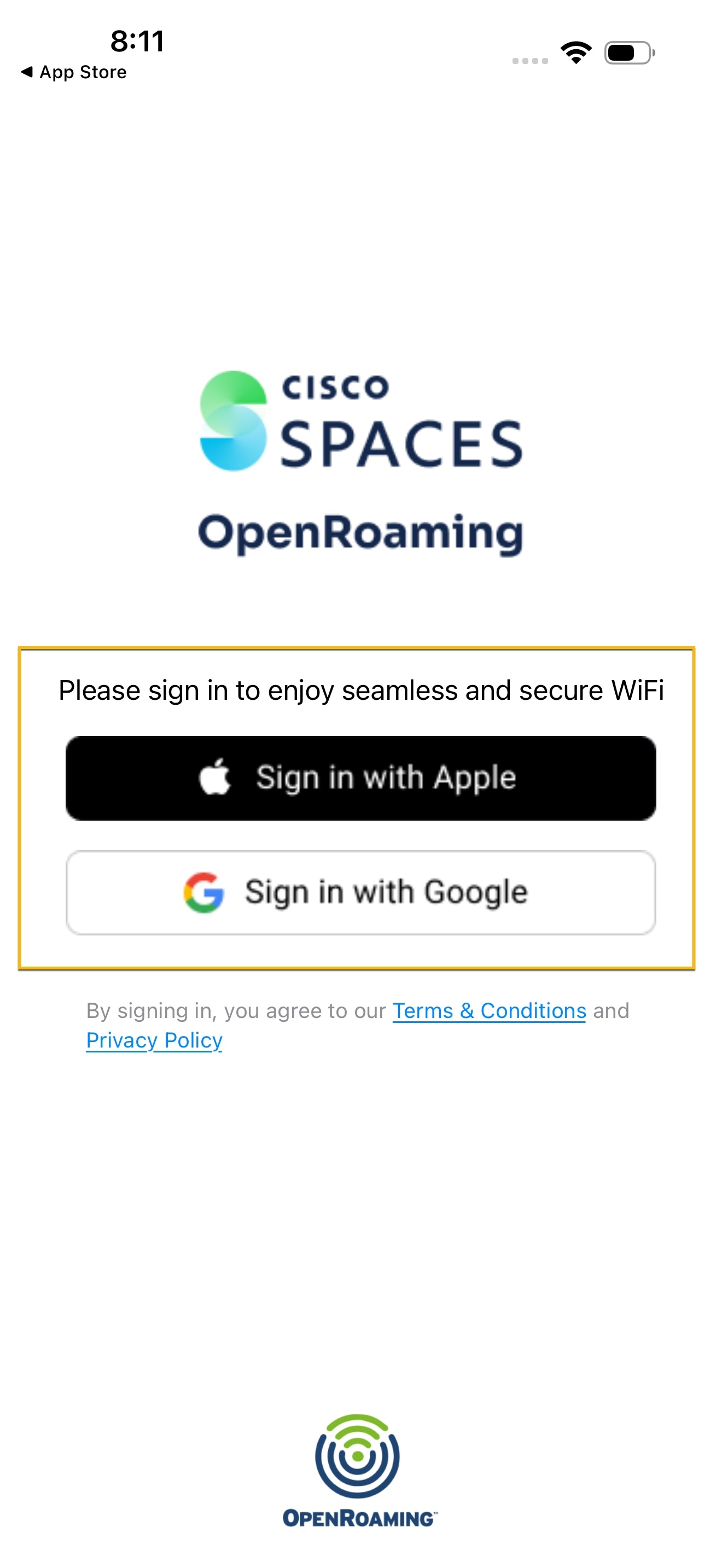
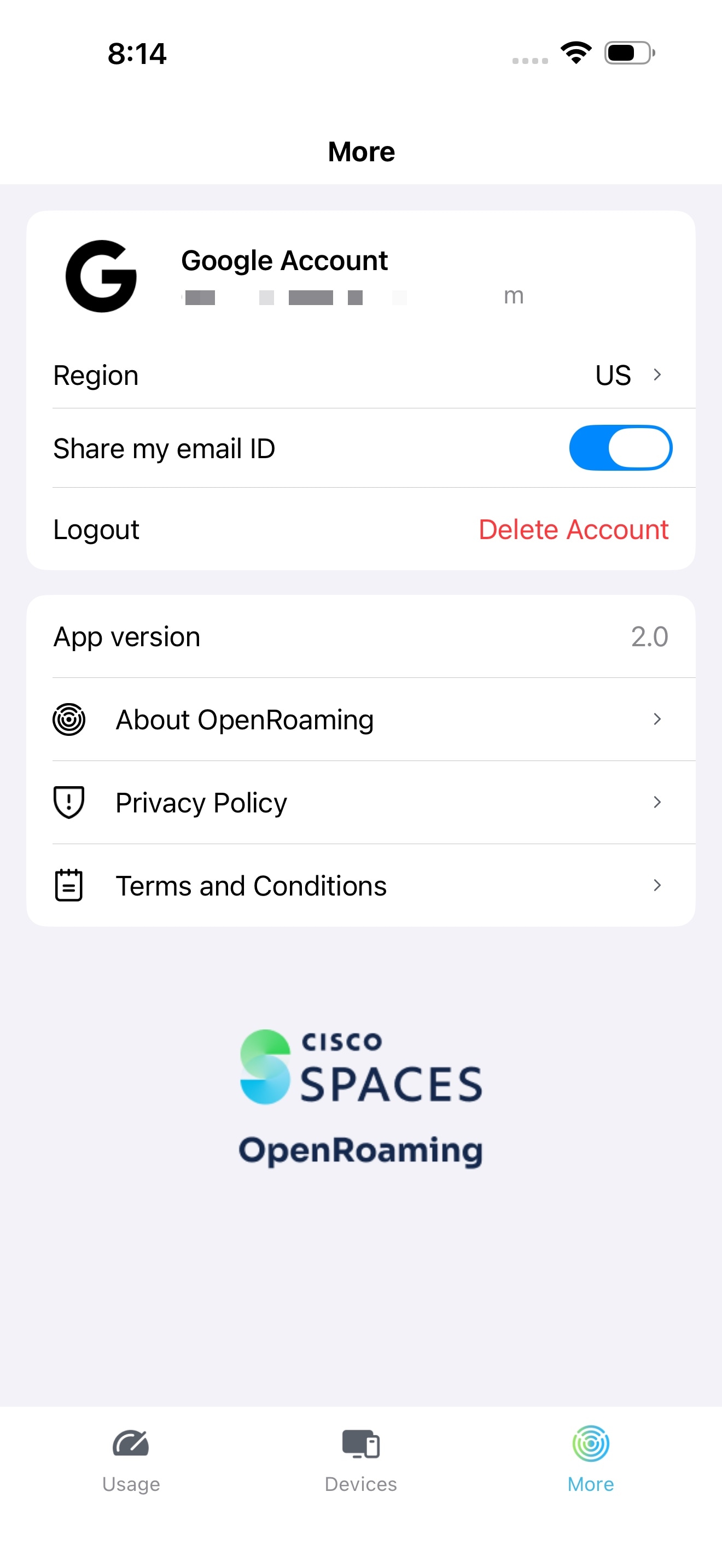
Simplified Experience: The interface is cleaned up and redesigned to make getting started easier than ever. The streamlined sign-up flow and improved navigation help users to connect faster with fewer steps.
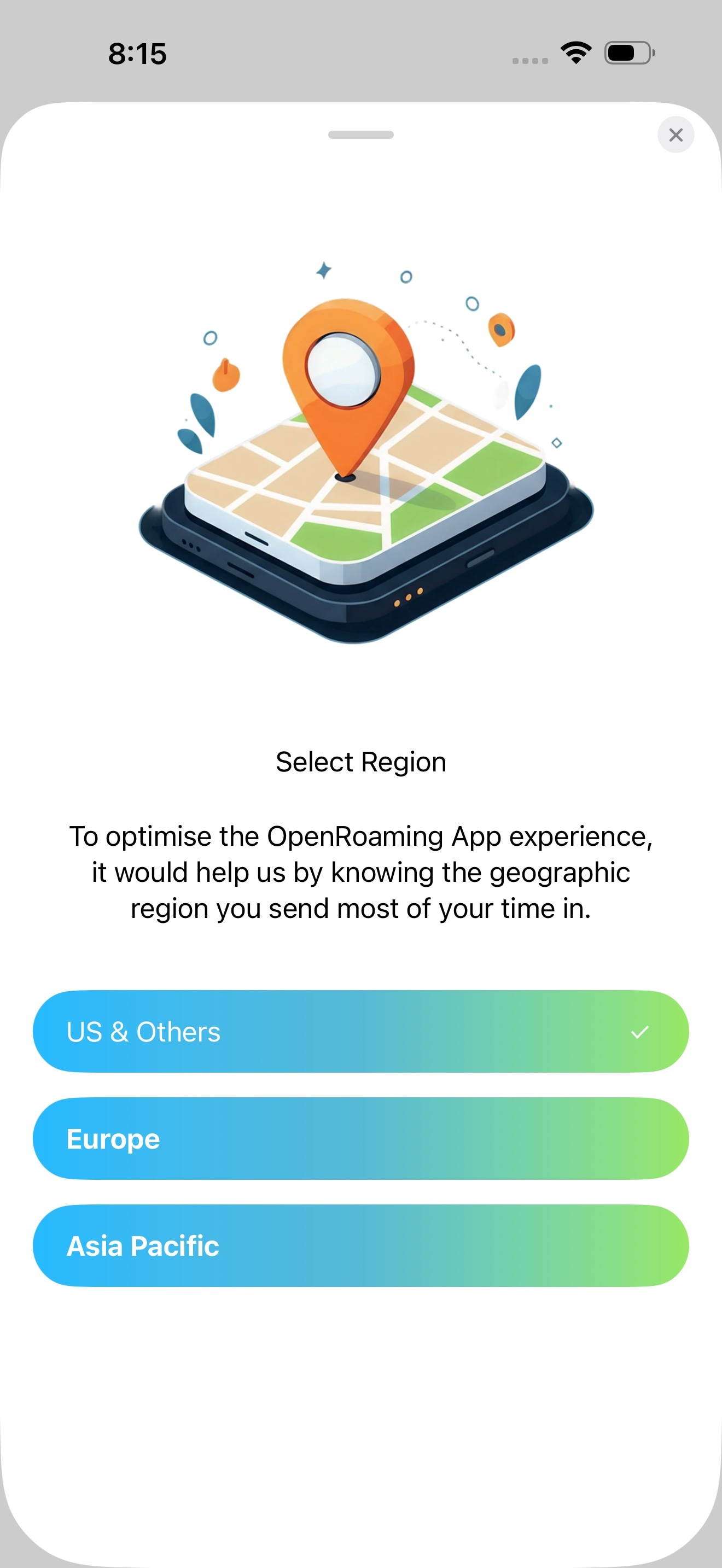
Region update: With this enhancement, you can use the feature to switch to a different region. After you change the region, you are automatically logged out of the app. The new region update takes effect after your next login.
Dark Mode: A sleek new dark theme designed to reduce eye strain in low-light environments while also helping conserve battery life on supported devices.
Cisco Spaces Data Export
To ensure a more consistent data structure, Cisco Spaces is standardizing the values used in the Location Type parameter in its data export files. This update simplifies the identification of zones and organizations across different network types.
The updates to the values in the Location Type parameter are:
|
Previous value |
New value |
Description |
|---|---|---|
|
cmxzone merakizone |
zone |
Unified value for all zone types |
|
meraki |
org |
Updated value for customers connected to a meraki network |
|
MSE |
cmx |
Updated value for customers connected via CMX |
 Note |
To ensure continued compatibility with your data exports, review and update your data processing workflows and logic to accommodate the new values: zone, org, and cmx in the Location Type field. |
Cisco Smart Workspaces
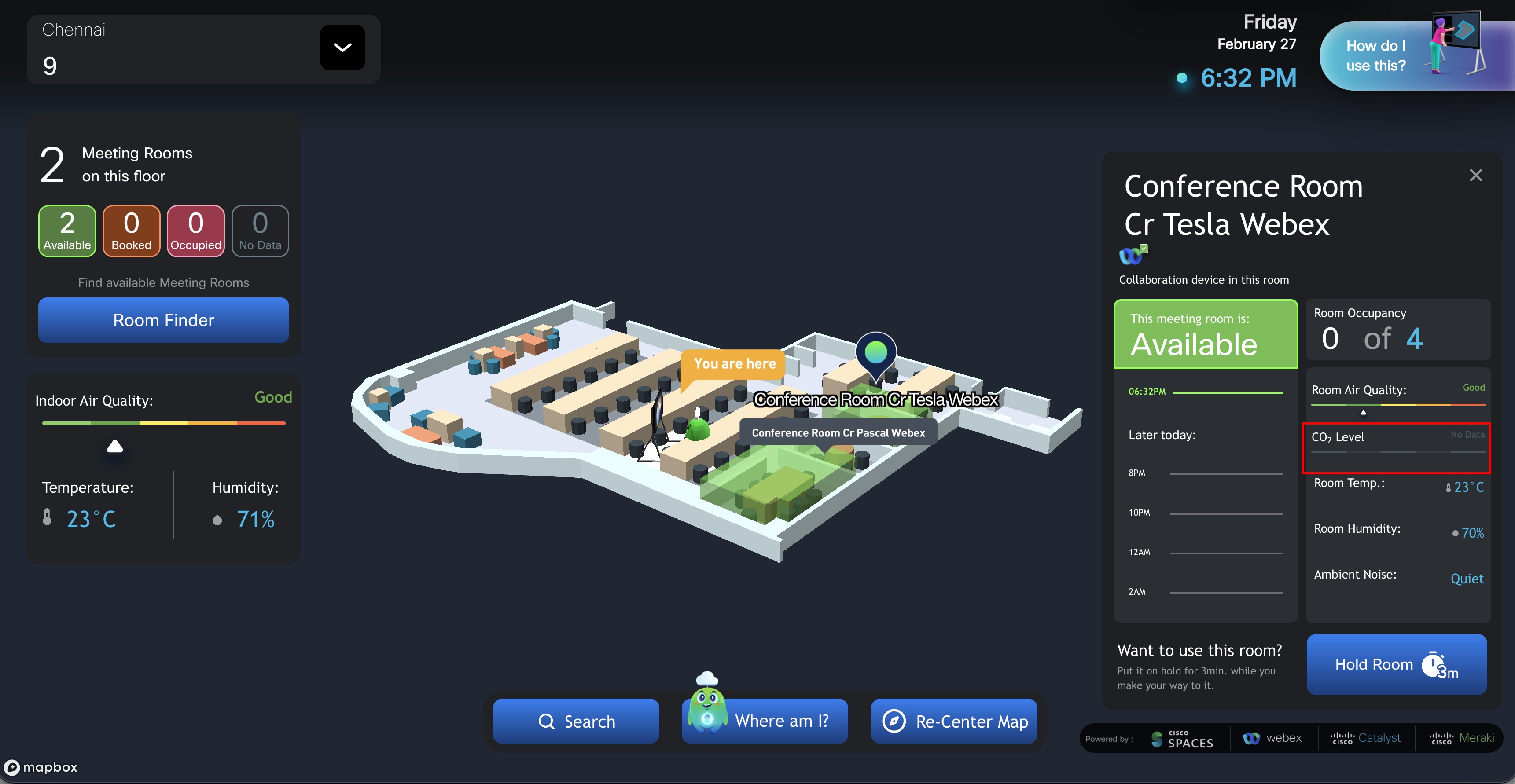
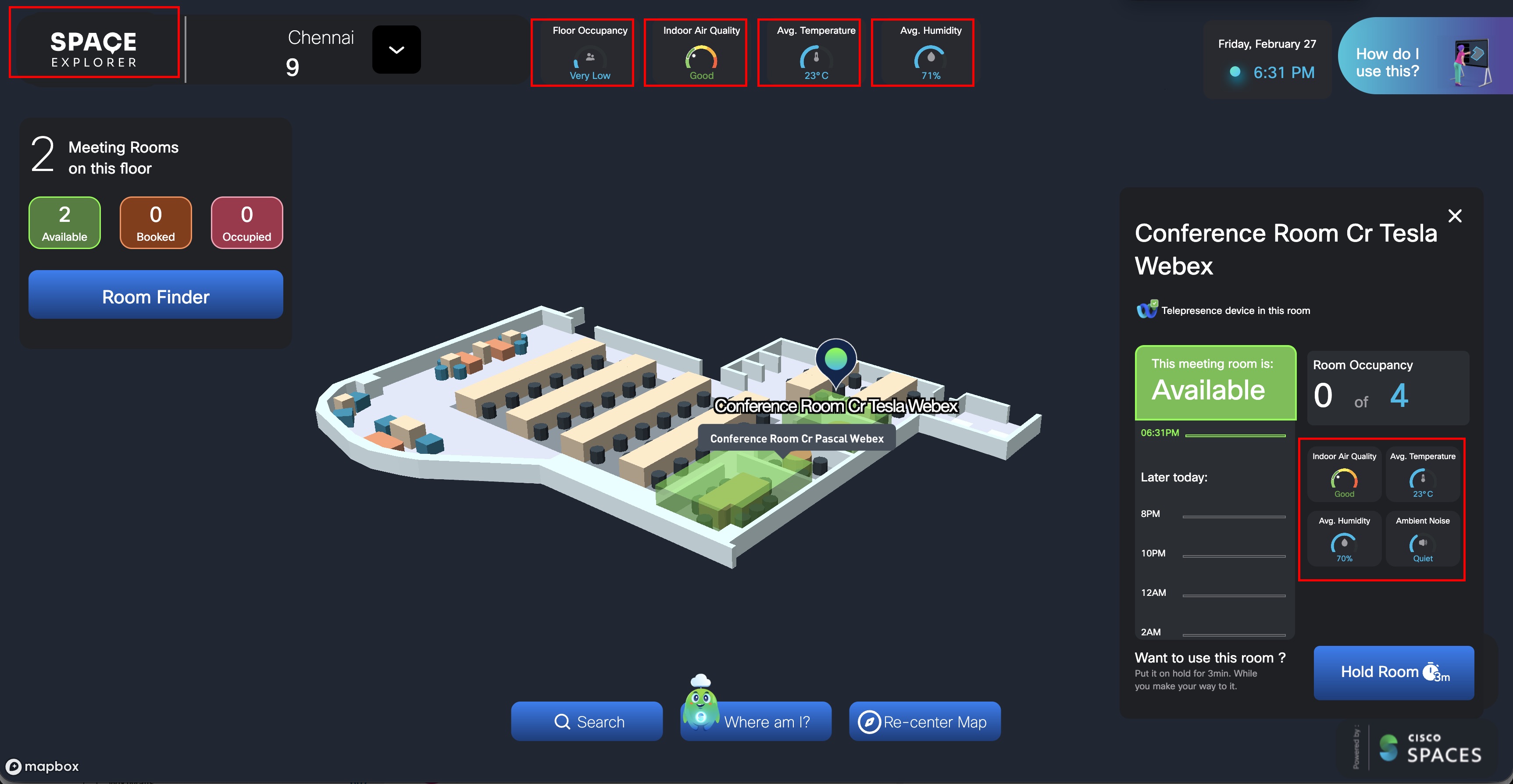
Signage 2.0 introduces a refreshed, touch-first experience for Smart Workspaces. This release features a modernized kiosk and signage interface with a cleaner look, intuitive navigation, and improved backend scalability to support future enhancements.
Redesigned Touch-First Interface
Contemporary layouts optimized for seamless kiosk interactions
Enhanced touch responsiveness for faster, more intuitive user experiences
Streamlined on-screen navigation for improved usability
Enhanced Widgets
Floor Occupancy and Environmental Widgets: Now displayed at the top of the screen with a new dial design for greater legibility and accessibility
Adaptive Sensor Widget Layout: Widgets appear on the kiosk interface only when relevant sensor data is available. If data from a sensor is not received, the corresponding widget is automatically hidden, resulting in a streamlined and clutter-free user experience
Custom Branding
By default, the kiosk displays Spaces Explorer
Customers can personalize their workspace by uploading their logo via
The uploaded logo appears in the top-left corner of the kiosk application
Issues describe unexpected behavior in the Cisco Spaces application.
This section lists the open issues in this release of Cisco Spaces.
| Issue Identifier | Issue Description |
|---|---|
| BASE LICENCE keeps changing between UNLIMITED and PREMIER (W). | |
|
Post Deletion of Directly Connected Controllers from Spaces Dashboard, total count of Directly Connected WLCs remains same |
This section lists the issues that have been resolved in this release of Cisco Spaces.
| Issue Identifier | Issue Description |
|---|---|
|
Location name contains the foreign characters not exported properly. |
|
|
Meraki Integration syncs all non CiscoSpaces tagged networks |
|
| Connector Upgrade Banner Showing Incorrect/Confusing information. |
 Feedback