Upgrade NCS 2000 node software after Cisco Optical Site Manager is ready so device packages can be distributed, activated, and verified through managed workflows.
Use this topic to upgrade NCS 2000 node software from 25.x to 26.x after Cisco Optical Site Manager is ready. Use Software Image Management and Upgrade or Cisco Optical Site Manager web UI workflows to distribute, activate, and verify the device software.
NCS 2000 node upgrade workflow
This table helps you choose the workflow for upgrading NCS 2000 device software after Cisco Optical Site Manager is upgraded and operational.
|
Upgrade scenario |
Upgrade approach |
Required tasks |
|---|---|---|
|
NCS 2000 upgrade using SWIMU |
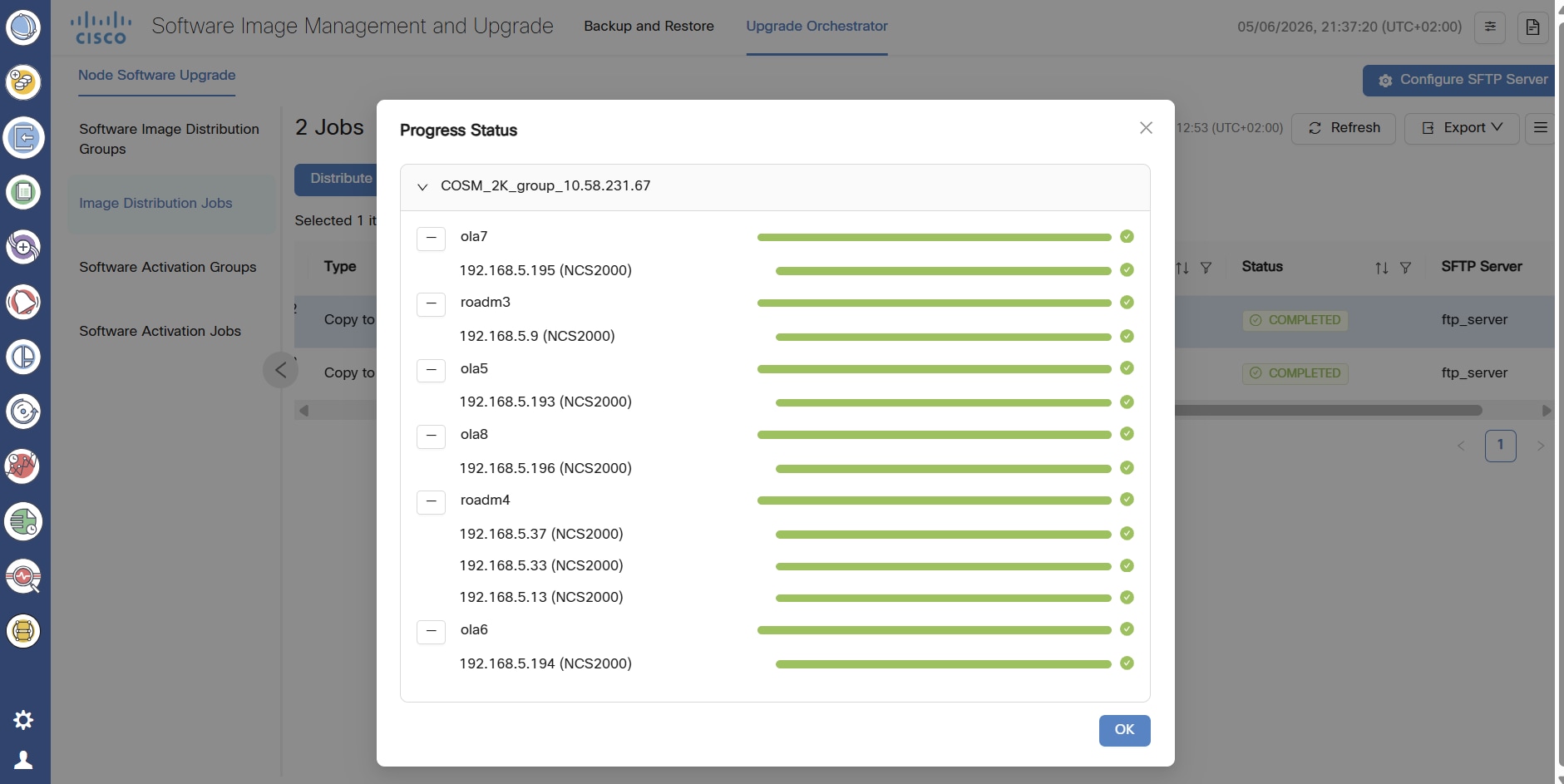
Distribute the NCS 2000 software package to the target group and activate the package from Cisco Optical Network Controller. |
|
|
NCS 2000 upgrade using the Cisco Optical Site Manager web UI |
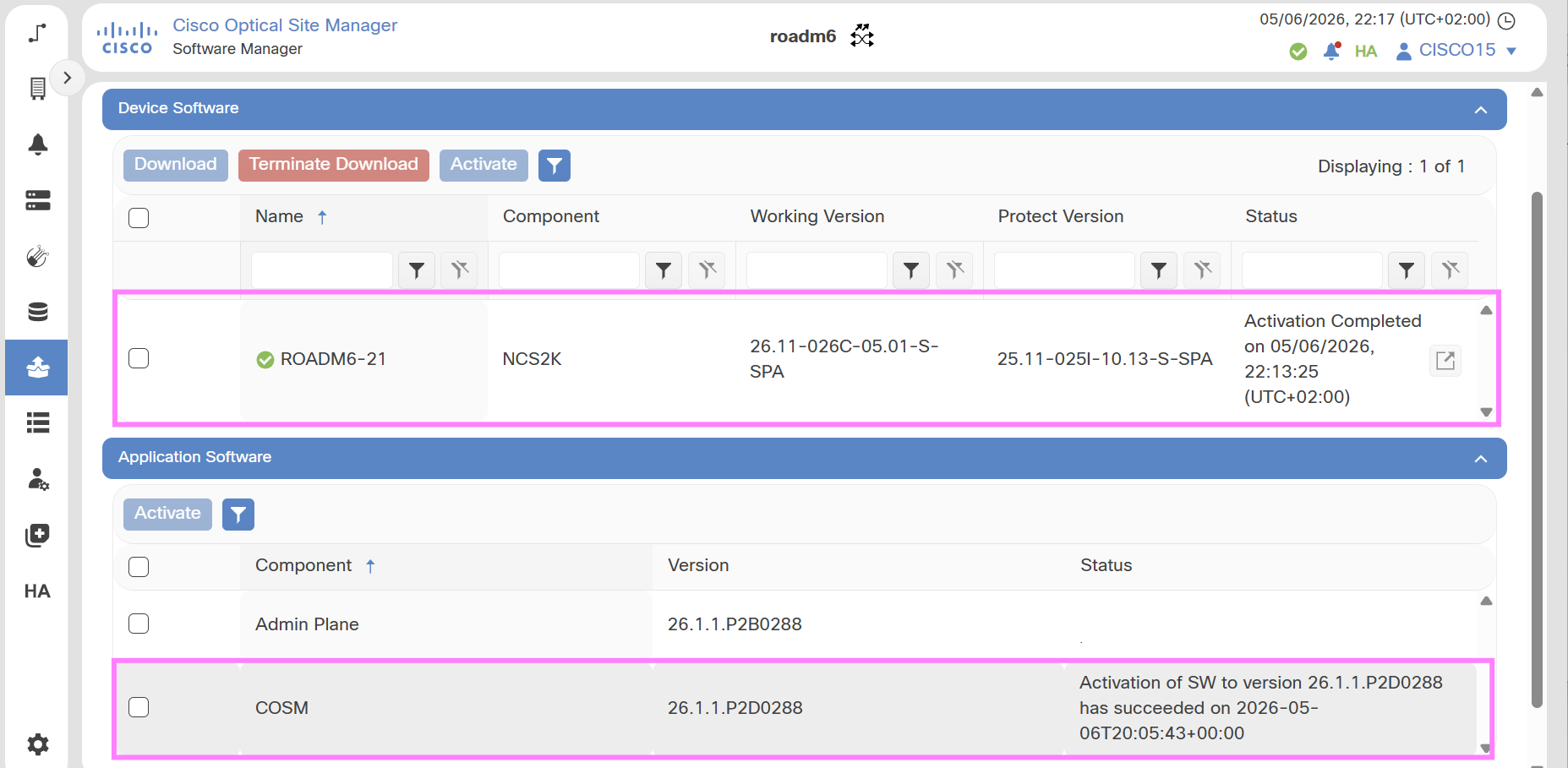
Download and activate the NCS 2000 software package directly from Cisco Optical Site Manager. |
Download the device software package to NCS 2000 devices from the Cisco Optical Site Manager. Activate NCS 2000 software in Cisco Optical Site Manager web UI. |