Describes how to connect StackPower cables.
Before you begin
Before connecting the StackPower cables, review the Plan a StackPower stack section. Always use a Cisco-approved StackPower cable to connect the switches.
Procedure
| 1. | Remove the dust covers from the StackPower cable connectors. |
|
| 2. | Connect the end of the cable to the StackPower port on the first switch. Align the connector correctly, and insert it into a StackPower port on the switch rear panel. 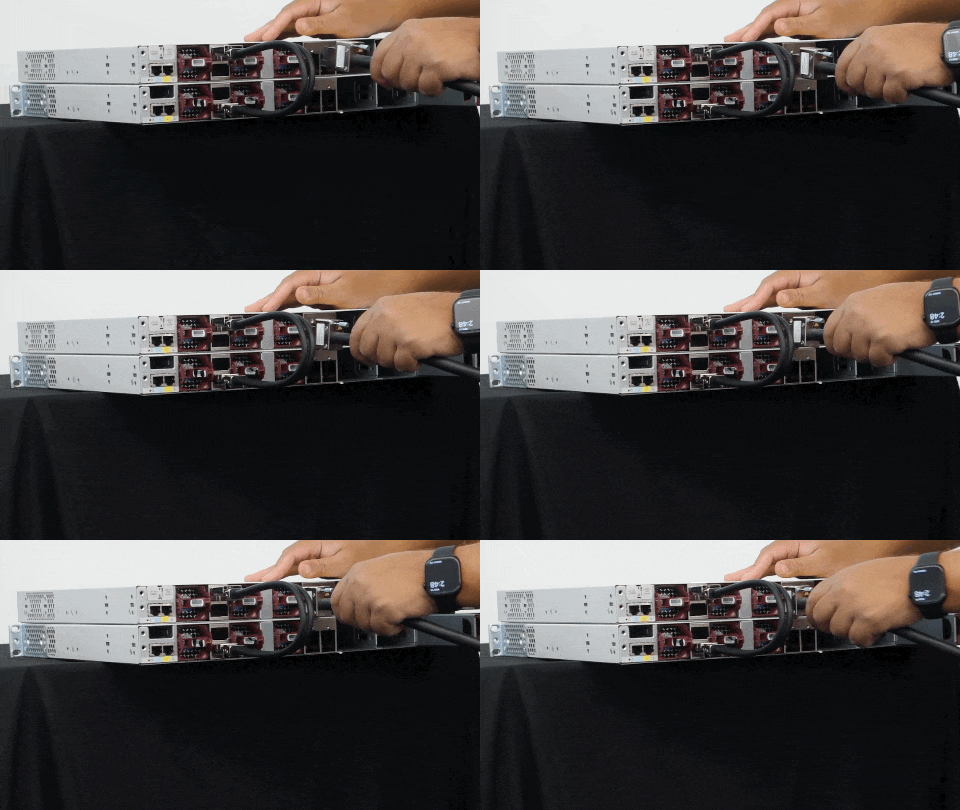
To view the animation in PDF, click this link. |
|
| 3. | Connect the other end of the cable to another switch (to configure StackPower power sharing). |
|
| 4. | Hand-tighten the captive screws to secure the StackPower cable connectors in place. 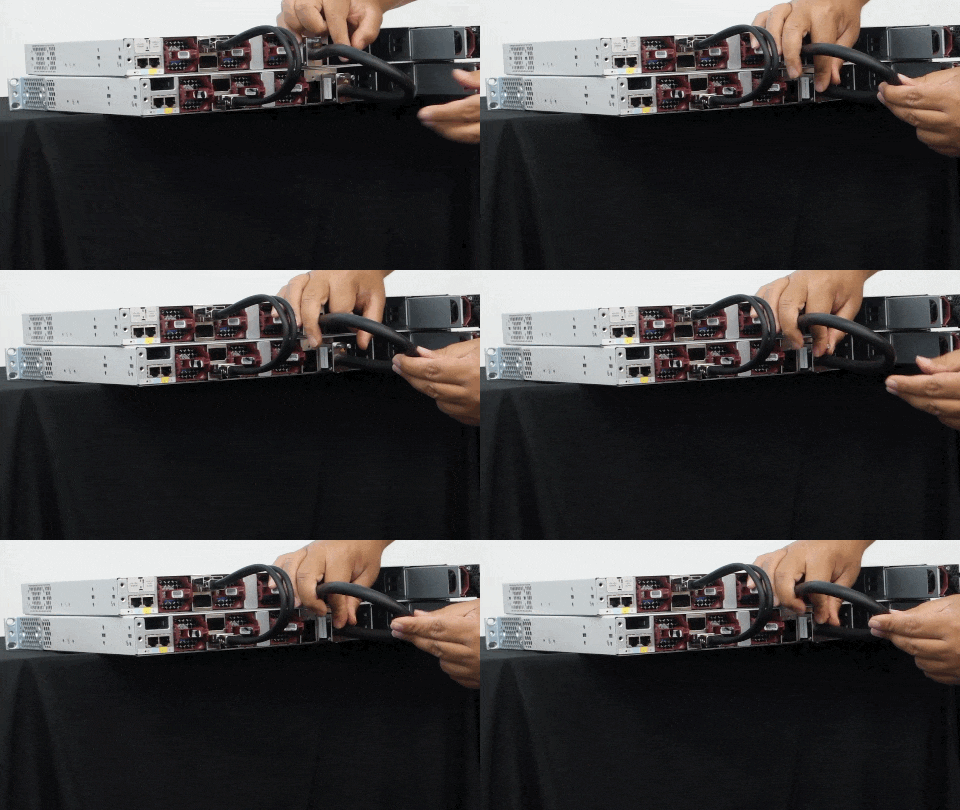
To view the animation in PDF, click this link.
|