Prerequisites of IoT Service (Wireless)
Cisco Spaces: Connector Scale and Size Guidance for IoT Service
This section guides you on choosing a size for the Connector based on your scale of your deployment, such as
-
number of APs in your network
-
the messages that the Connector may have to send, and
-
and the number of devices handled.
 Note |
|
Note |
We recommend that you use the Advanced2 Connector sizing in most cases because IoT Wireless increases resource constraints. |
| Connector Size | Scale |
|---|---|
|
Standard Connector (2vCPU, 4 GB RAM) |
The Standard Connector can
|
|
Advanced1 Connector (4vCPU, 8 GB RAM) |
Advanced1 Connector can
|
|
Advanced2 Connector (8vCPU, 16 GB RAM) |
Advanced2
Connector can
|
Prerequisites
These prerequisites can get you started with Cisco Spaces: IoT Service.
-
Install Cisco Spaces: Connector in your network.
-
Install a Cisco Catalyst 9800 Series Wireless Controller with a Cisco IOS XE 17.12.x or above image version.
Note
There are significant improvements in Cisco Spaces: IoT Service on Cisco IOS XE 17.9.5. However, the minimum recommended version is Cisco IOS XE 17.9.6 for better performance.
-
Deploy supported APs in your network (refer to the Compatibility Matrix for IoT Service (Wireless)).
-
Ensure that Cisco Spaces is configured with maps either from Cisco Prime Infrastructure or Catalyst Center.
-
If the Cisco Spaces: Connector is an Amazon Elastic Compute Cloud (EC2) Instance from Amazon Machine Images (AMI), ensure that the wireless controller and connector are in the same virtual private cloud (VPC). Ensure that the wireless controller has a private IP address so that the security group of connector does not block the traffic, allowing enabled IOT streams to function.
-
Permit all the TCP traffic at the Virtual private clouds (VPC) level so that the Telemetry Data Logger (TDL) is established without any issues.
-
If location service is not added before adding a Cisco Catalyst 9800 Series Wireless Controller to a connector, run these commands on the Catalyst 9800 controller in a sequence:
-
aaa new-model
-
aaa authentication login default local
-
aaa authorization exec default local
-
-
Cisco Spaces: IoT Service and Intelligent Capture (iCAP) feature can now co-exist on Cisco Catalyst 9800 Series Wireless Controller Cisco IOS XE Cupertino 17.7.x release and later. For releases earlier than Cisco IOS XE Cupertino 17.7.x, disable iCAP, if already enabled on the controller.
-
Perform NTP synchronization over wireless controllers, a connector, and APs in the network.
-
If a USB BLE module is inserted in an AP, reboot the AP.
-
NETCONF must be enabled in Cisco Catalyst 9800 Series Wireless Controller in port 830, along with permission to use NETCONF.

Caution
The application (app) installed and running over the AP uses the default 17.17.0.0/16 subnet. So, using this subnet for other purposes might create network issues.
-
IPv6 is not supported on Cisco Spaces: Connector.
-
If your require two connectors installed with 3.x to work with IoT service (wireless) and function as a high-availability pair, you must configure the connectors as Virtual IP (VIP) pair.
Before activating IoT services
This topic describes the prerequisites that you need before you activate IoT services:
-
Supported License
-
Setup Spaces Connector
-
Compatible Controllers
-
Compatible Apps/Switches
Summary
Complete all prerequisites before activating IoT Services.
Workflow
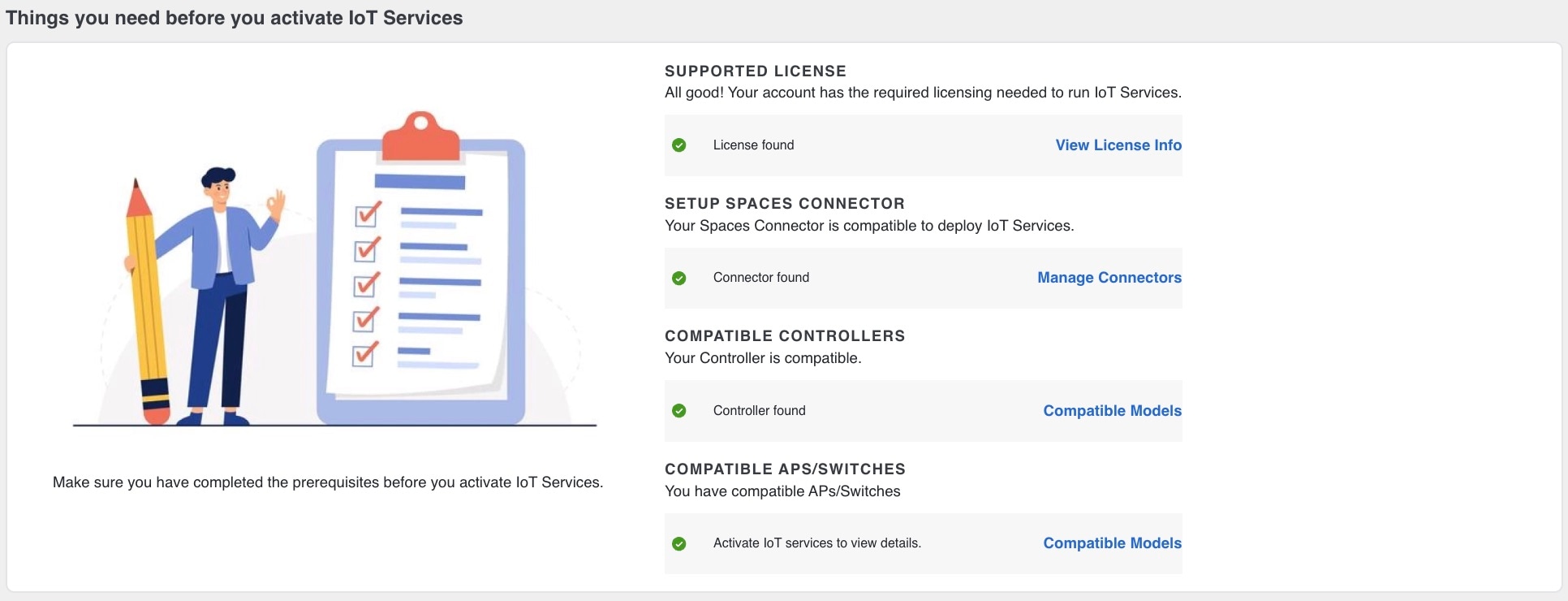
-
To confirm that the account has the required licensing for IoT Services under the Supported License point, click the View License Info button. This step redirects to the License Info section in the My account page.
Figure 2. Supported License option 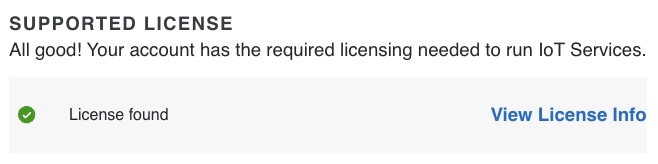
-
To determine if the Spaces Connector is compatible for deploying IoT Services under Setup Spaces Connector point, click the Manage Connectors button. This action redirects to the Connectors section in the Cisco Spaces Dashboard page.
Figure 3. Setup Spaces Connector option 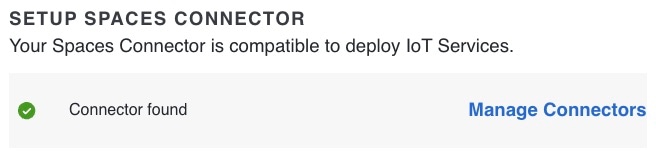
-
To verify compatibility for controllers under the Compatible Controllers point, click on the Compatible Models button. The Compatible Models button displays the lists of Controllers, APs and Switches.
Figure 4. Compatible Controllers option 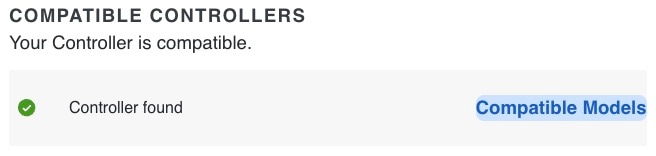
Figure 5. List of compatible devices 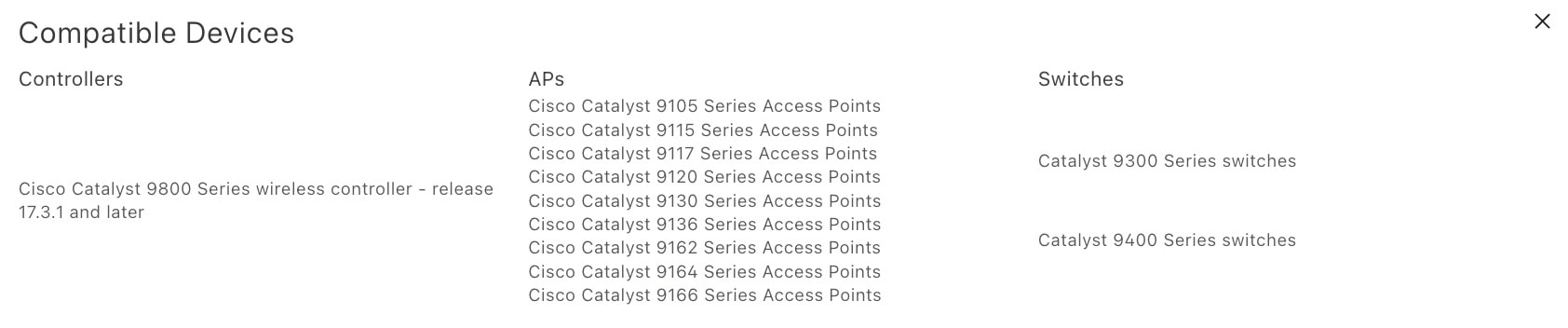
-
To verify compatibility for APs or Switches under Compatible APs/Switches point, click the Compatible Models button. The Compatible Models button displays lists of Controllers, APs and Switches.
Figure 6. Compatible APs/Switches option 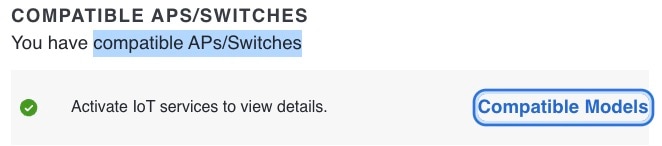
 Feedback