Dashboard

Dashboard view of devices

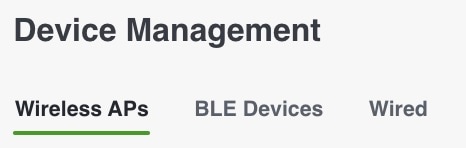
Choose IoT Services > Manage and select these device types to view an overview of that device:

  • Wireless APs

  • BLE Devices

  • Wired

Figure 1. Dashboard View of Devices

Configuring beacons

Navigate to IoT Service > Manage > BLE devices. Click the MAC address in the claim bucket and then expand Beacon Configuration section. Click Advance Configuration. After this, the model opens. Once you confirm the configuration, the process continues as designed.

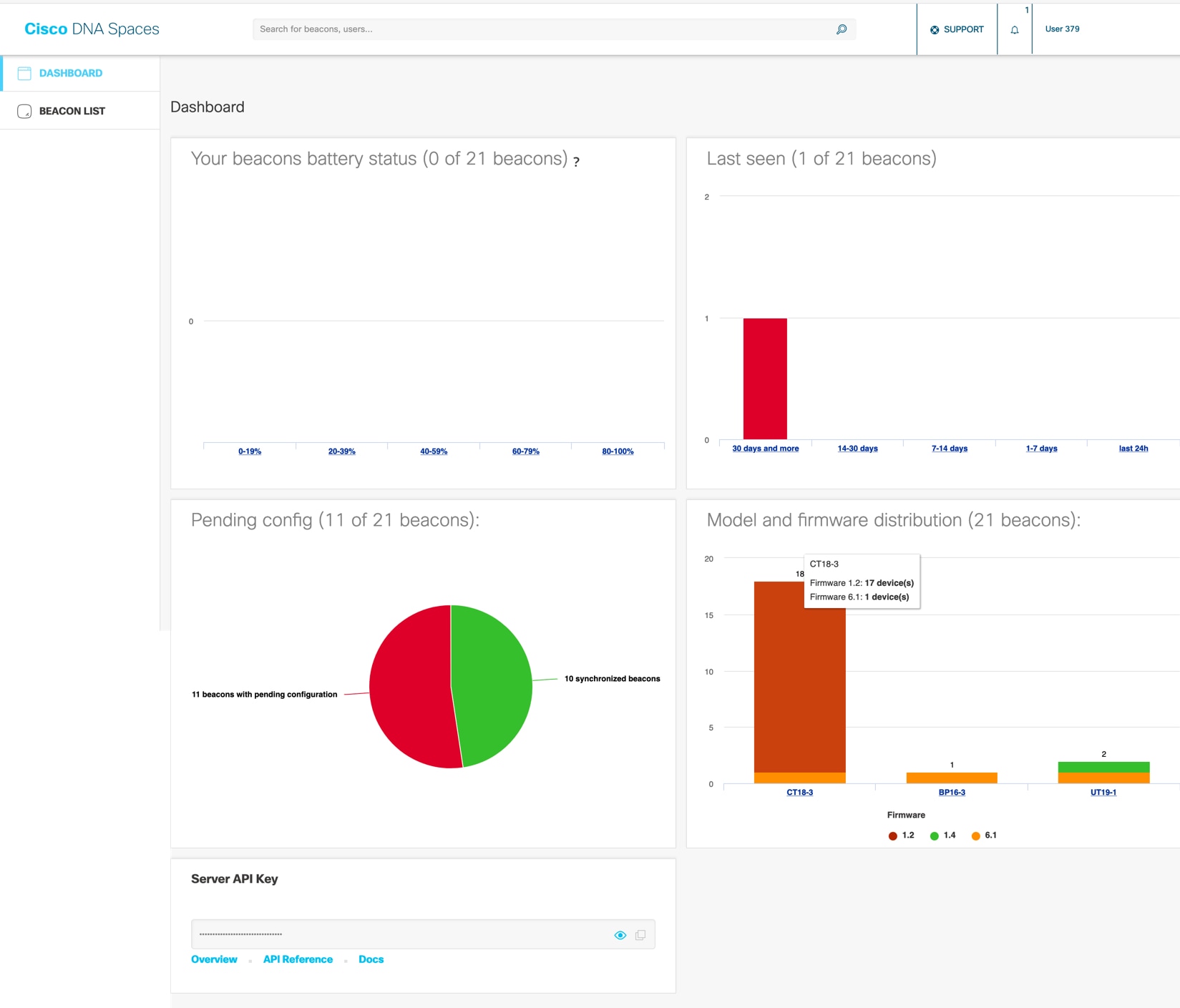
The Device Manager dashboard gives you a general overview of your beacon infrastructure. All beacons claimed by IoT Service are visible on the Device Manager dashboard. You can see actionable graphs which allow you to navigate quickly to a subset of devices. For example, beacons with 0 to 19 percent battery life, or all beacons with the same underlying firmware or model.

Figure 2. The Device Manager Dashboard