Cisco Umbrella SIG Upgrade Guide to Cisco Secure Access

PDF

Cisco Umbrella SIG Upgrade Guide to Cisco Secure Access

Close Umbrella

Want to summarize with AI?

Log in

This is the last step to shut down Umbrella and cancel your Umbrella subscription.


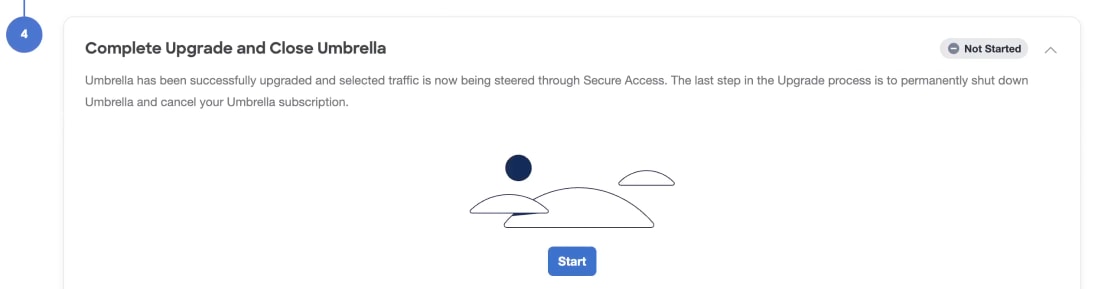
Umbrella is successfully upgraded and selected traffic are now steered through Secure Access. The last step in the Upgrade Manager is to permanently shut down Umbrella and cancel your Umbrella subscription.

Procedure

  1. Click Start.


    Screenshot of the next step to Complete Upgrade and Close Umbrella.
  2. Check I understand and wish to proceed.
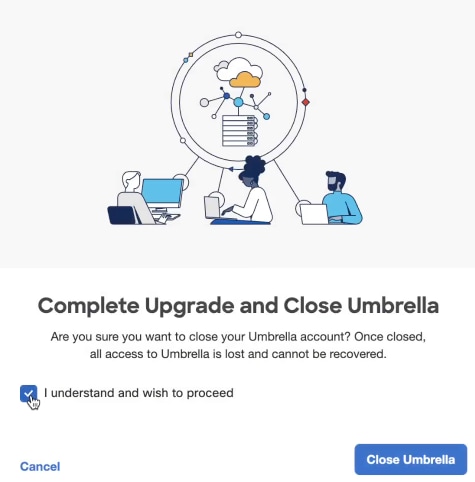

    Screenshot of the check box to acknowledge you understand and wish to proceed.
  3. Click Close Umbrella.

    Your Umbrella account is closed, and your organization is fully protected with Secure Access.