Cisco Security Cloud Control is a new security platform that allows you to manage your security products and achieve security outcomes from a single integrated interface.
Before you begin
Cisco Security Cloud Control (SCC) provides centralized visibility and management for Cisco's security products. To upgrade from Umbrella SIG to Secure Access, create your SCC account after receiving the Welcome email with your claim code.
As part of this process, you’ll create a Security Cloud Sign On account. Security Cloud Sign On is the solution to access multiple Cisco security and cloud services with one set of credentials.
Finally, you’ll need to setup multifactor authentication for added security, and we recommend using Duo.
Procedure
-
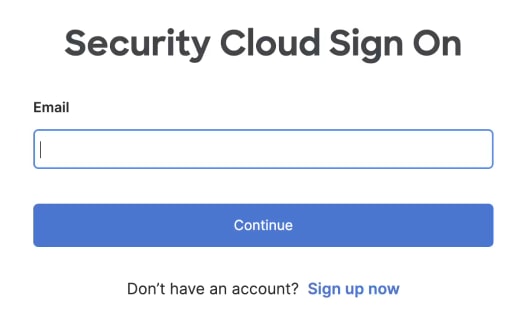
Click Sign up now to create a Security Cloud Sign On account.
-
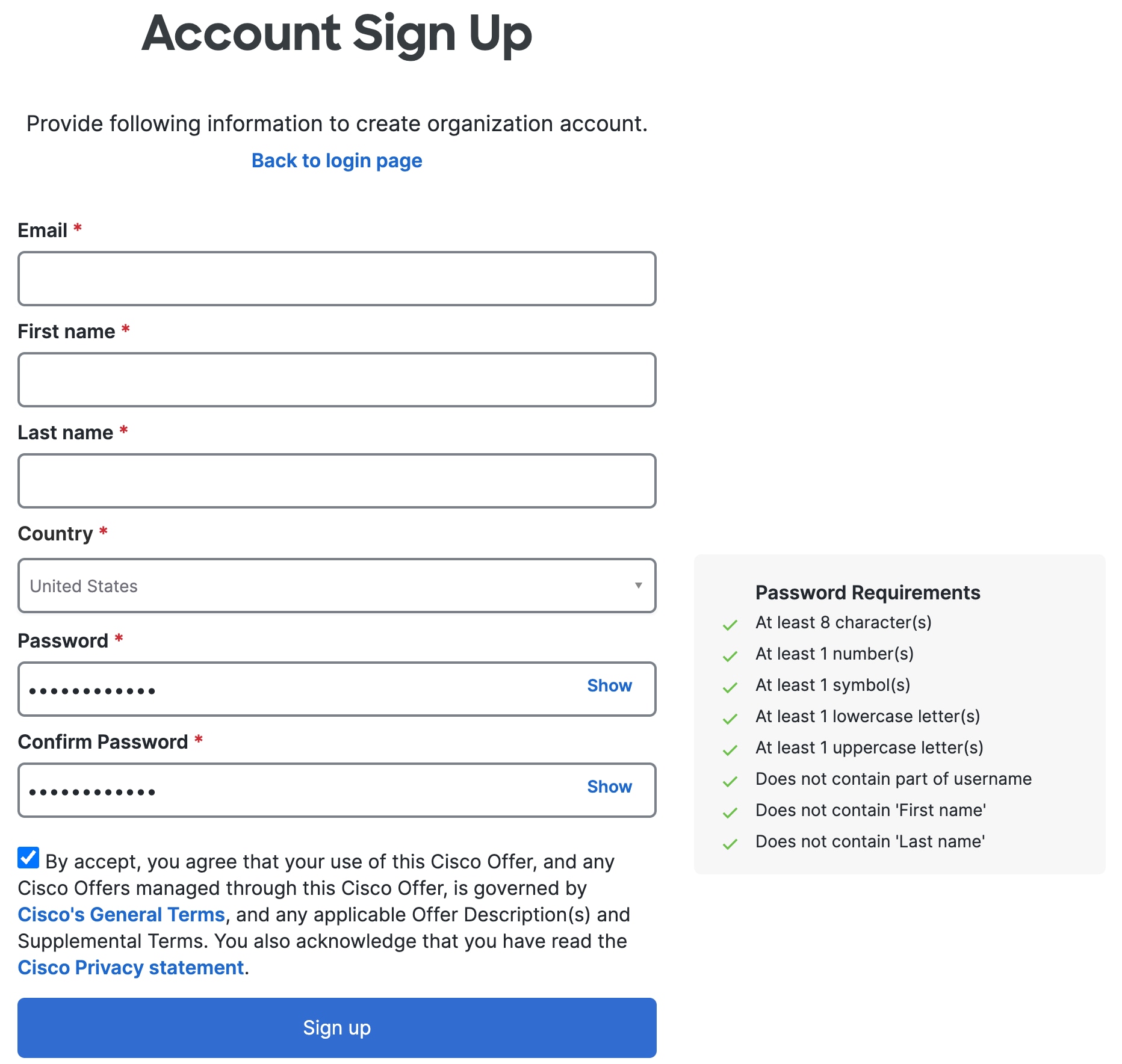
Enter your information on the Account Sign Up page.
-
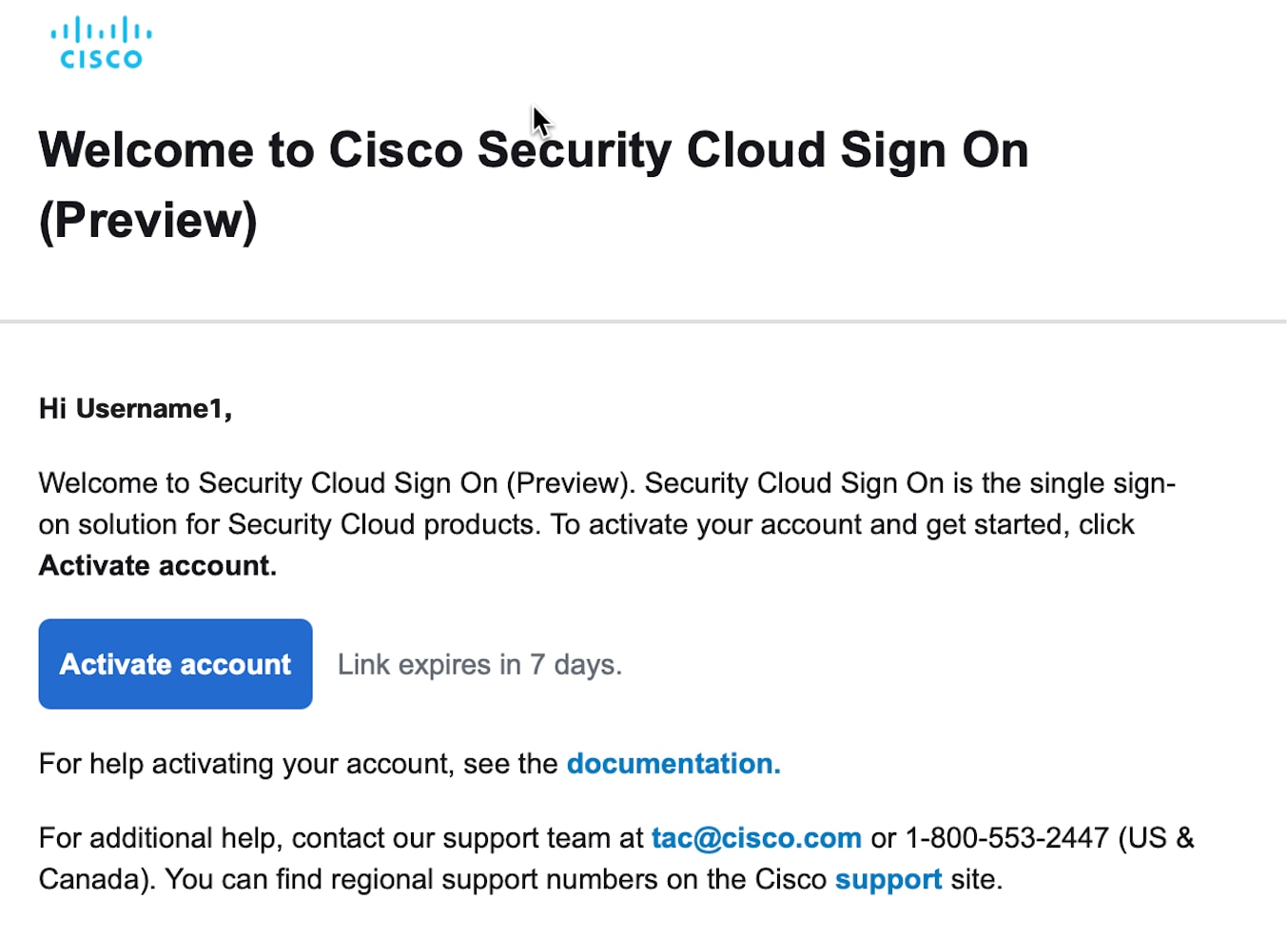
Look for the verification email to activate your account. Link expires in 7 days.
-
Create a new organization name.
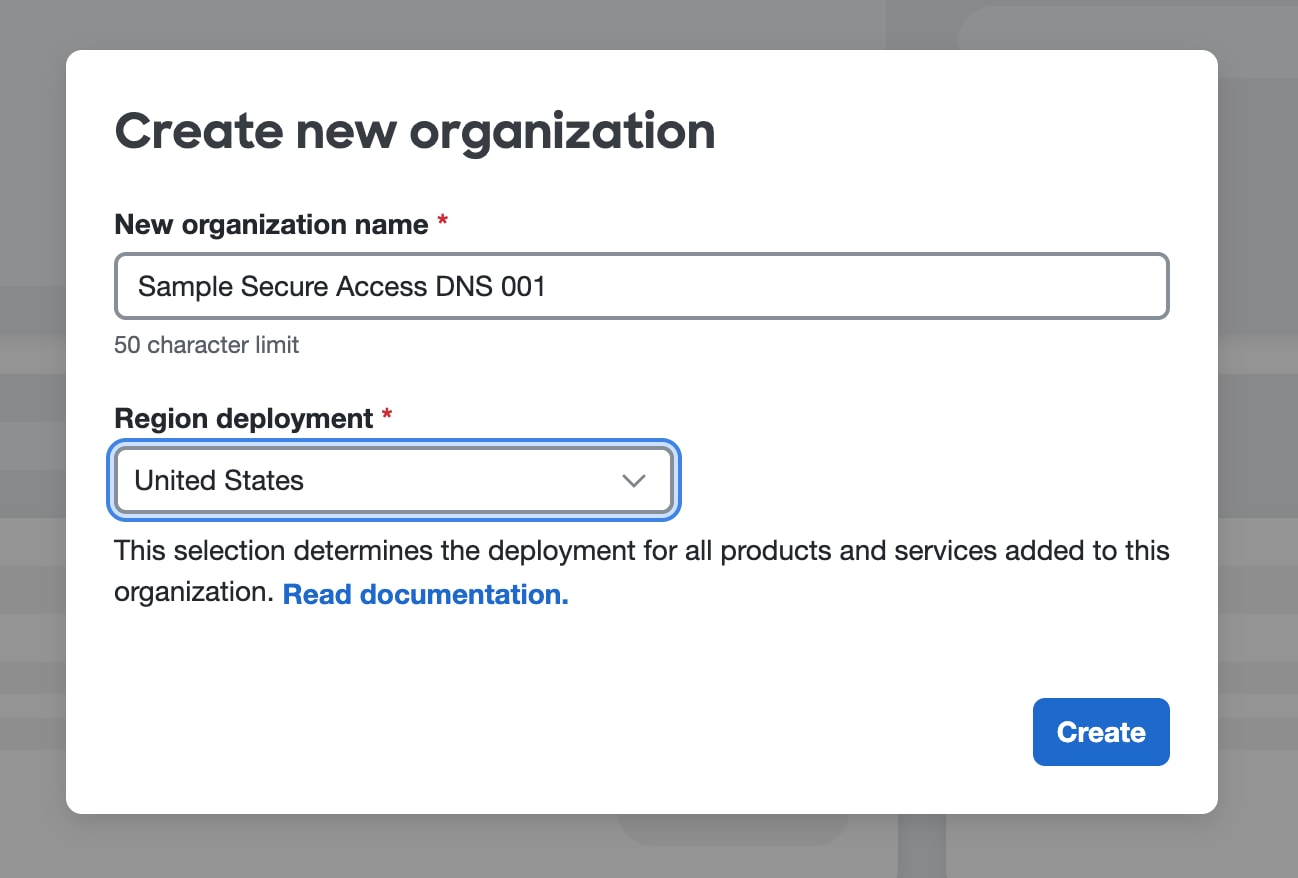
The name of your new Secure Access organization should be the same as your Umbrella organization. See, Create an Organization for more information about organizations and regions.
Select any region from the dropdown menu. The product is globally available, so your selection won't impact its functionality.
What to do next
Follow the next steps to add Upgrade Manager to your Umbrella dashboard.