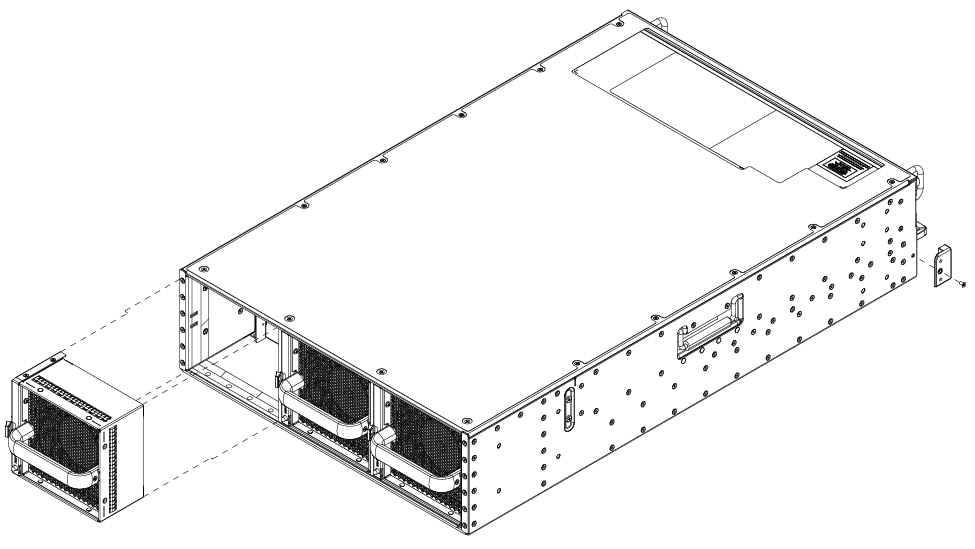
Guides the removal and replacement of fans, including instructions specific to removing fans from the C8650-G2 platform to maintain proper device cooling.
This section describes how to remove and replace the fans in Cisco 8600 Series Secure Routers.
Cisco 8600 Series Secure Routers Hardware Installation Guide
Guides the removal and replacement of fans, including instructions specific to removing fans from the C8650-G2 platform to maintain proper device cooling.
This section describes how to remove and replace the fans in Cisco 8600 Series Secure Routers.
Press the finger tab on the fan latch and pull the fan module straight out to remove the fan.