This section describes operating Cisco Optical Network Controller. Use it to understand the sequence, dependencies, and expected outcome before you perform the related Cisco Optical Network Controller procedures.
The workflow assumes Cisco Optical Network Controller is installed and reachable in the management network.
Summary
The process outlines the steps for administrators and operators to create users, onboard Cisco Optical Site Manager nodes, validate the discovery process, and provision circuits.
Workflow
The stages outline the complete workflow for operating the Cisco Optical Network Controller. Each stage must be completed before the next one begins to prevent circuit provisioning errors.
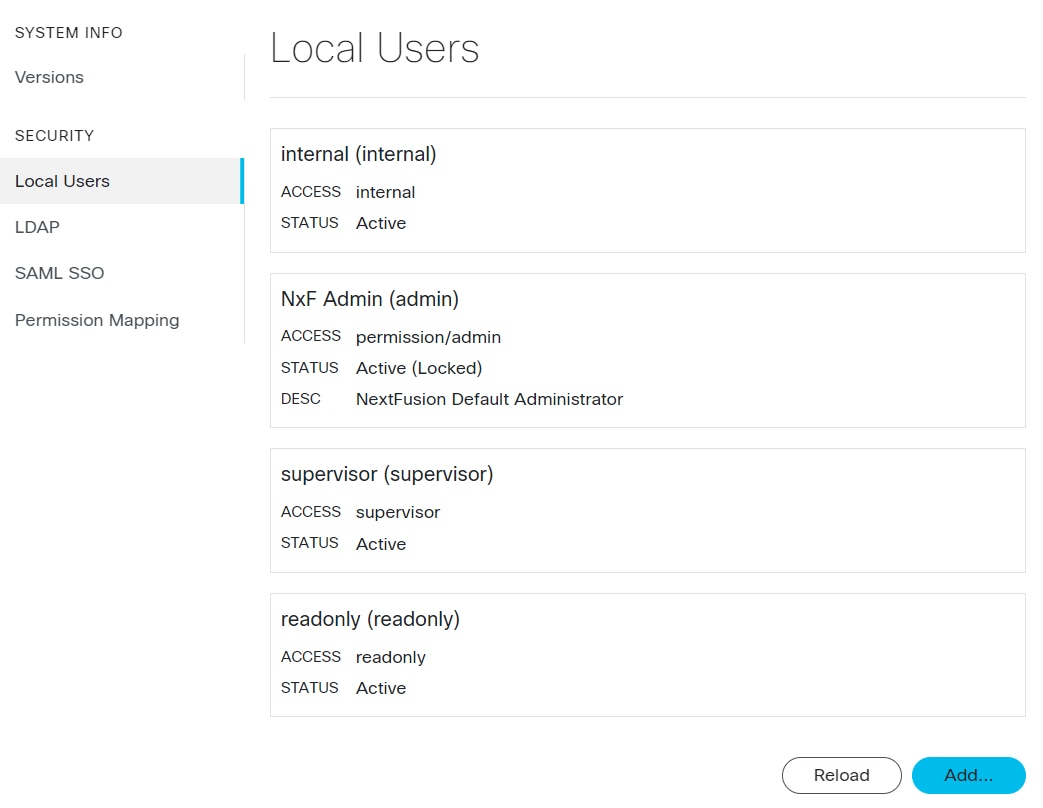
- Stage 1 — Log in with the administrator credentials created during installation and create users.
- For details about login, see Log in to Cisco Optical Network Controller.
- For details about creating users, see Create users in Cisco Optical Network Controller.
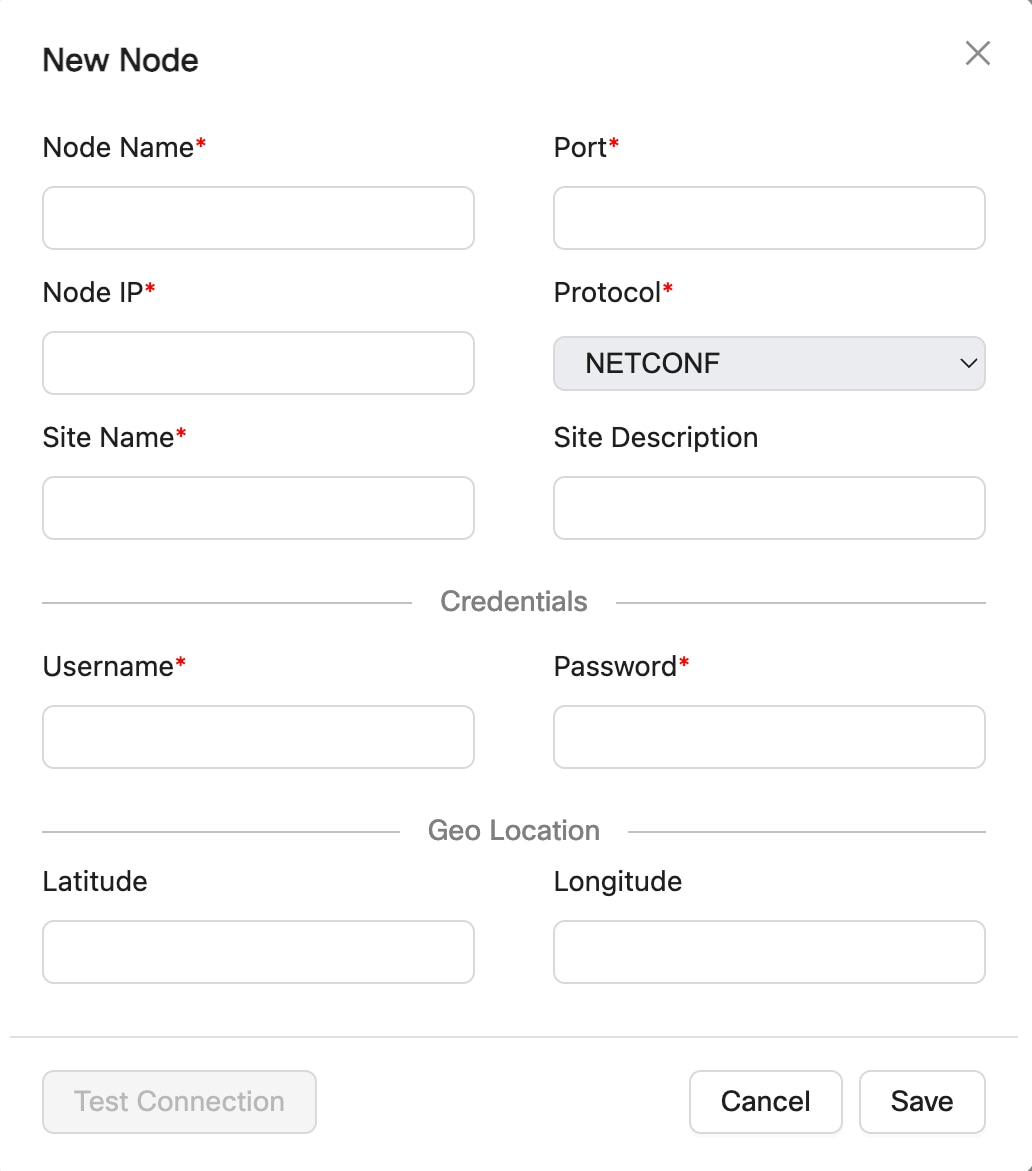
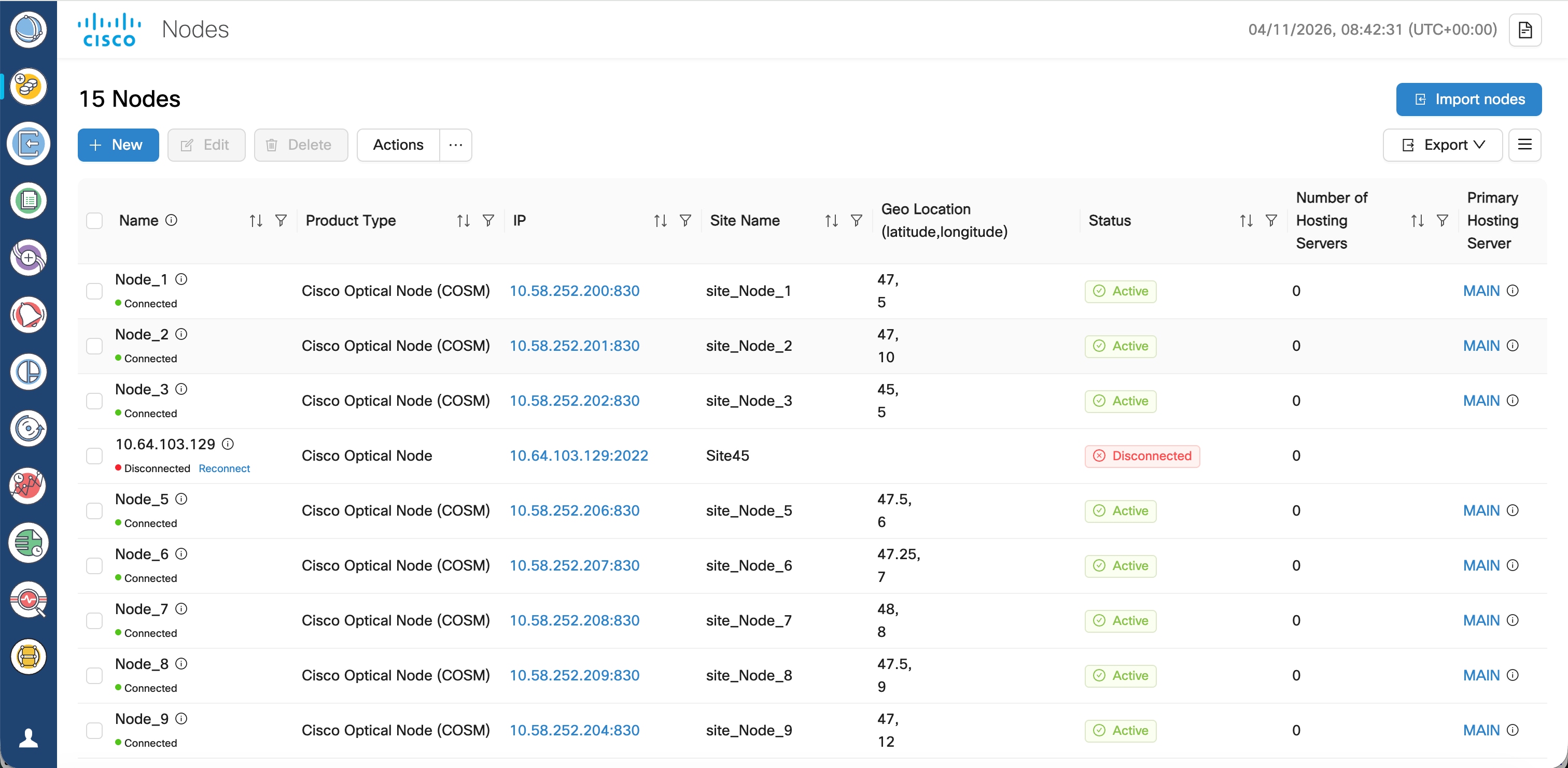
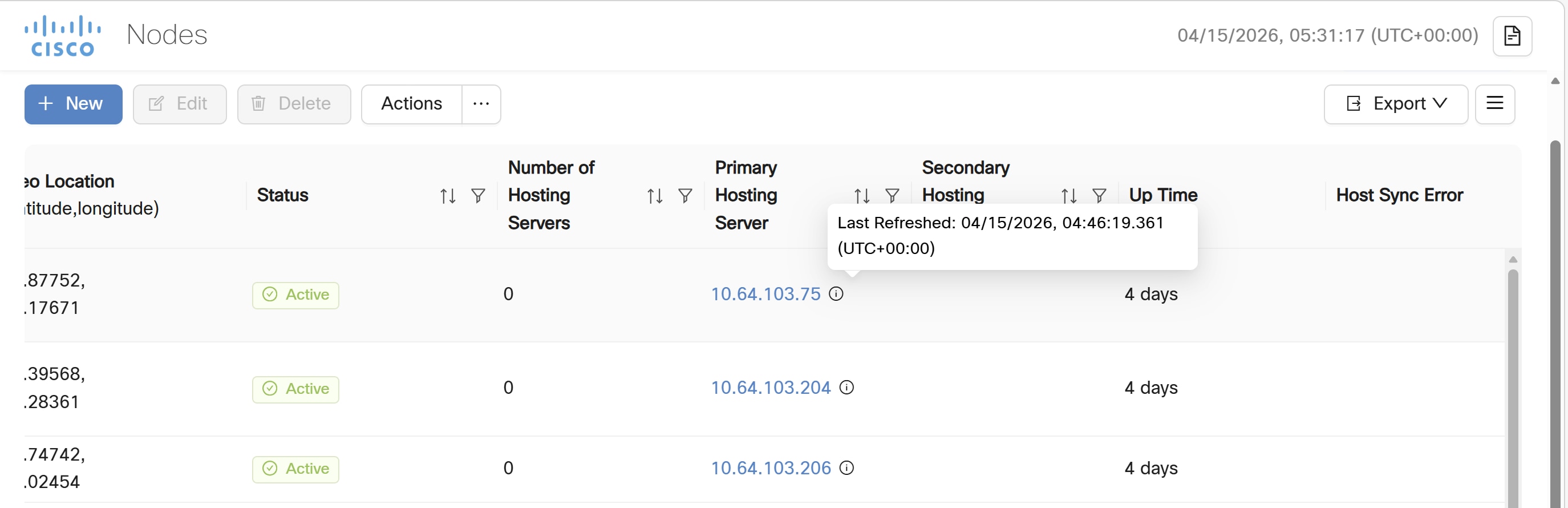
- Stage 2 — Onboard Cisco Optical Site Manager by Adding nodes using the interface or bulk import with Excel. For details about onboarding, see Onboard Cisco Optical Site Manager nodes in Cisco Optical Network Controller.
- Stage 3 — Validate topology and inventory.
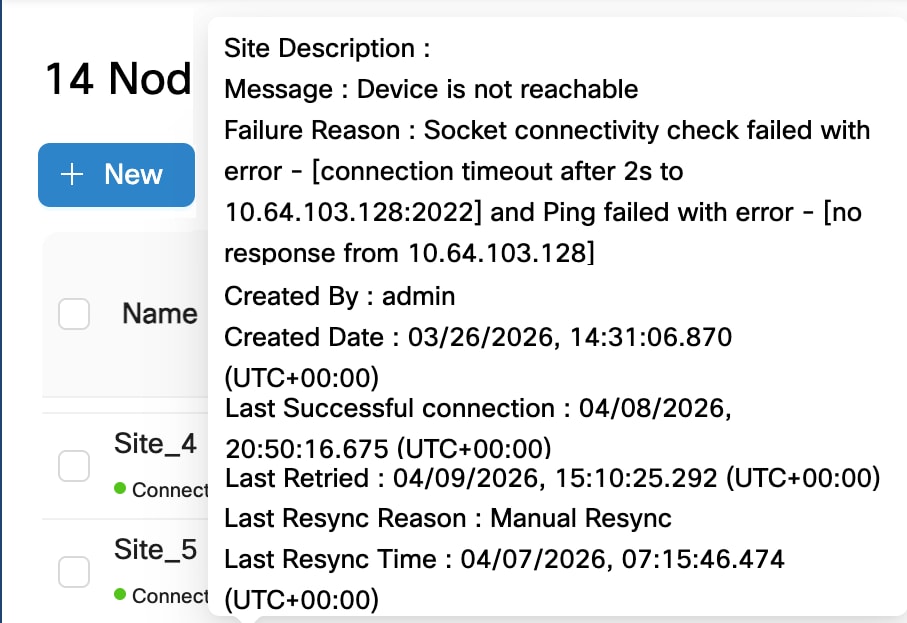
- Confirm Discovery Completed and Connected status for each node.
- Review topology maps and site inventory views.
- Stage 4 — Create and monitor circuits.
- Use Service Manager to provision optical channel circuits.
- Monitor circuit status and alarms using the monitoring workspace.