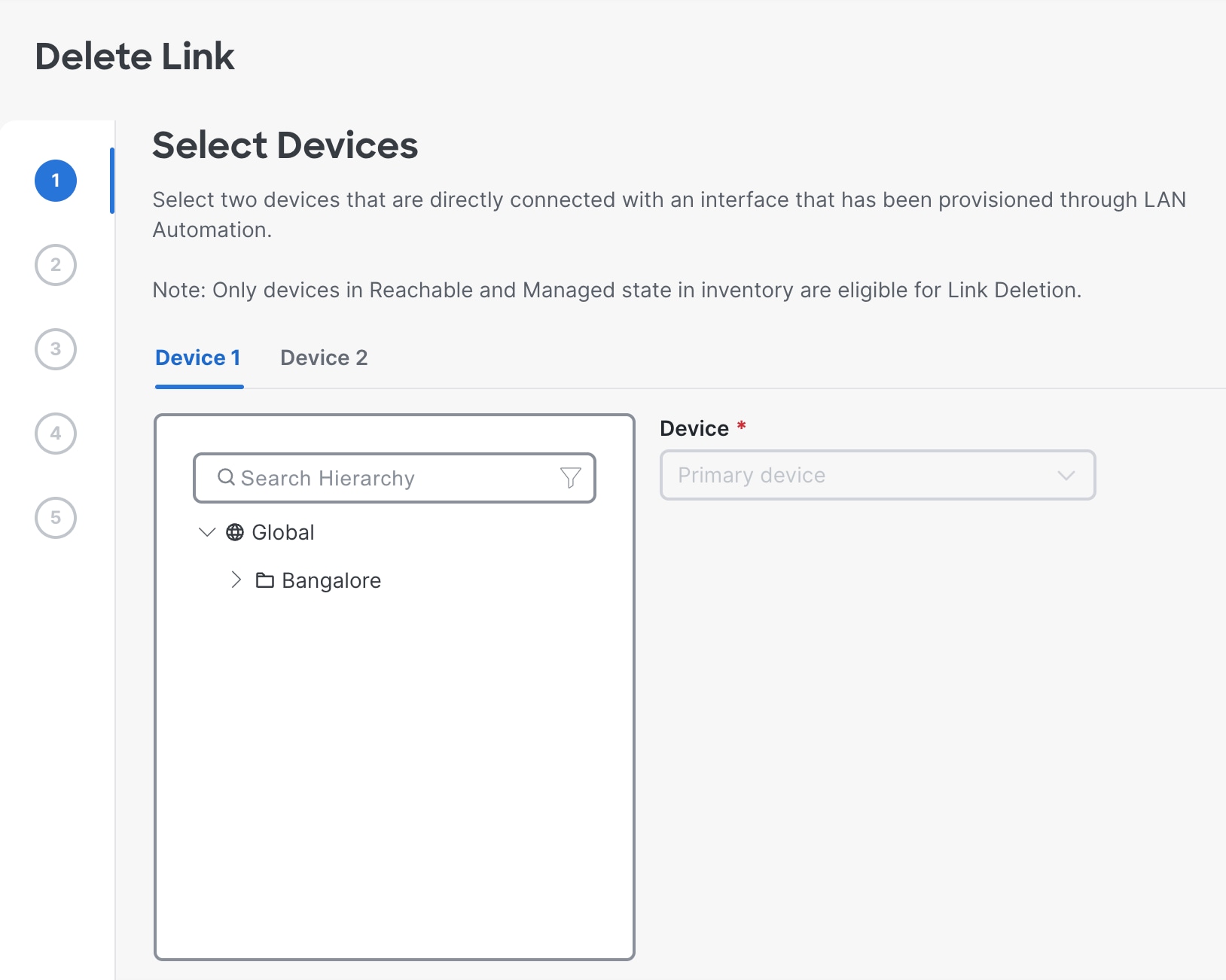
Delete the interface links between LAN automated devices.
Use this procedure to delete the interface links that were created during LAN automation or by doing an Add Link operation.
Before you begin
Ensure that the devices are reachable and in a managed state.
Procedure
| 1. | From the main menu, choose . |
|
| 2. | In the LAN Automation Devices tab of the LAN Automation window, click Delete Link. Alternatively, select the check box next to the two devices and then click Delete Link. 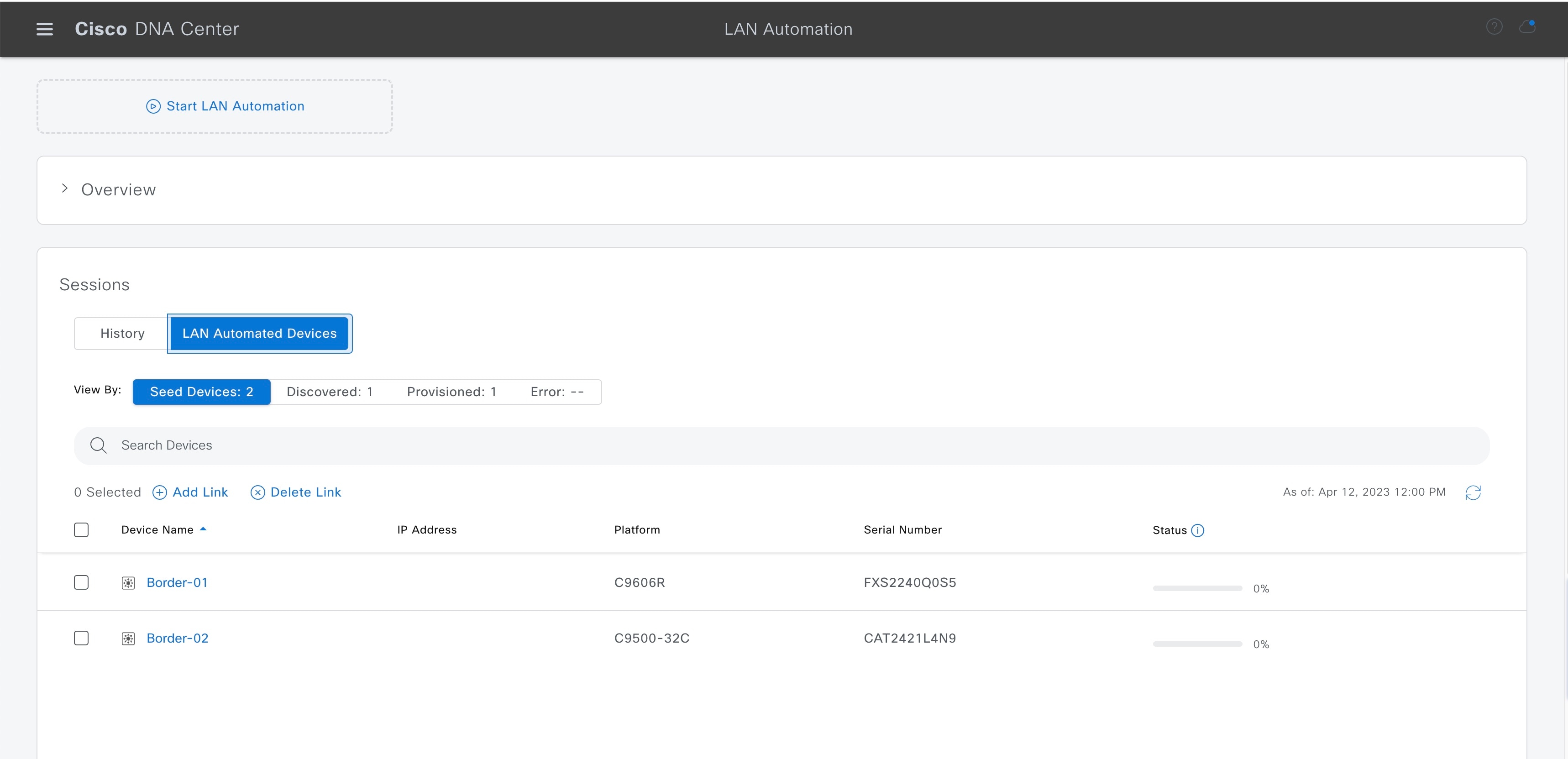
|
|
| 3. | Follow these steps in the Delete Link workflow:
|
|
| 4. | You can see the status of the configuration under . |