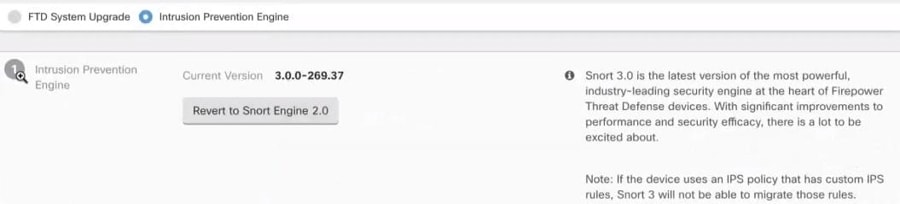
Learn how to revert an FDM-managed device from Snort 3 to Snort 2 in Security Cloud Control Firewall Management and monitor the reversion process.
Some intrusion rules in Snort 2.0 might not exist in Snort 3.0. If you downgrade to 2.0, any custom intrusion policies that you created are converted to the base policy used in the custom policy. As far as possible, rule action overrides are retained. If more than one custom policy uses the same base policy, the overrides of the custom policy that is used in the most access control policies are retained, and the overrides for the other custom policies are lost. Access control rules that used these"duplicate"policies will now use the base policy created from your most-used custom policy. All custom policies are deleted.
Before you opt to revert from Snort 3.0, read Managing Intrusion Policies (Snort2) of the Firepower Device Manager Configuration Guide and find out how switching snort engine versions will affect your current rules and policies.
Reverting to version 2 does not uninstall the Firepower software version.