Provides instructions for updating license counts in Cisco Crosswork Planning.
This topic describes how to update license counts in Cisco Crosswork Planning to ensure compliance and proper operation of the tools in the Cisco Crosswork Planning Design application.
Before you begin
Ensure you have a sufficient number of licenses in your Virtual Account in CSSM. Otherwise, the licenses will be out of compliance.
Procedure
-
Enter the required license count in the Modified count column.
Figure 1. Update license count page 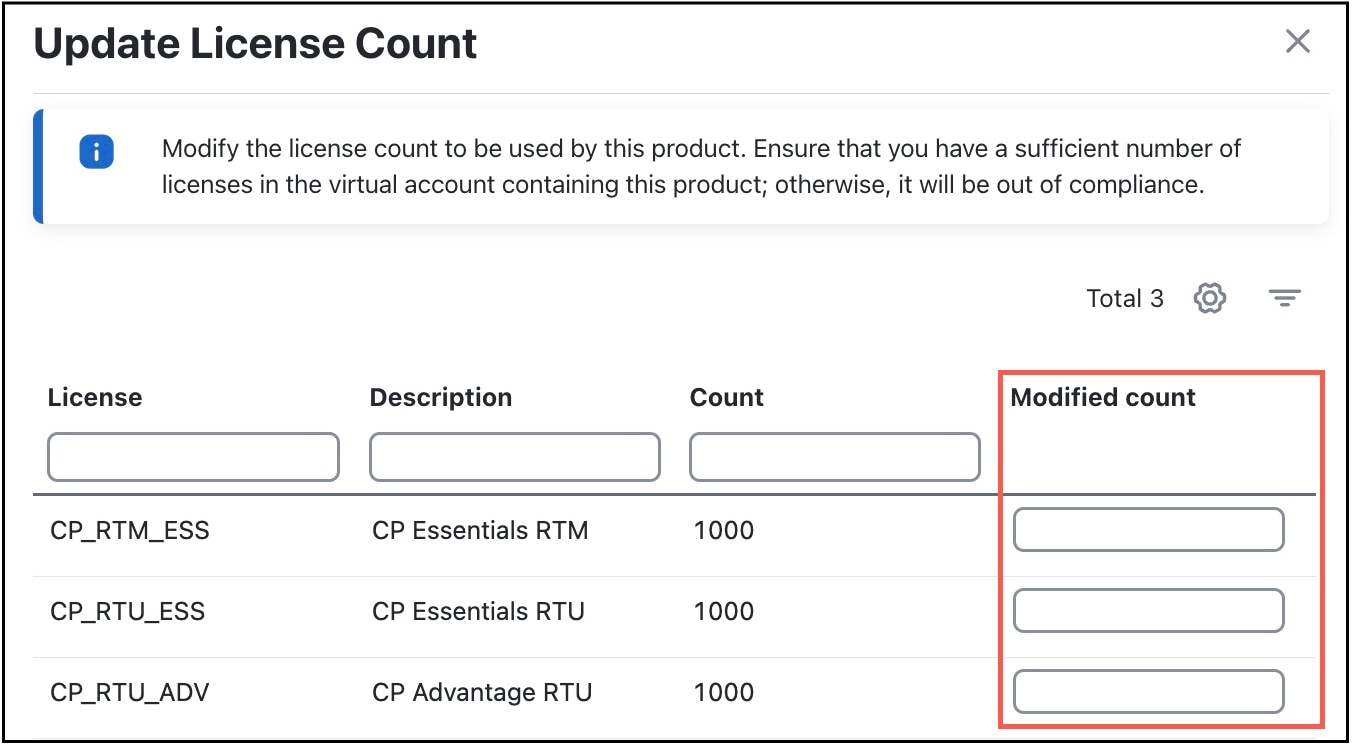
There are three types of licenses in Cisco Crosswork Planning:
-
CP_RTM_ESS: You can choose to have either one license or a number of licenses equal to the number of nodes in the network. Cisco Crosswork Planning Collector application functions even if there is only one license. However, for Cisco Crosswork Planning Design application, the count must match the number of nodes in the network. This is necessary for the tools and initializers to function correctly.
-
CP_RTU_ESS: A count of 1 is sufficient for both Cisco Crosswork Planning Collector and Design applications to function correctly.
-
CP_RTU_ADV: A count of 1 is sufficient for both Cisco Crosswork Planning Collector and Design applications to function correctly.
-
The system updates and applies the number of licenses.