Overview
Explains the aggregated view of sites across multiple controllers, how sites are combined into a single node, and the process for refreshing and searching within the site hierarchy.
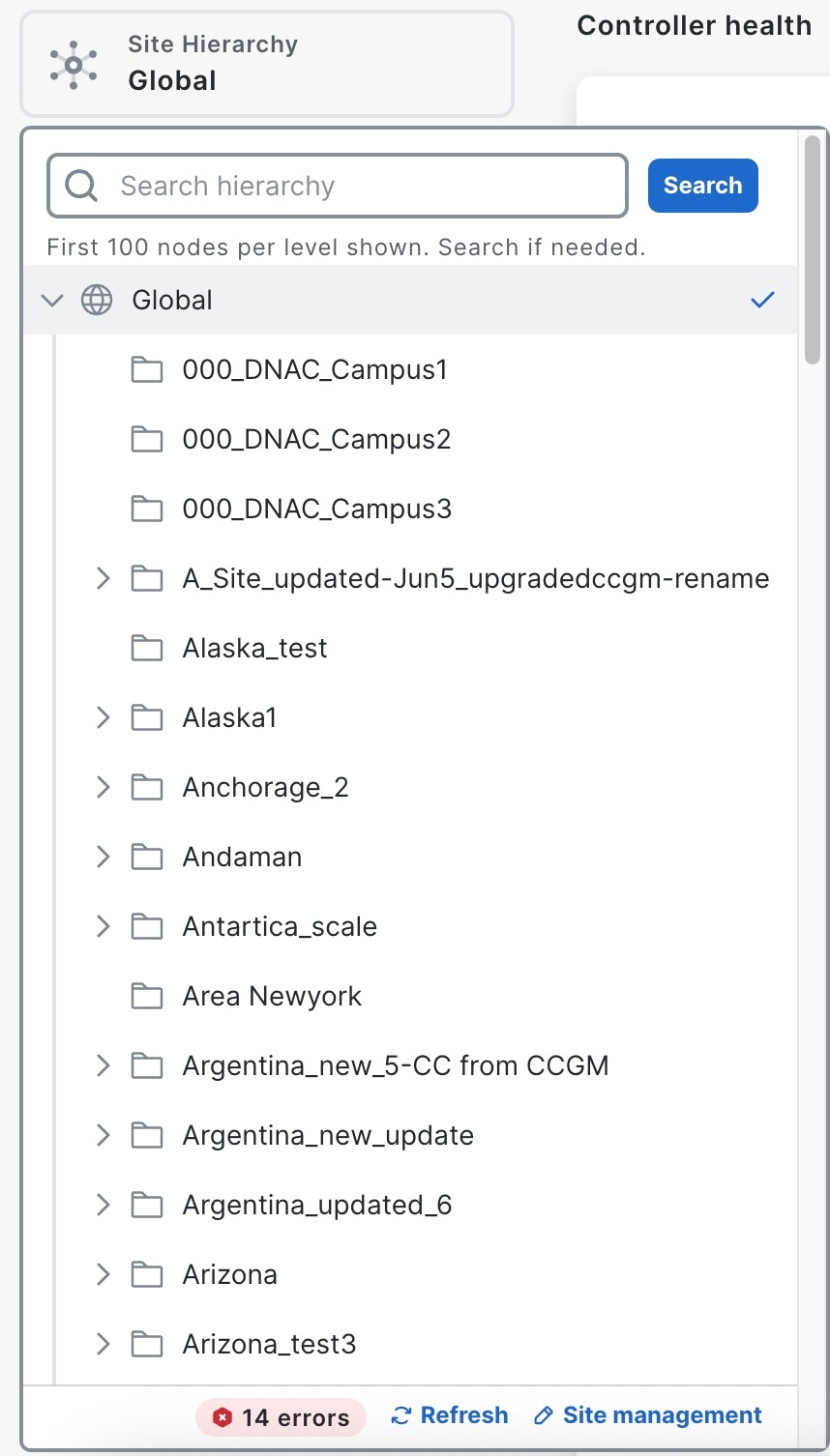
The Site Hierarchy selector in Catalyst Center Global Manager offers an aggregated view of all sites across different controllers. When multiple controllers share the same site (for example, Global/USA/East Coast), those sites are combined and presented as a single node in the site selector. The content displayed on the pages will be filtered based on the site that you select. An unfiltered view is also available.
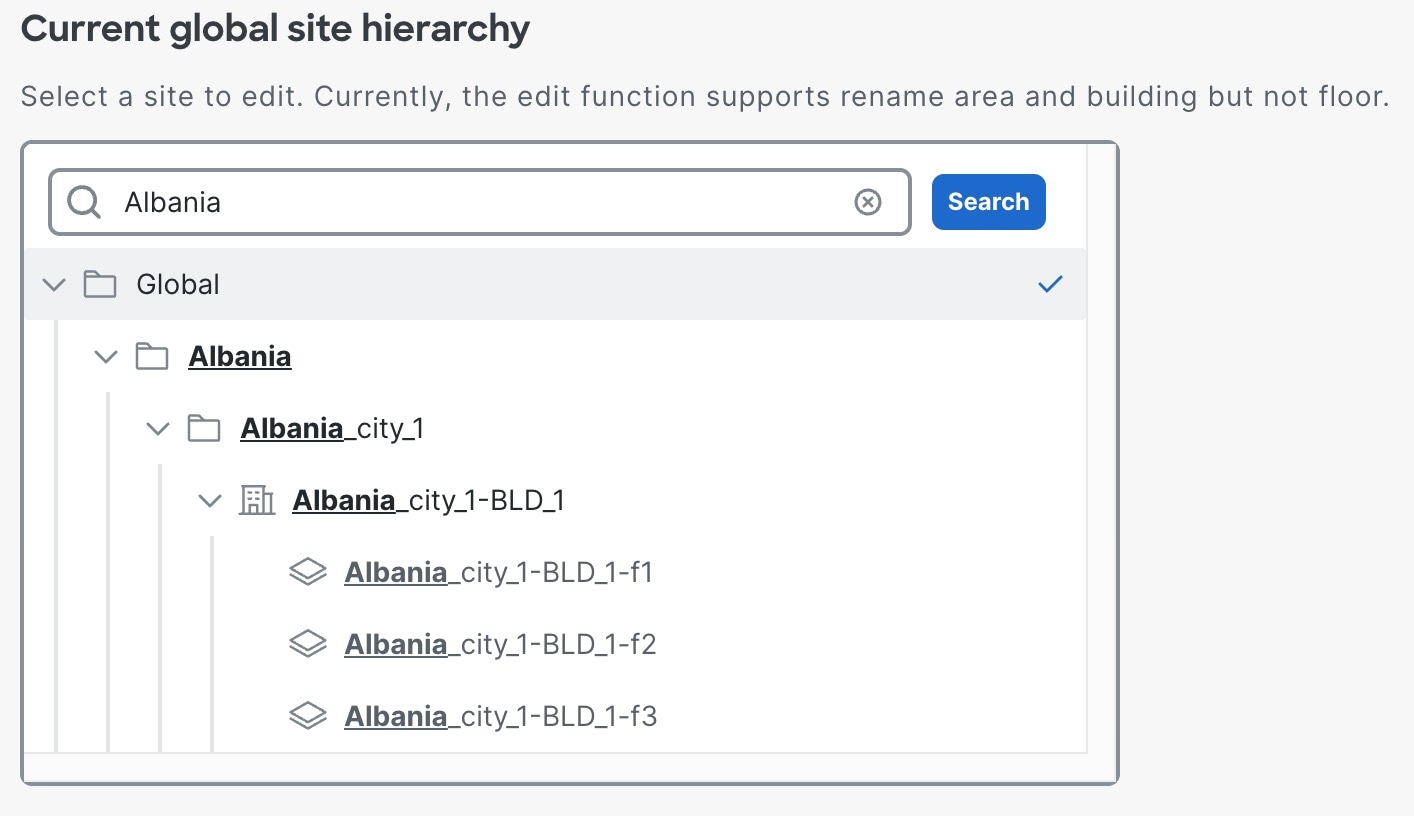
The Site Hierarchy selector lists the first 100 nodes at each level. You can search for a specific site by entering a string and then click Enter or the Search button to initiate the search.
Refresh site hierarchy
There are effectively three scenarios to trigger a refresh of site hierarchy:
-
If there any updates on the sites in any of the controllers, you need to manually click the Refresh button in the site selector to reload the data from all the controllers.
-
If any updates on the controller’s reachability, such as updates on the controller or changes in reachability (for example, a controller becoming reachable or unreachable), then a manual Refresh is required in the site selector.
Selecting a site will reflect the network health and alerts data on the Overview dashboard, as well as the other second-level pages data.
The network health and alerts are specific to each site, whereas the controller health is not site-specific.
-
In case of any error while populating the site data, an error count shows up in the bottom bar next to the Refresh.
The site selector does not automatically refresh for all changes; it only automatically refreshes the controller's sites in response to specific events such as:
-
Controller enrollment with toast notification refresh.
-
Unenrollment with toast notification refresh.
For these events, there's no need to manually click the Refresh button. In contrast, an on-demand refresh in the Catalyst Center Global Manager site selector is required when there are changes to the sites on the controller side, such as adding, deleting, or modifying sites.
Catalyst Center Global Manager does not support non-global site-based RBAC for Catalyst Center sites; however, it displays globally scoped site-based RBAC sites in the site selector.