Overview
This section outlines the end-to-end workflow for deploying the Secure Workload Software Appliance in VMware vSphere.
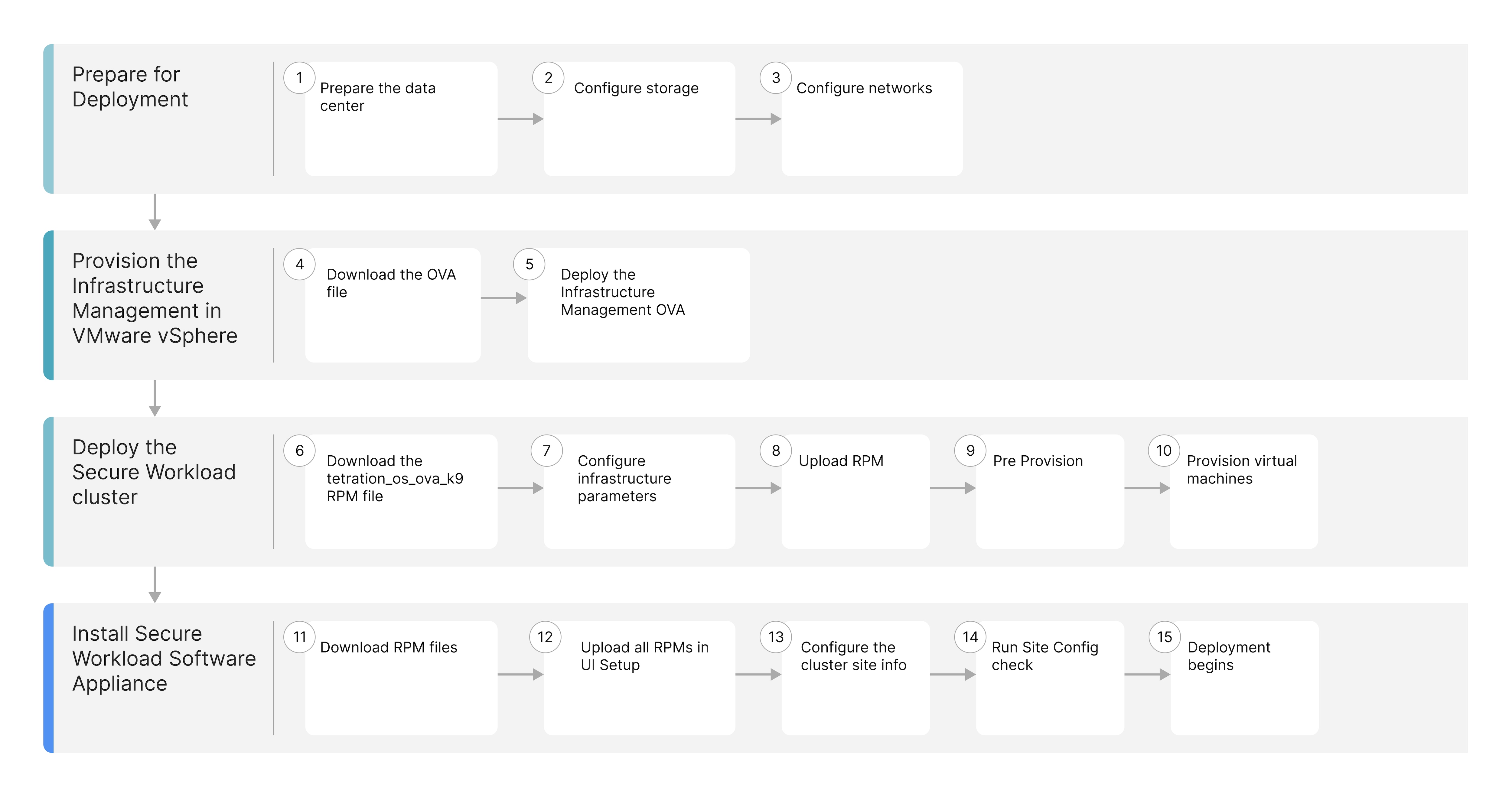
The workflow illustrates a high-level visual summary of each key step in the deployment process.
| Workflow Steps |
Description |
|---|---|
| Prepare the datacenter, configure storage, and networks. |
|
| Download the Infrastructure Management Open Virtual Appliance (OVA) package available from Cisco.com and deploy the OVA using the VMware vSphere web interface. |
|
| Deploy the Secure Workload cluster through the Infrastructure Management interface. |
|
| Deploy the Secure Workload software Appliance through the Infrastructure Management interface. |