Overview
How to deploy policy changes to the Secure Firewall 6100 so your interface, NAT, DHCP, and access control updates take effect on the device..
Deploy the configuration changes to the device; none of your changes are active on the device until you deploy them.
Procedure
| 1. | Click Deploy in the upper right. 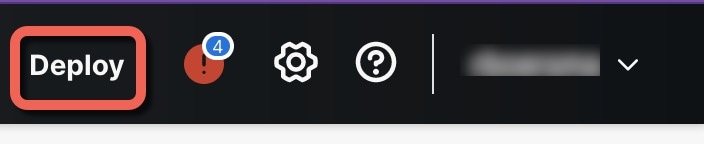
|
|
| 2. | For a quick deployment, check specific devices and then click Deploy. 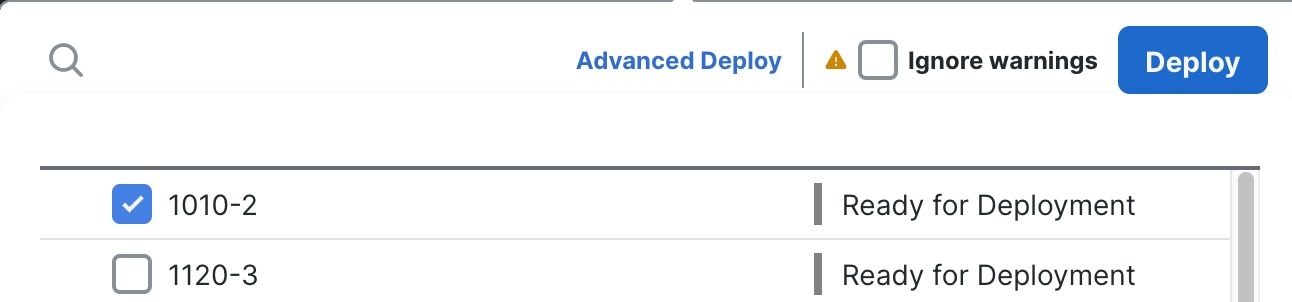
Or click Deploy All to deploy to all devices. 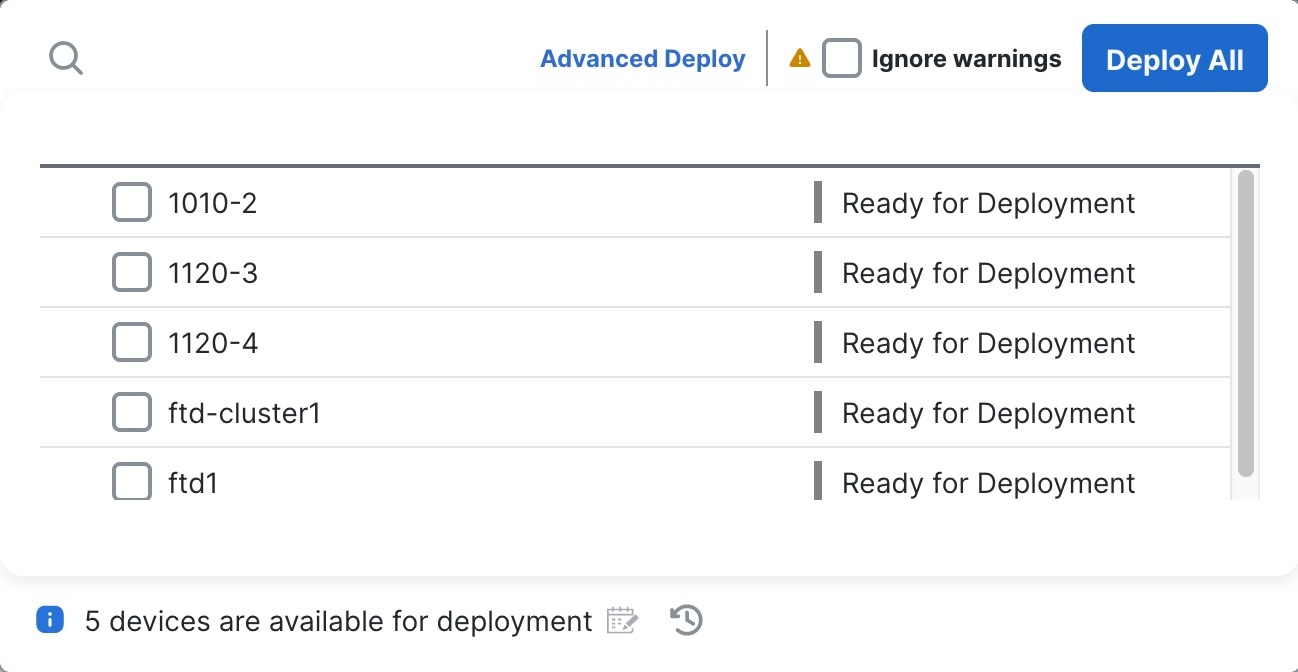
Otherwise, for additional deployment options, click Advanced Deploy. 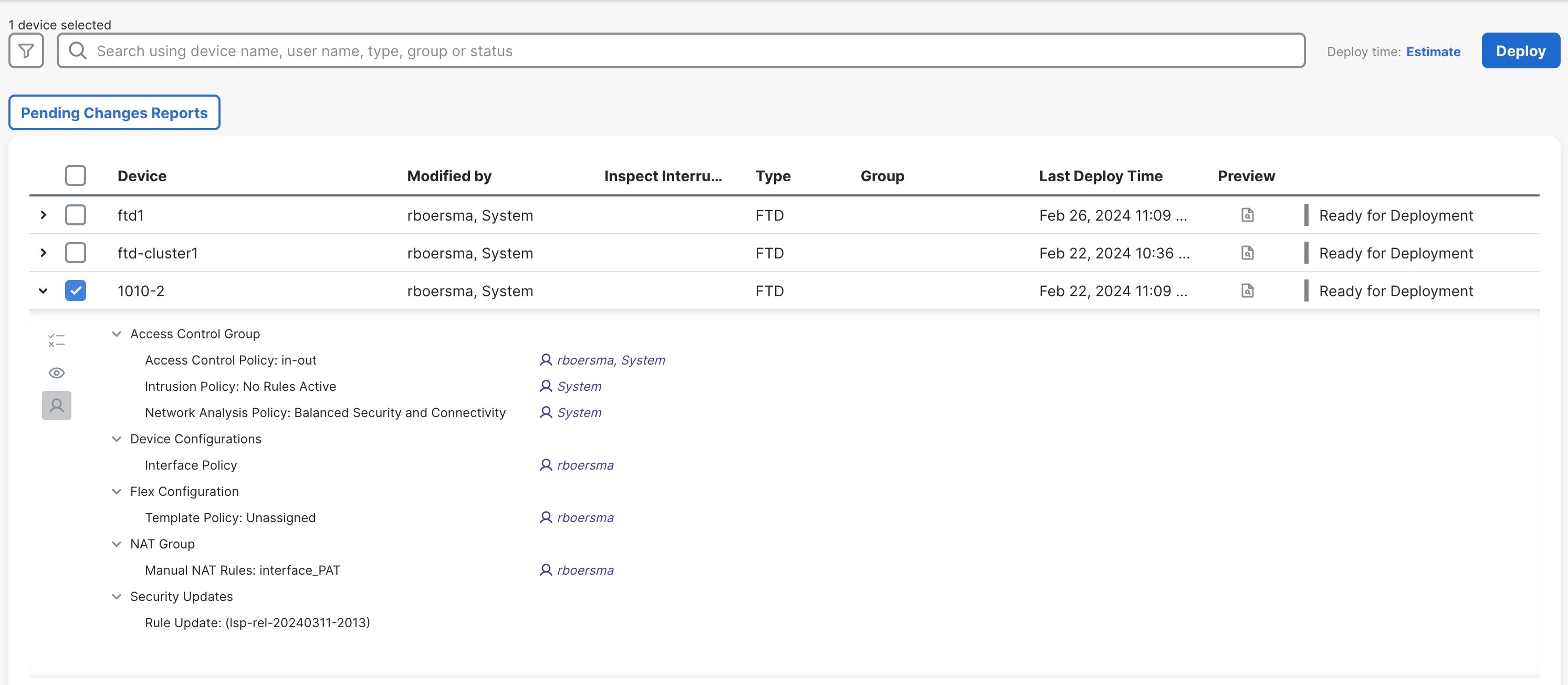
|
|
| 3. | Ensure that the deployment succeeds. Click the icon to the right of the Deploy button in the menu bar to see status for deployments. 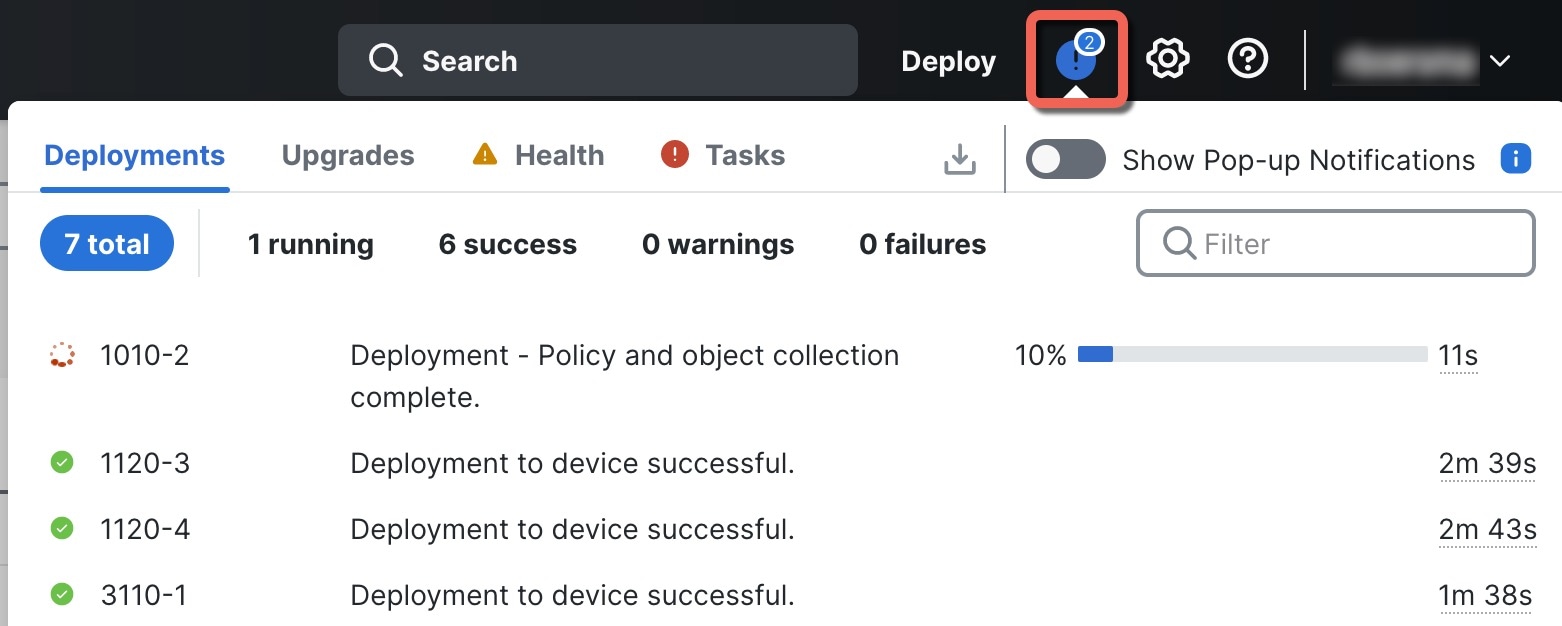
|