Create new Catalyst SD-WAN security objects and security profiles using Security Cloud Control Firewall Management.
Use Security Cloud Control Firewall Management to create new Catalyst SD-WAN security objects and security profiles.
Procedure
| 1. | Choose Objects. |
|
| 2. | Click the WAN Branch Edge tab. |
|
| 3. | Click the Create Object (
|
|
| 4. | Click the object or profile you want to create: Objects: Profiles: |
|
| 5. | Click Save. |
 ) icon.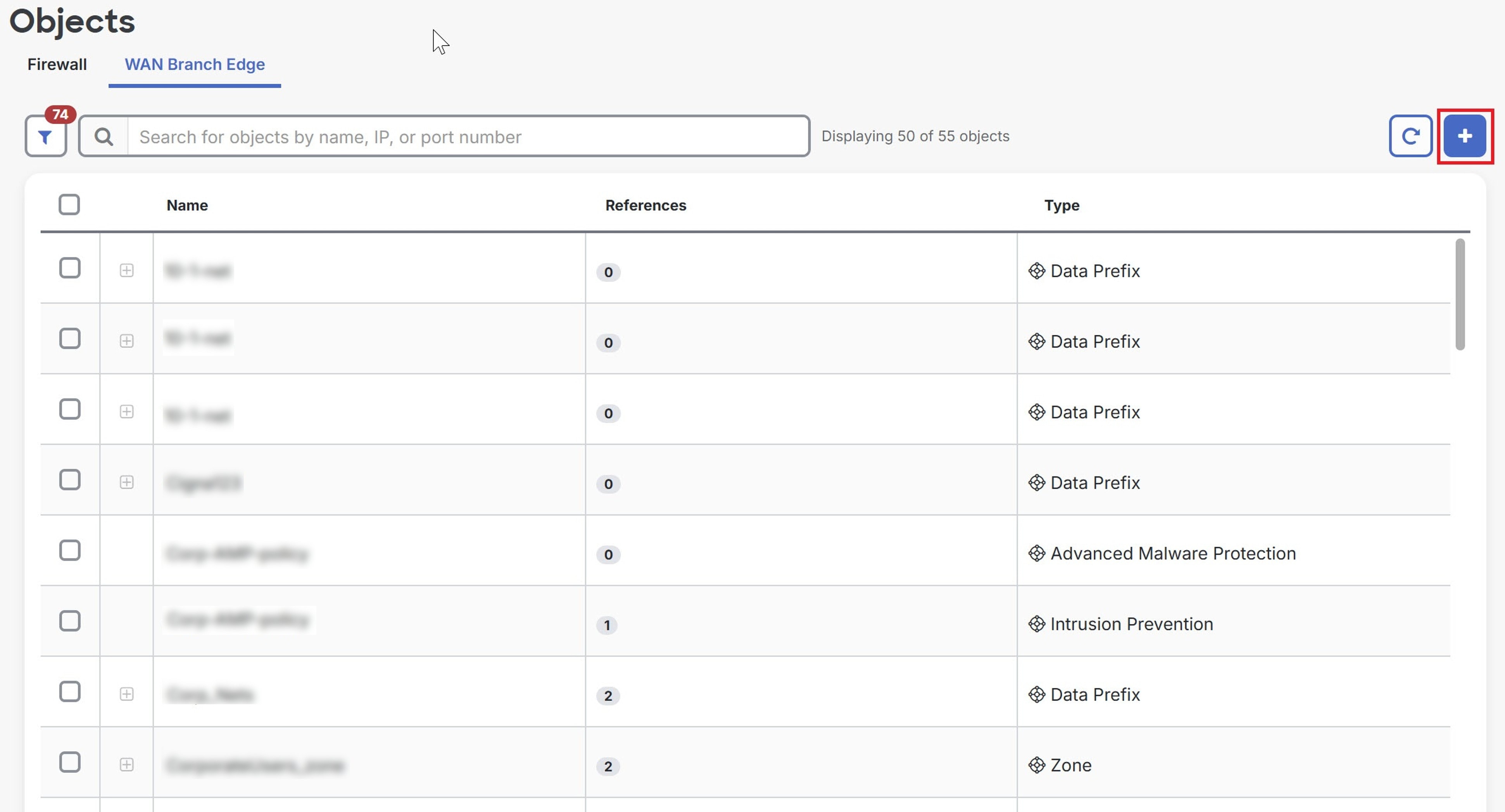
The objects are created in Security Cloud Control Firewall Management. To see the logs in Catalyst SD-WAN Manager, navigate to .