View the Advanced Malware Protection (AMP) events dashlet, which shows malicious, unknown, and clean file counts over time. This dashboard view maps to Catalyst SD-WAN Manager Security Monitor IPS/AMP dashlets.
The Advanced Malware Protection (AMP) events dashlet displays the counts of malicious, unknown, and clean files identified by AMP over a selected period. AMP blocks malware based on file reputation and uploads unknown files to Cisco AMP Threat Grid for further analysis.
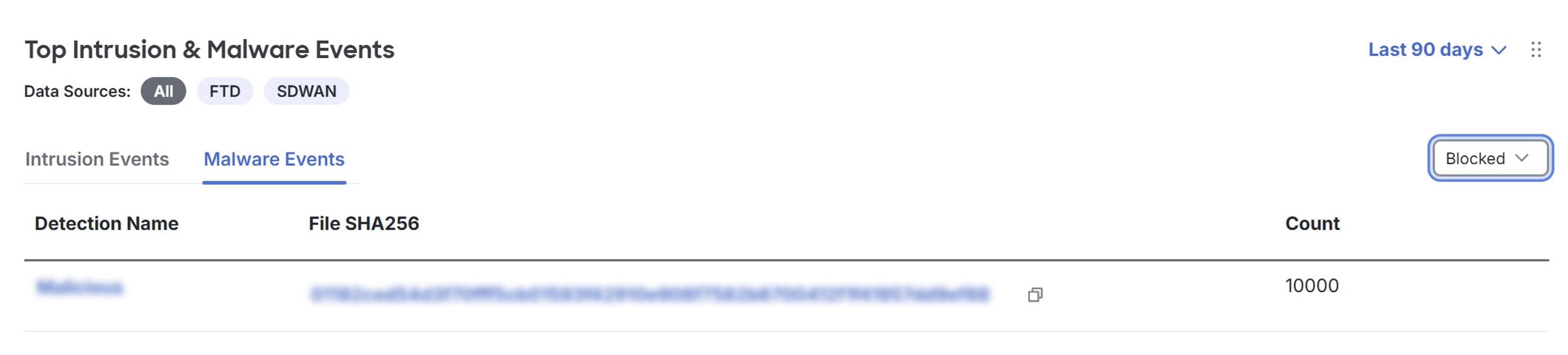
The Top Intrusion & Malware Events dashlet on the Security Cloud Control Firewall Management dashboard is mapped to the Intrusion Prevention and Advanced Malware Protection dashlets on the Monitor page of Catalyst SD-WAN Manager on the Security tab.
Procedure
| 1. | Click Dashboard. |
|
| 2. | Navigate to the Top Intrusion & Malware Events dashlet. |
|
| 3. | Click SDWAN under Data Sources. |
|
| 4. | Click the Malware Events tab. |
|
| 5. | Select Blocked in the drop-down near the dashlet. By default, Allowed is selected.
|
|
| 6. | Click the event you want to view in Catalyst SD-WAN Manager. A cross-launch window of the Catalyst SD-WAN Manager Monitor page appears. |
|
| 7. | Navigate to the Advanced Malware Protection dashlet to view the event. |