Learn how to manage Catalyst SD-WAN devices in Security Cloud Control Firewall Management, including viewing onboarded devices and templates, reviewing device configurations, launching policy groups, and removing devices.
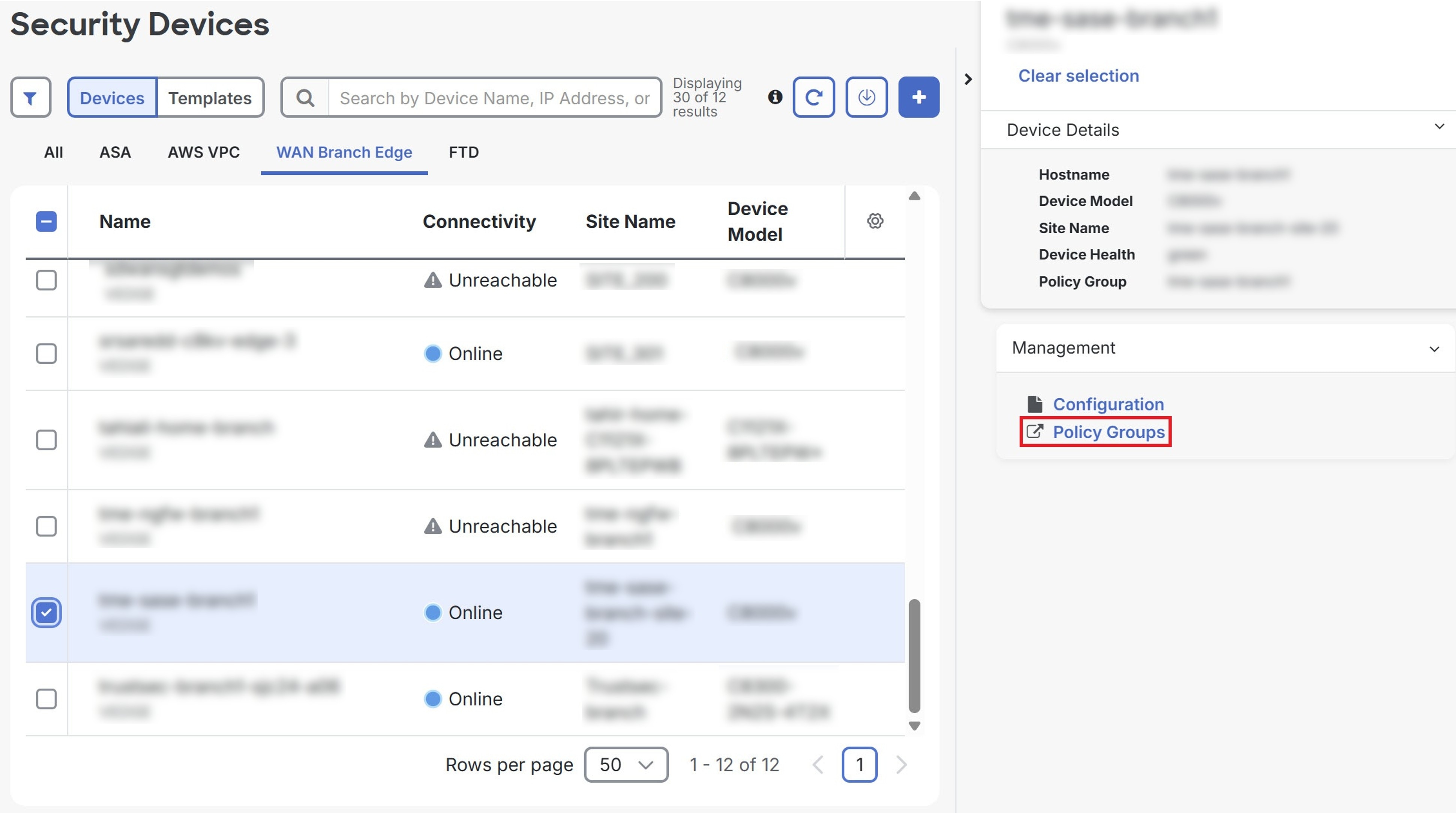
Security Cloud Control Firewall Management lets you cross-launch to the Policy Groups page in Catalyst SD-WAN Manager for the onboarded Catalyst SD-WAN Manager.
Procedure
SUMMARY STEPS
- Choose .
- Click the WAN Branch Edge tab.
- Select a device and click Policy Groups under Management.
DETAILED STEPS
| 1. | Choose . |
|
| 2. | Click the WAN Branch Edge tab. |
|
| 3. | Select a device and click Policy Groups under Management.
|