Crosswork Data Gateway interactive console
When you log in to the Crosswork Data Gateway, an interactive console is launched, providing a command-line interface for managing and troubleshooting the system. The console presents a Main Menu upon successful login.
Main menu overview and role-based access
The Main Menu displays various options depending on the user's role and privileges. The options available may differ between an Administrator (dg-admin) and an Operator (dg-oper). Below is an example of the Main Menu for the dg-admin user:
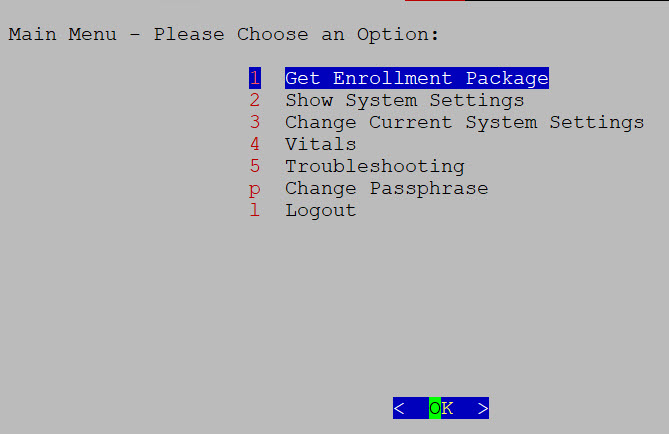
The Main Menu presents the following options:
-
Get Enrollment Package
-
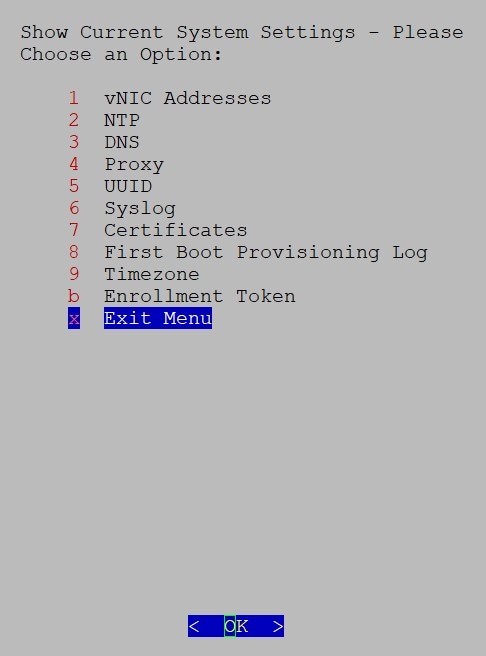
Show System Settings
-
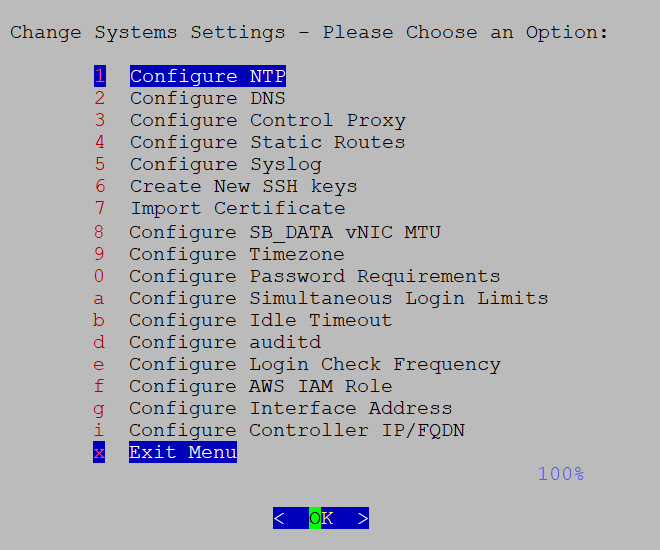
Change Current System Settings
-
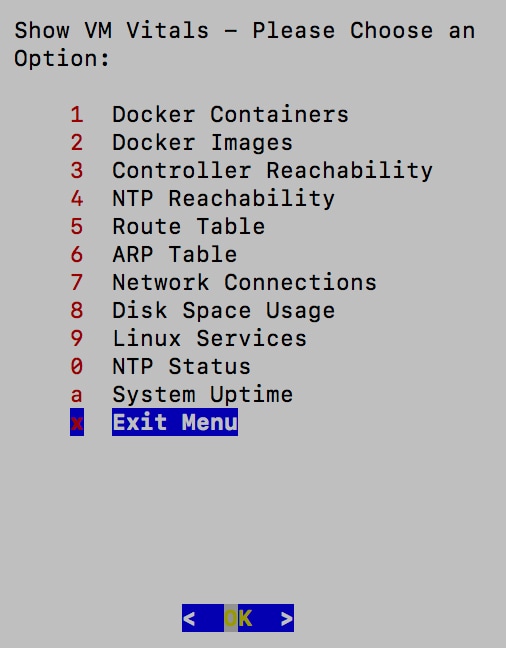
Vitals
-
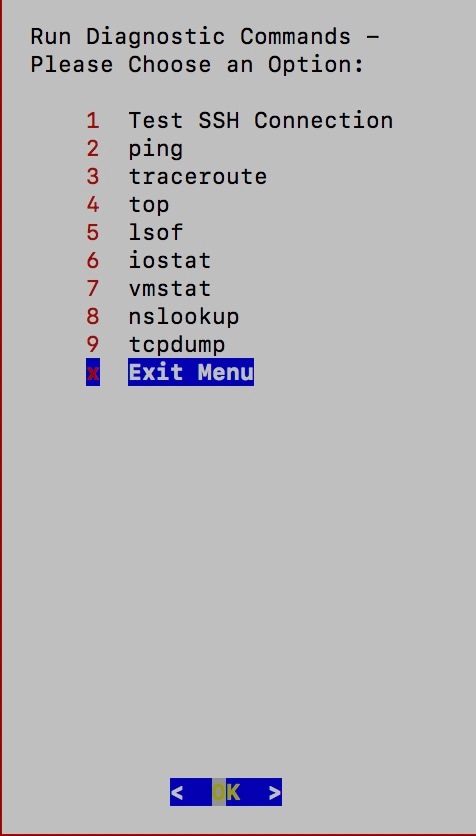
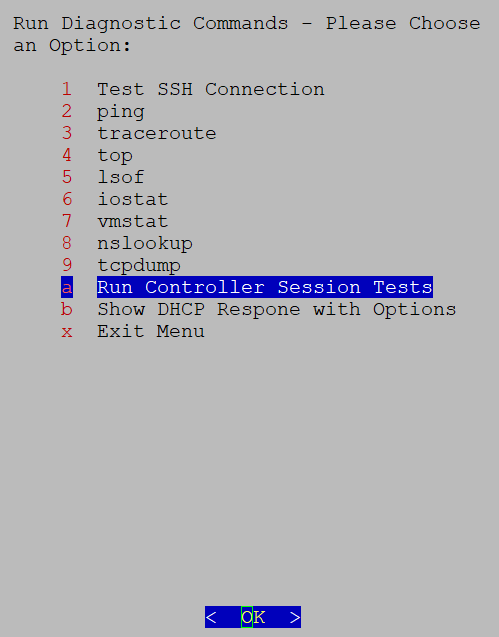
Troubleshooting
-
Change Passphrase
-
Log out
User roles and configuration guidelines
-
The Main Menu for the dg-oper user differs, as the operator has more limited access compared to the administrator. Refer to the Table 1 table for a detailed breakdown of user roles and their associated privileges.
-
When using an IPv6 address for any configuration, surround it by square brackets ([1::1]).



 Feedback