Overview of Partner App Center
The Cisco Spaces - Partner Dashboard offers Cisco Spaces partners, a single location to view, update, add, and test their application. Cisco Spaces is seamlessly integrated with the Cisco Spaces - Partner App Center. As a partner, you can access location data that the access points collect and use this data to extend your business apps. Log in to the Cisco Spaces - Partner Dashboard to create and integrate your applications.
 Note |
This feature is available from Cisco Spaces Extend licenses. |
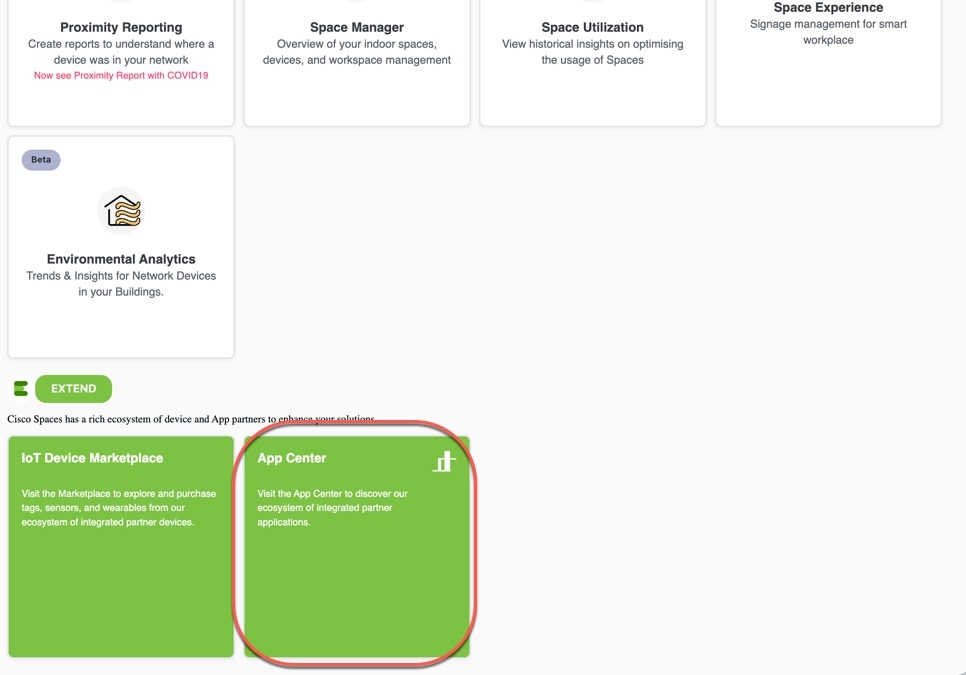
The combination of the Cisco Spaces platform plus the Partner-led ecosystem provides the ability to work with third-party application developers, to build customized applications for individual businesses and customers, by leveraging the power of Cisco Spaces and the Cisco Spaces - Partner Firehose API.
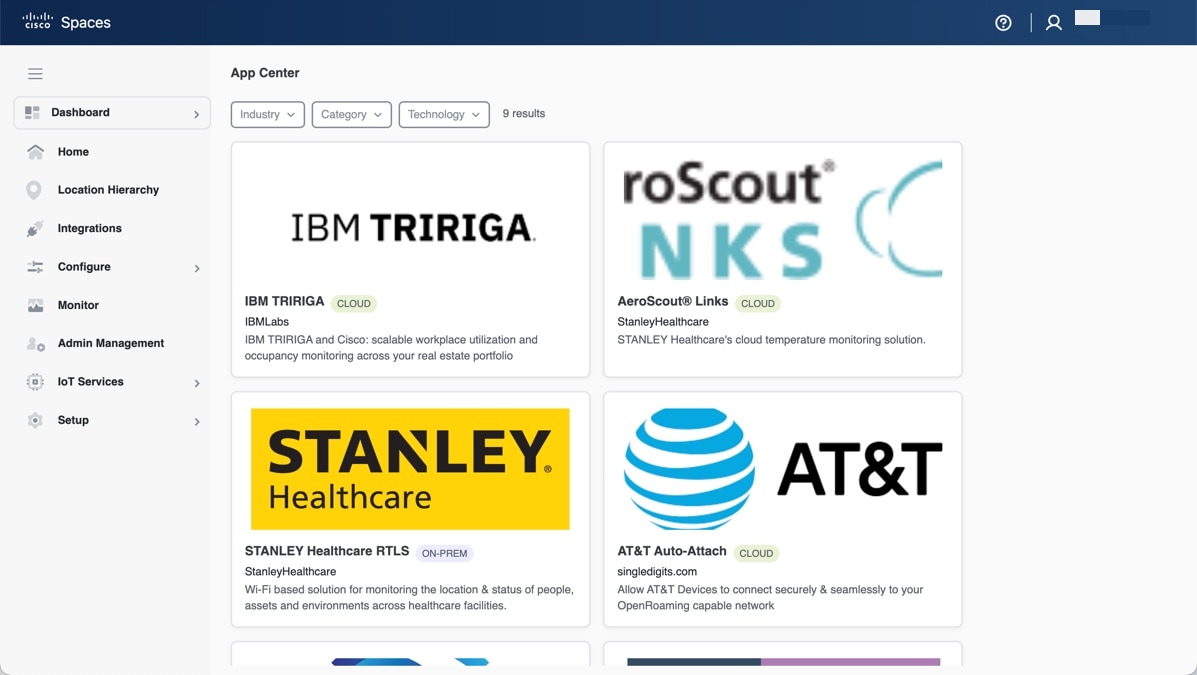
Application developers use the Partner APIs, also called the Cisco Spaces - Partner Firehose API to create and publish their Apps. The Partner ecosystem allows independent software vendors to enable vertical-relevant, pre-validated, and tested location-based solution applications and to publish their live applications on the Cisco Spaces - Partner App Center. As a registered partner, you can access the Cisco Spaces - Partner App Center.
Your customers can view and activate the applications from the Cisco Spaces - Partner App Center. For example, your customer can click on any available App from the Cisco Spaces - Partner App Center and choose to activate the App for their business use cases. After the app is approved and made live in the Cisco Spaces - Partner App Center, it is available for all the customers of Cisco Spaces for activation. When a customer activates the app, the customer's data starts flowing to your app as events over the Cisco Spaces - Partner Firehose API.
For more information about Partner App Management, refer to Overview of the Cisco Spaces - Partner Ecosystem online help.
Partner Firehose event data and filter scope
For Cisco Meraki-connected customers, IOT_TELEMETRY events can include PM2.5 mass-concentration data when it is available from the source device.
Device-level Firehose events can also include occupancyAnalytics metadata for devices evaluated against Live Occupancy exclusion filters. The metadata indicates whether Cisco Spaces evaluated
the device as INCLUDE or EXCLUDE. This behavior applies to the these events:
-
DEVICE_LOCATION_UPDATE -
DEVICE_PRESENCE -
DEVICE_ENTRY -
DEVICE_EXIT -
DEVICE_ASSOCIATION
Firehose filter APIs support independent event-type scope for MAC, MAC OUI, iBeacon, and Eddystone filters through these optional fields:
-
macFilterEventTypes -
macOuiFilterEventTypes -
iBeaconFilterEventTypes -
eddystoneFilterEventTypes
If a field is omitted or contains an empty list, Cisco Spaces retains the default event scope. GET returns the effective event-type scope for each filter. DELETE clears the configured filters and resets the event-type scopes to their default behavior.
 Feedback