Access the IEC-6400 Gateway CLI from CIMC CLI
Use CIMC CLI to access the server for configuring the IEC6400 gateway .
Procedure
|
Step 1 |
To connect with the server through the serial console,
use the following CLI command:
|
|
Step 2 |
Enter the username and password. Credentials are Cisco/Cisco . |
|
Step 3 |
To retrieve the details of DHCP address in the provisioning mode,
use the following CLI command:
|
|
Step 4 |
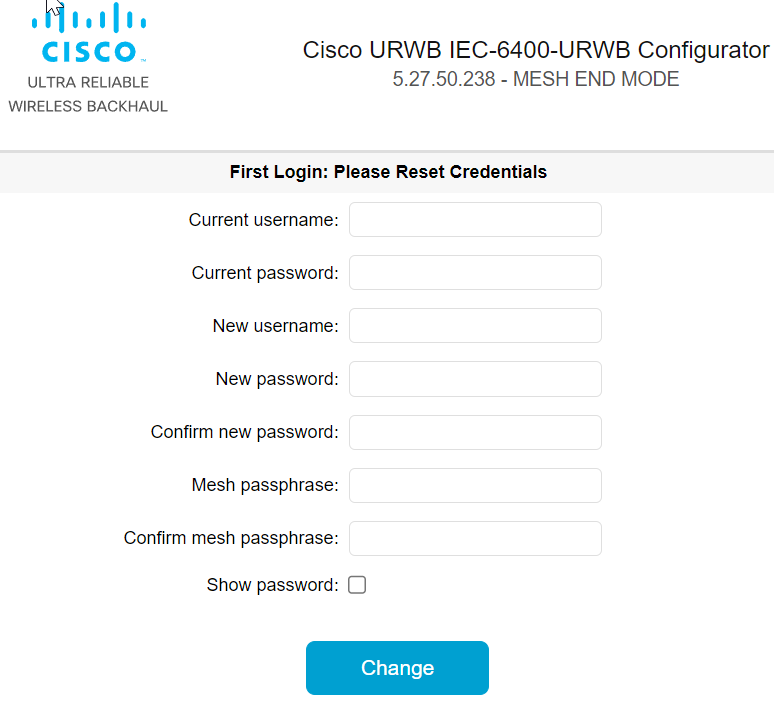
At first, use the CLI command to set new username and password:
|
|
Step 5 |
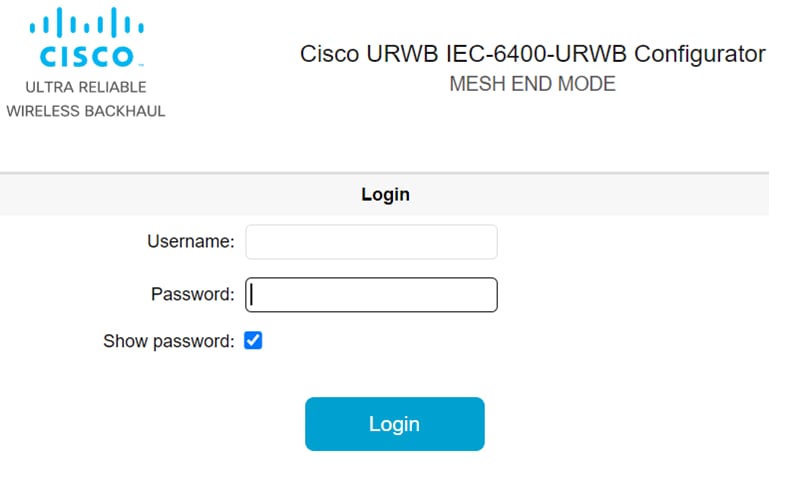
Login with default login credentials and then enter the new username and password. For rules on creating the new login credentials, see Rules to Reset the Login Credentials . |
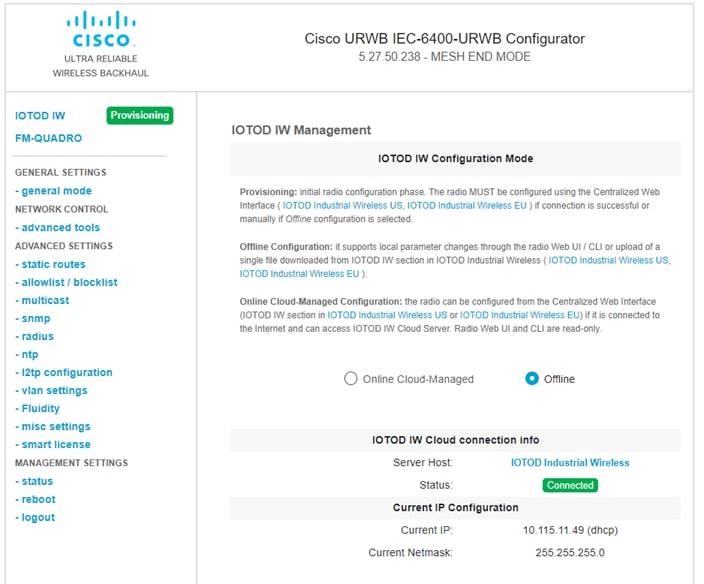
After successful login, the device is in provisioning mode.
 Feedback