Overview
Learn how to configure Firepower 1100 interfaces, including assigning inside and outside zones and setting IP addressing for routed deployments.
When you use zero-touch provisioning or the Firewall Device Manager for initial setup, the following interfaces are preconfigured:
-
Ethernet 1/1—outside, IP address from DHCP, IPv6 autoconfiguration
-
Ethernet 1/2— inside, 192.168.95.1/24
-
Default route—Obtained through DHCP on the outside interface
If you performed additional interface-specific configuration within Firewall Device Manager before registering with the Firewall Management Center, then that configuration is preserved.
The following example configures a routed-mode inside interface with a static address and a routed-mode outside interface using DHCP. It also adds a DMZ interface for an internal web server.
Procedure
| 1. | Choose , and click Edit ( |
|
| 2. | Click Interfaces. 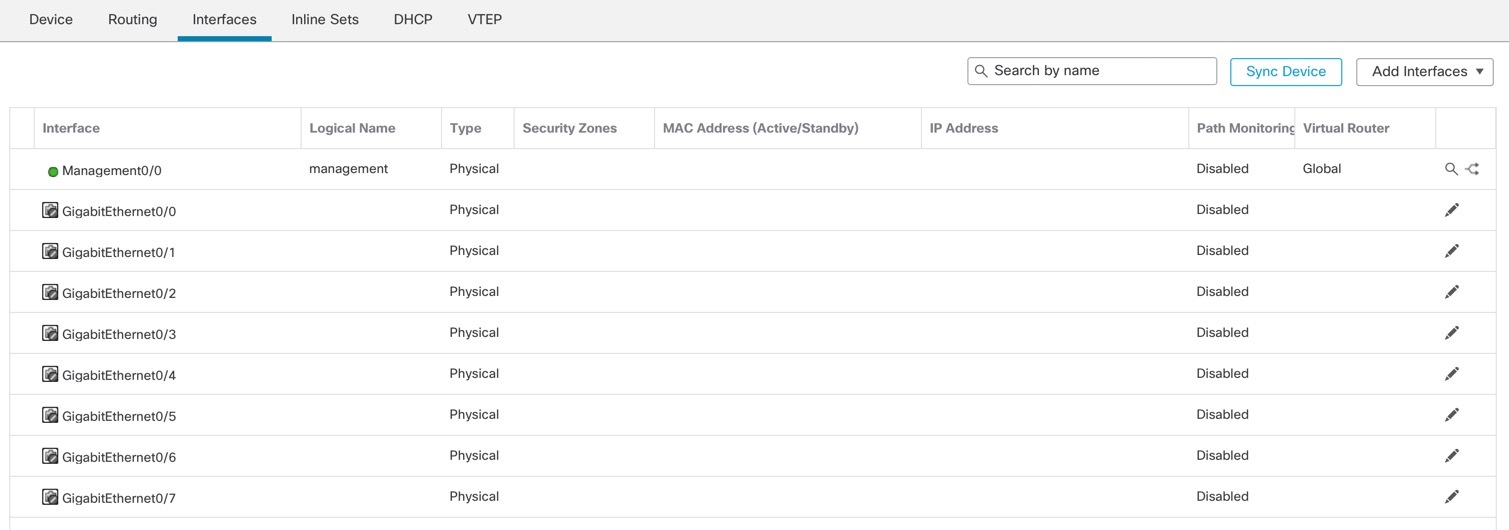
|
|
| 3. | Click Edit ( 
|
|
| 4. | Click Edit ( 
|
|
| 5. | Configure a DMZ interface to host a web server, for example.
|
|
| 6. | Click Save. |


