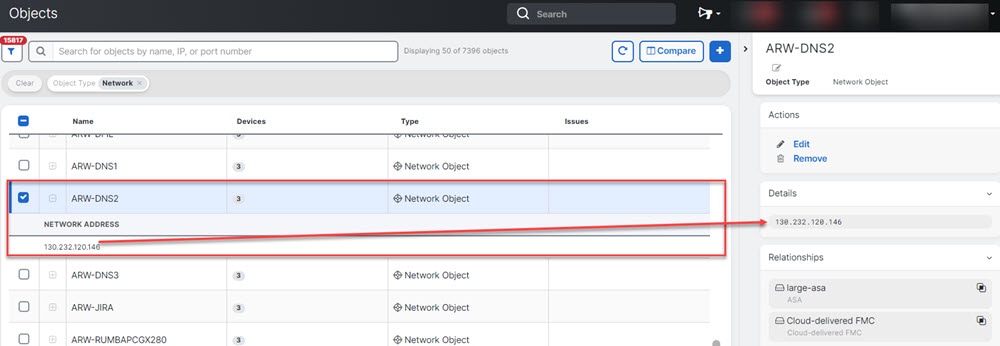
Describes shared objects in Security Cloud Control and how a single object definition applies across multiple devices and policies to maintain consistency. Explains identification in the interface and how changes propagate to all policies that reference the object.
A shared object is an object that
exists on multiple devices with the same name and the same contents
helps maintain policies because one object change affects every policy that uses that shared object, and
is identified by an icon on the Objects page.
Identification and display in security cloud control
Shared objects are identified by this icon
on the Objects page. Shared objects make it easy to maintain policies because you can modify an object in one place and that change affects all the other policies that use that object. Without shared objects, you would need to modify all the policies individually that require the same change.
When looking at a shared object, Security Cloud Control shows you the contents of the object in the object table. Shared objects have exactly the same contents. Security Cloud Control shows you a combined or "flattened" view of the elements of the object in the details pane. Notice that in the details pane, the network elements are flattened into a simple list and not directly associated with a named object.