Which Device Software Versions Are Supported by Cisco EPN Manager?
All devices should be running a certified device software version. However, certain devices must be running the minimum device software version. Follow the instructions in the table below on how to find out about a device software version.
|
To find this information: |
Do the following: |
|
A list of all certified device software versions |
Refer to Cisco EPN Manager. |
|
Choose and hover over the "i" in the Software Version column to display a popup. |
|
|
Devices that require a minimum device software version |
Choose and check the Software Version column for text similar to >=x.x (For example, >=12.2 would indicate that the device must run at least device software version 12.2). |
Generic Device Support
The Cisco EPN Manager provides management of generic Cisco and non-Cisco devices, which are not officially supported (features).
|
Generic Device Type |
Supported Features |
Supported MIBs |
Supported Faults |
|---|---|---|---|
|
Cisco device |
System - Summary System - Environment System - Civic Location System - Modules System - Physical Ports System - Sensor Interfaces - All Interfaces Interfaces - Ethernet Interfaces Physical Links |
SNMPv2 ENTITY-MIB IF-MIB LLDP-MIB CISCO-ENTITY-FRU-CONTROL-MIB |
Linkup/ Linkdown (IF-MIB) Warm start (SNMPv2-MIB) Cold start (SNMPv2-MIB) Authentication Failure (SNMPv2-MIB) BDI interface down/ up (Link down/up localized to BDI) (IF-MIB) entSensorThresholdNotification (CISCO-ENTITY-SENSOR-MIB) |
|
Non-Cisco device |
System - Summary System - Modules System - Physical Ports Interfaces - All Interfaces Physical Links |
SNMPv2 ENTITY-MIB IF-MIB LLDP-MIB |
Linkup/ Linkdown (IF-MIB) Warm start (SNMPv2-MIB) Cold start (SNMPv2-MIB) Authentication Failure (SNMPv2-MIB) |
Generic Device Support: Map a New Generic Device
You can manage a generic device by mapping it to a Cisco device to support functionalities such as inventory management, device level configuration, service provisioning, topology discovery, and fault management.
 Note |
The Cisco device that you intend to map with a generic device must have a similar parity and version level. |
To map a new generic device to a Cisco device,
Procedure
|
Step 1 |
Navigate to , and choose . |
||
|
Step 2 |
Click the "+" icon under Custom Device Profile to open an Add Custom Device Profile window. |
||
|
Step 3 |
Enter the Product OID, Original Device Type, and Existing Device Profile Tree (Cisco device type). |
||
|
Step 4 |
Once the mapping is complete, go to Network devices, add the newly mapped generic device and manage it. See Add and Organize Devices.
|
Generic Device Support: Map an Existing Generic Device
You can map an existing generic device to a Cisco device to extend the support for functionalities such as inventory management, device level configuration, service provisioning, topology discovery, and fault management.
Note |
The Cisco device type that you intend to map with a generic device must have the similar parity and version level. |
To map an existing generic device to a Cisco device,
Procedure
|
Step 1 |
Navigate to , and choose . |
||
|
Step 2 |
Click the "+" icon under Custom Device Profile to open an Add Custom Device Profile window. |
||
|
Step 3 |
Enter the Product OID, Original Device Type, and Existing Device Profile Tree (Cisco device type). |
||
|
Step 4 |
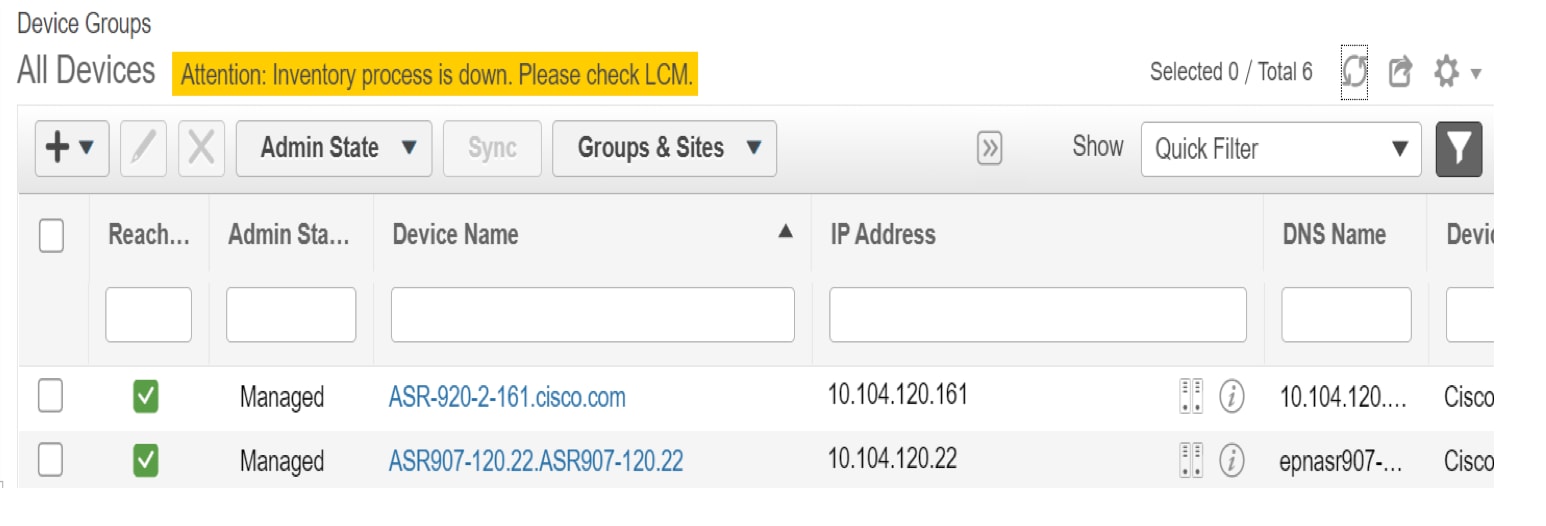
Once the mapping is complete, go to Network devices and click the Sync option. This completes the mapping procedure and syncs the generic device with its mapped Cisco device type.
|
 icon above the Network Devices table, and choose


 ), then choose
 and choose
 Feedback