About the NX-API Developer Sandbox
The Cisco NX-API Developer Sandbox is a web form hosted on the switch. It translates NX-OS CLI commands into equivalent XML or JSON payloads and converts NX-API REST payloads into their CLI equivalents.
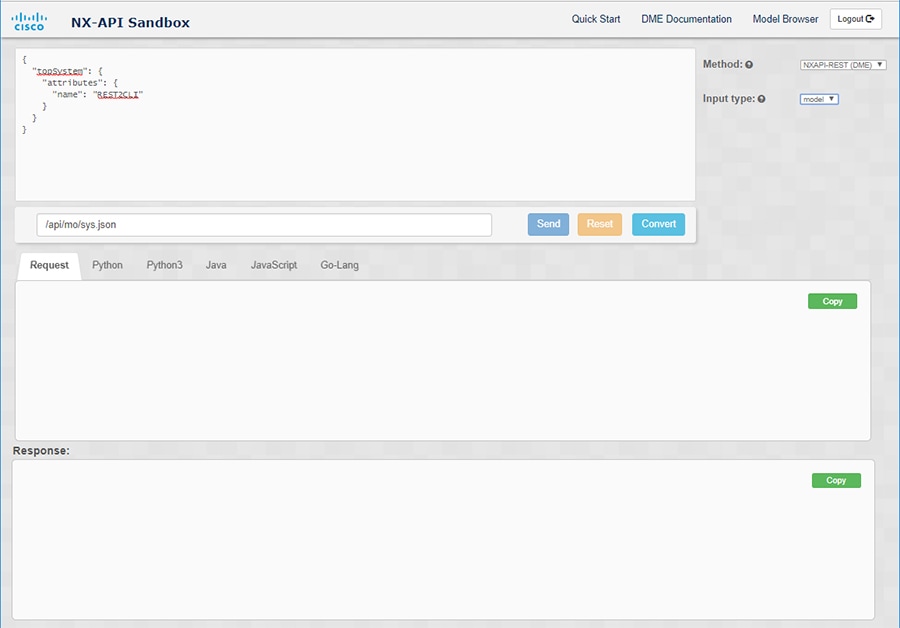
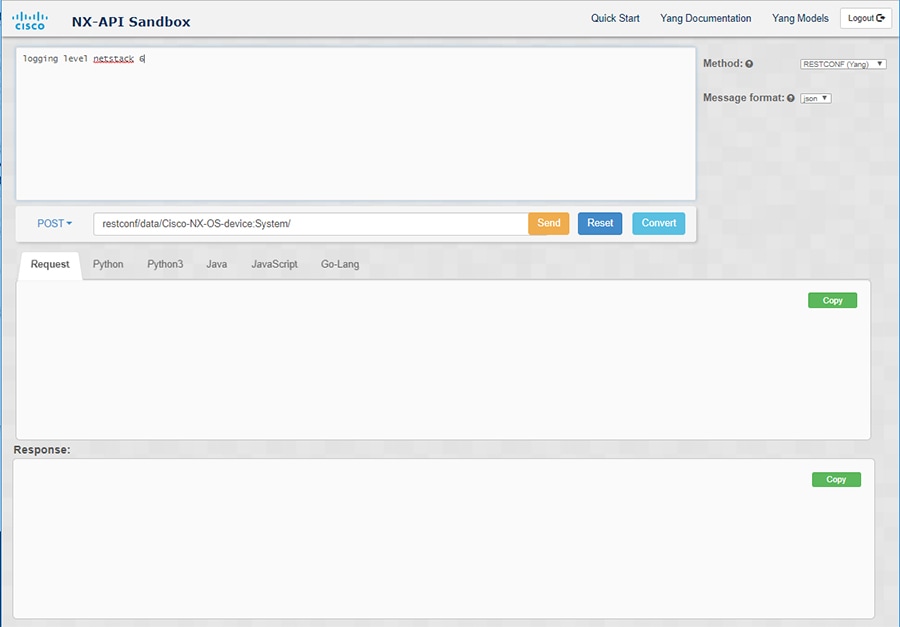
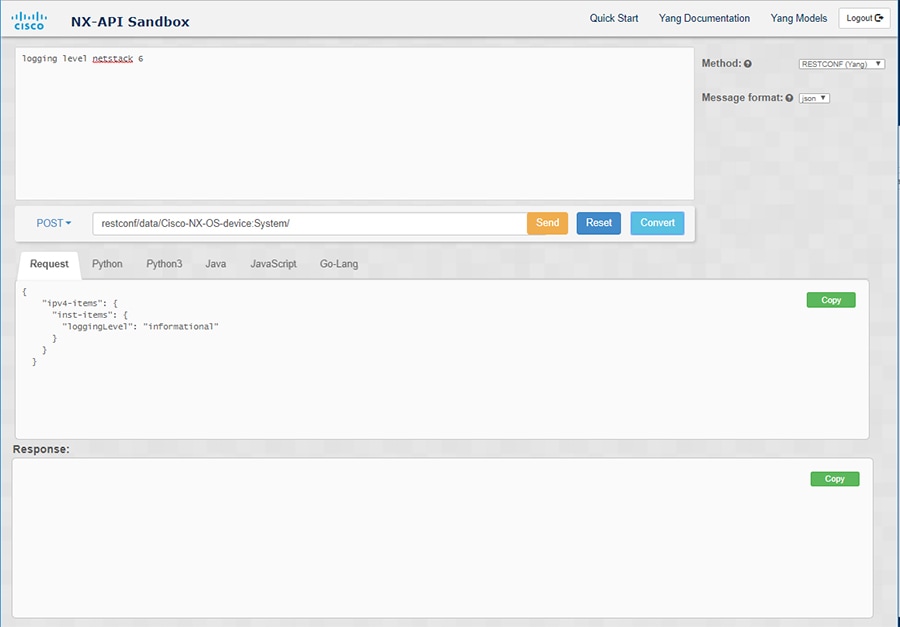
The web form is a single screen with three panes — Command (top pane), Request (middle pane), and Response (bottom pane) — as shown in the figure below. The designated name (DN) field is located between the Command and Request panes (seen in the figure below located between the POST and Send options).
The Request pane also has a series of tabs. Each tab represents a different language: Python, Python3, Java, JavaScript, and Go-Lang. Each tab enables you to view the request in the respective language. For example, after converting CLI commands into an XML or JSON payload, click the Python tab to view the request in Python, which you can use to create scripts.
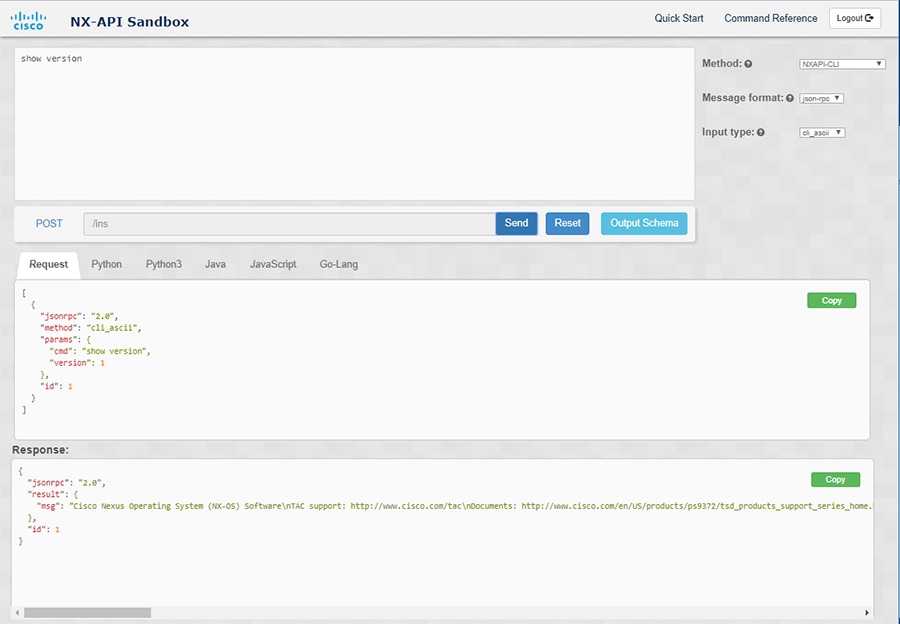
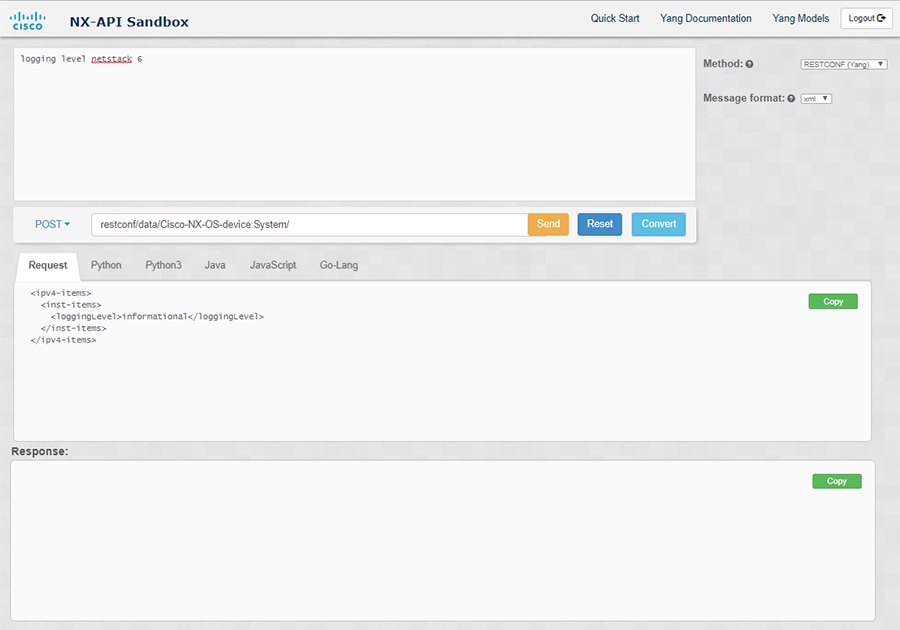
Controls in the Command pane enable you to choose a supported API, such as NX-API REST, an input type, such as model (payload) or CLI, and a message format, such as XML or JSON. The available options vary depending on the chosen method.
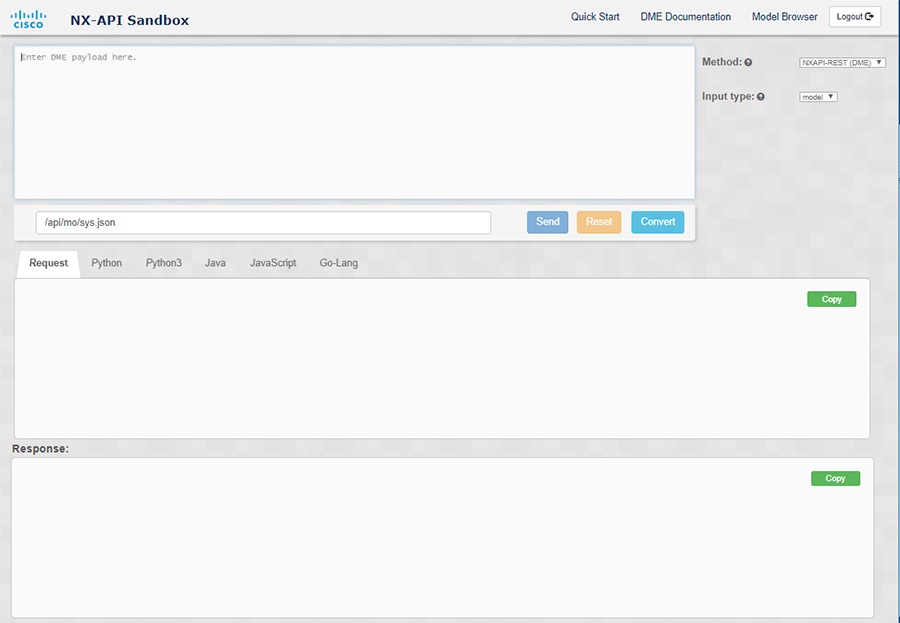
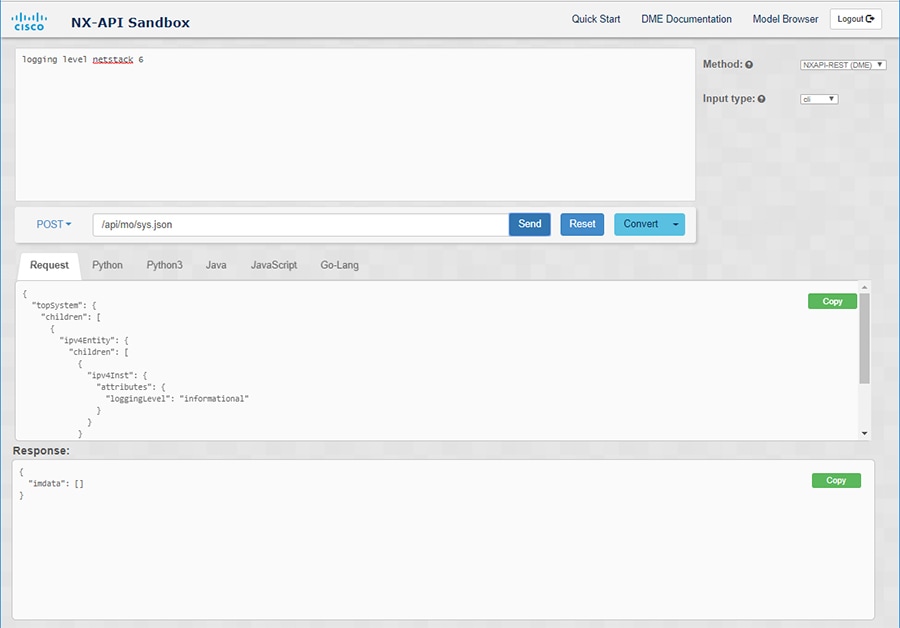
When you choose the NXAPI-REST (DME) method, type or paste one or more CLI commands into the Command pane,and click Convert, the web form converts the commands into a REST API payload, checking for configuration errors, and displays the resulting payload in the Request pane. If you then choose to post the payload directly from the sandbox to the switch (by choosing the POST option and clicking SEND), the Response pane displays the API response. For more information, see Using the Developer Sandbox to Convert CLI Commands to REST Payloads
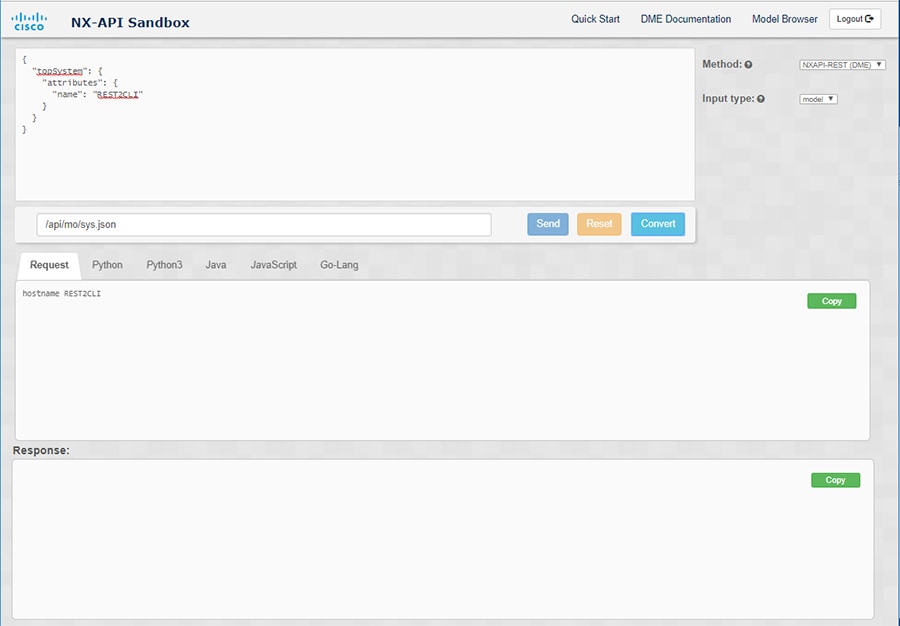
Conversely, the Cisco NX-API Developer Sandbox checks the payload for configuration errors then displays the equivalent CLis in the Response pane. For more information, see Using the Developer Sandbox to Convert from REST Payloads to CLI Commands


 Feedback