Create or edit an authorization group
create, modify, or remove authorization groups, enabling you to manage user access and permissions efficiently within the network management application.
-
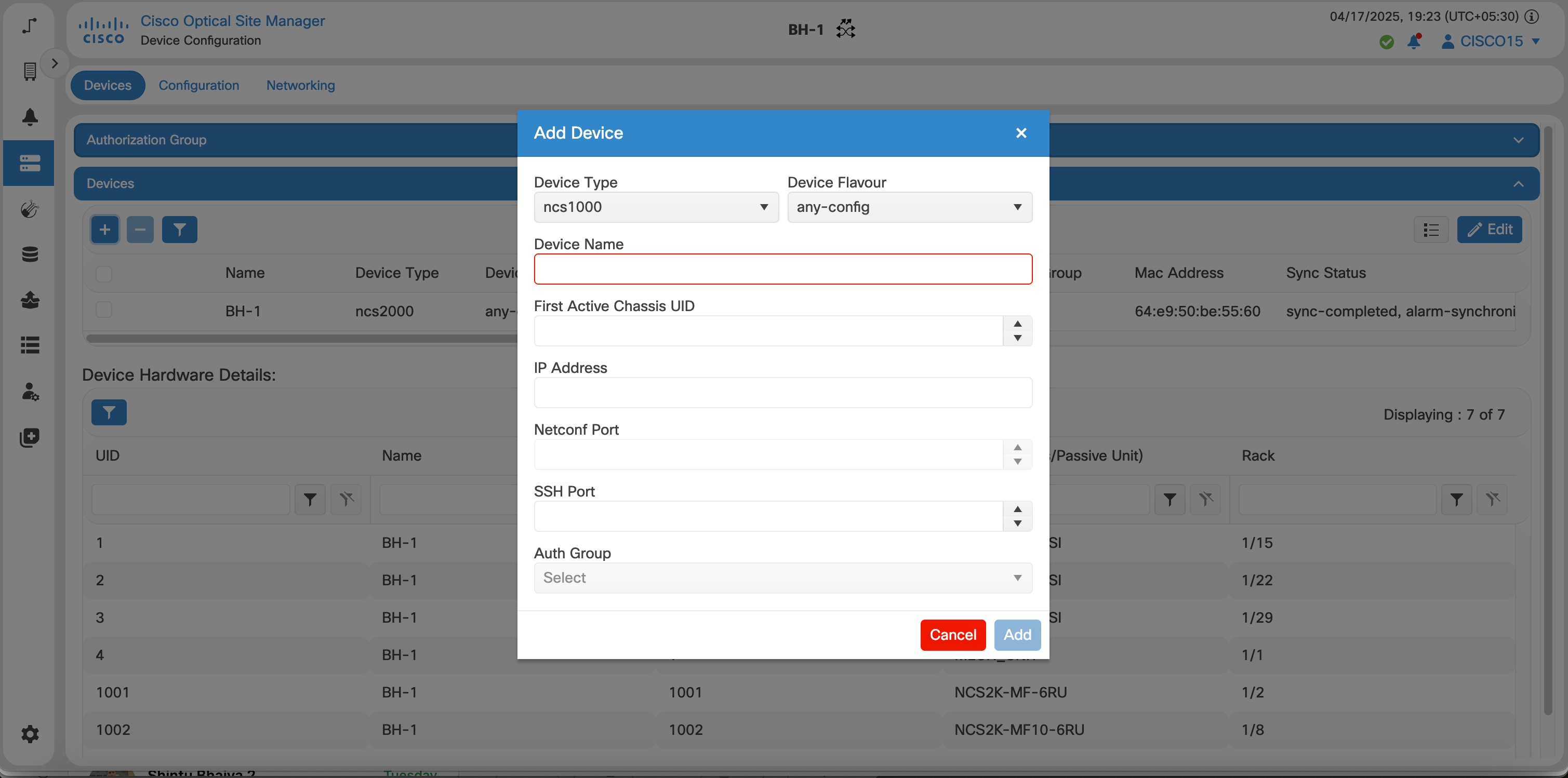
Create an authorization group.
-
Edit an authorization group.
Authorization groups help you manage user and group attributes used by authentication and authorization processes.
You manage authorization groups from the Devices area.
Before you begin
-
For Cisco Optical Site Manager device management, we strongly recommend to configure the authorization group with credentials for a local IOS XR user account on the managed device. The account must have write-capable NETCONF access, such as a
root-lruser or equivalent.Use IOS XR credentials in this order of preference:
-
A local IOS XR user account.
-
If a TACACS+ account is required, configure a local user account with the same username, password, and privileges to ensure seamless management of the device even if TACACS server is not available.
-
If TACACS+ authentication fails, Cisco Optical Site Manager can manage the device only when the TACACS+ and local user credentials match.
-
Follow these steps to manage authorization groups.
Procedure
|
Step 1 |
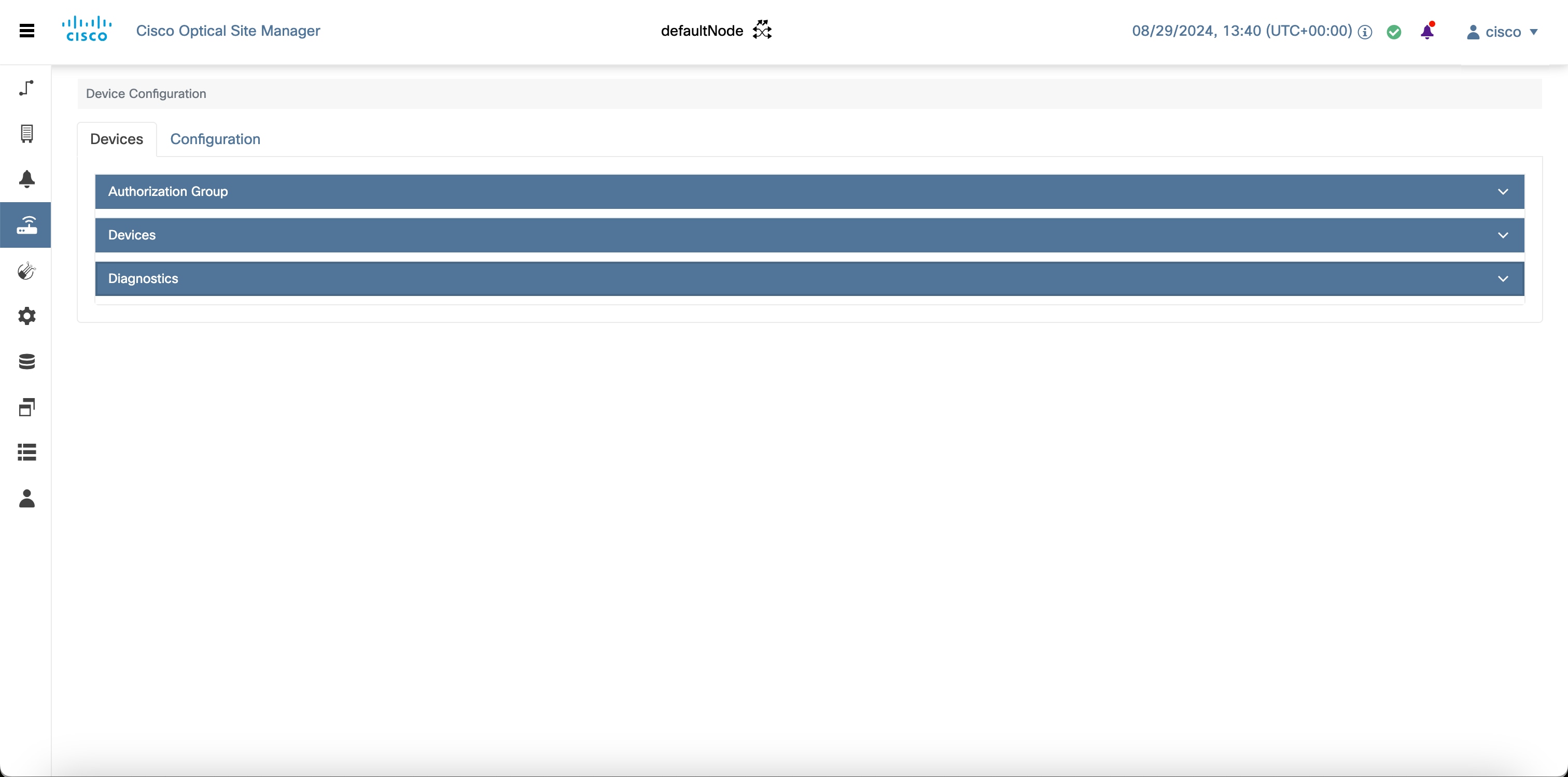
Click Devices in the left panel. The Device Configuration page appears. |
||||||
|
Step 2 |
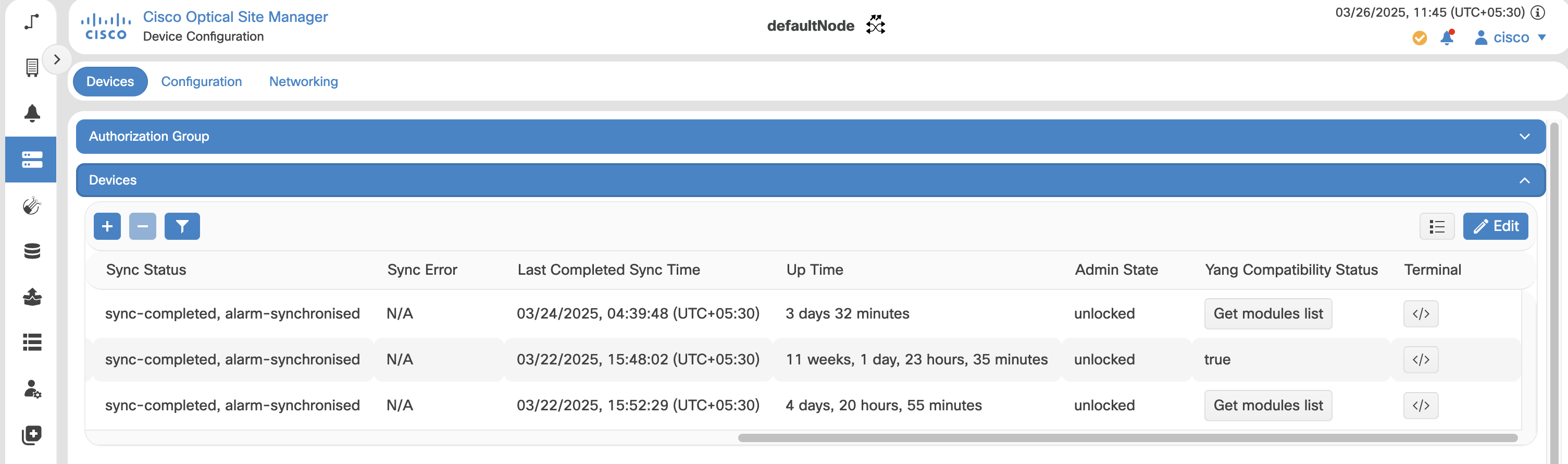
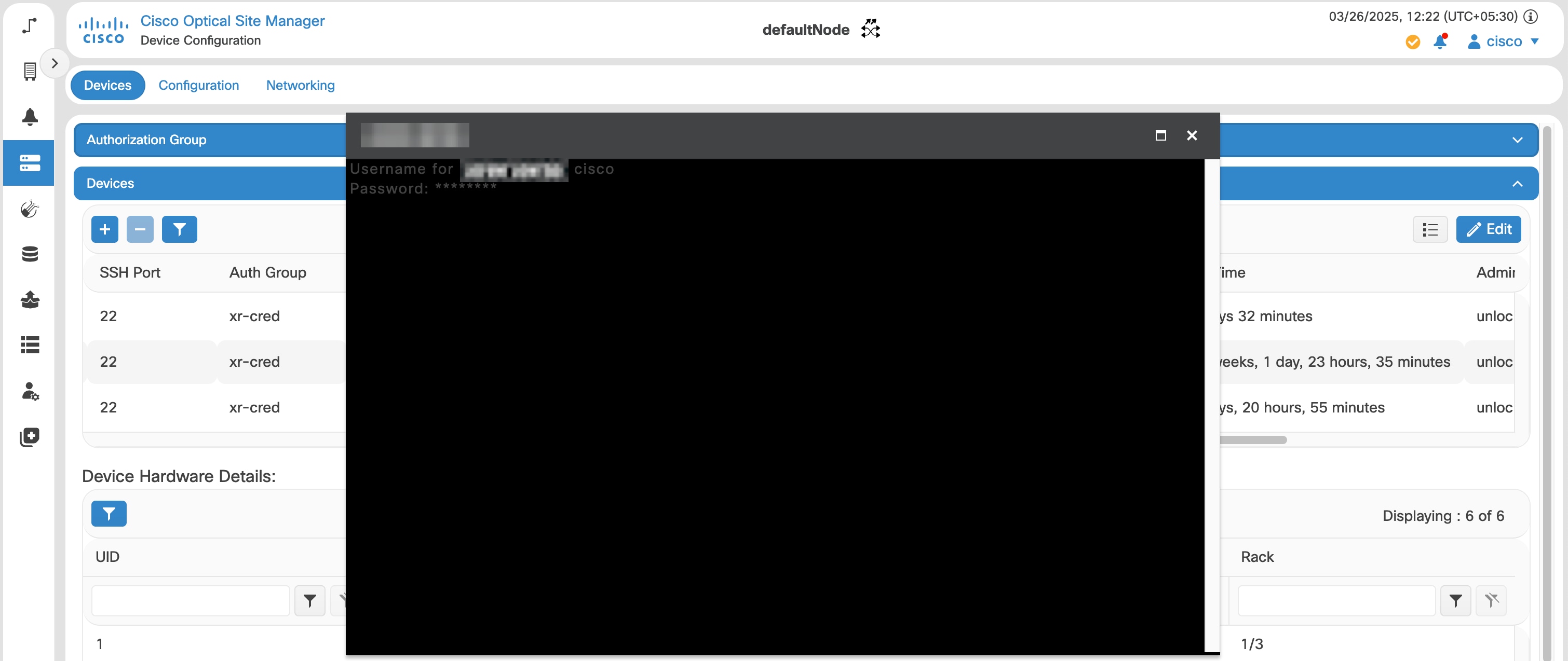
In the Devices area, click Authorization Group to expand it. The table lists all available authorization groups. |
||||||
|
Step 3 |
Perform these steps, as needed.
|
The authorization group table reflects your changes.


 Feedback