View inventory of all racks or chassis
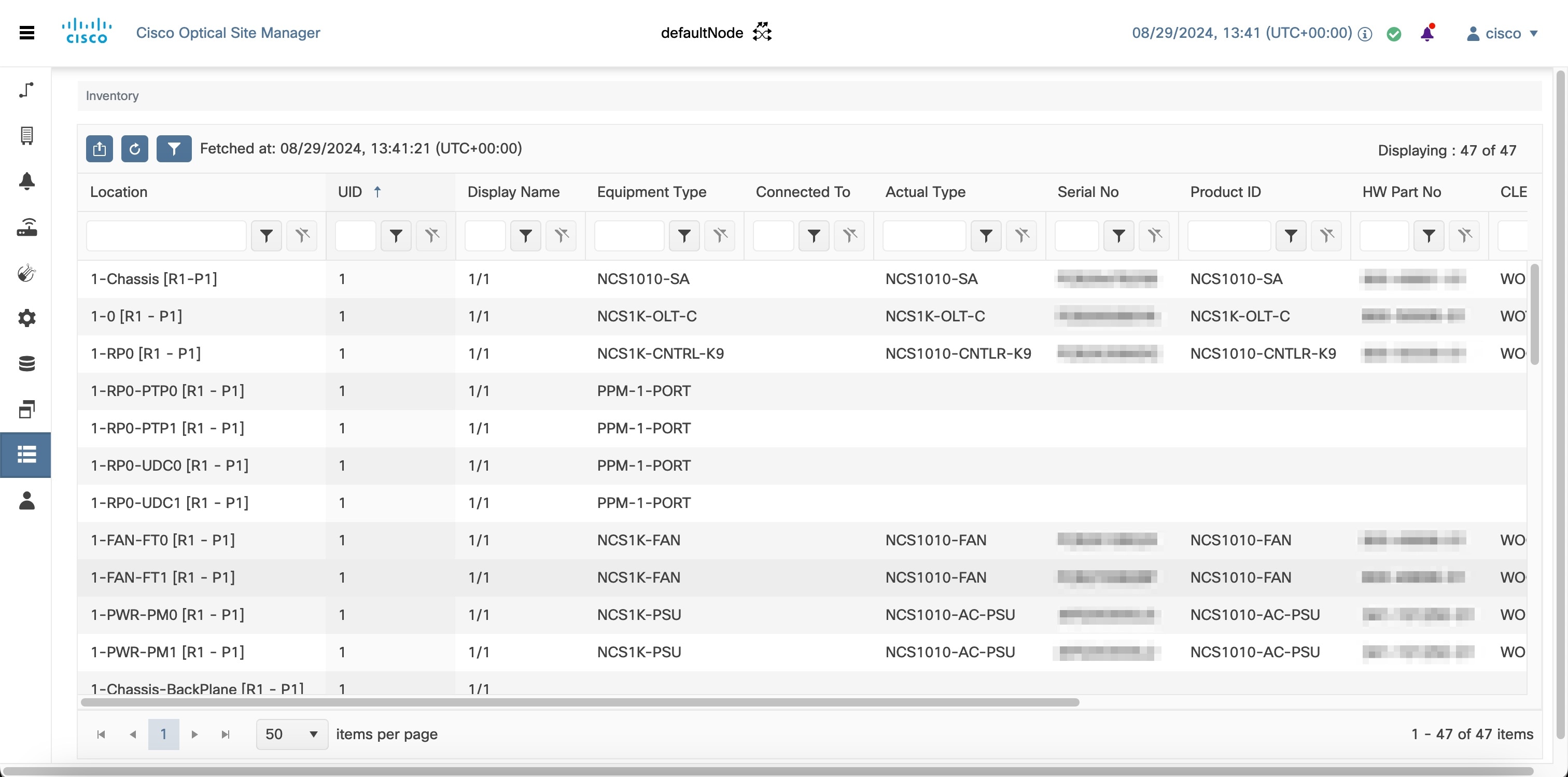
You can view inventory details of all racks and chassis, such as location, display name, and equipment type.
By default, the Inventory page sorts the inventory table by the UID column. To sort the table by location, click the Location column header.
Follow these steps to view the inventory of all the racks and chassis:
Before you begin
Procedure
|
Step 1 |
Click Inventory. The Inventory page appears and displays the inventory details. |
|
Step 2 |
Click the Export to Excel icon to export and download the inventory information to an Excel file (optional). |
 Feedback