IW Monitor interfaces
-
IW Service is a cloud-based interface for online and offline configuration of IW devices.
-
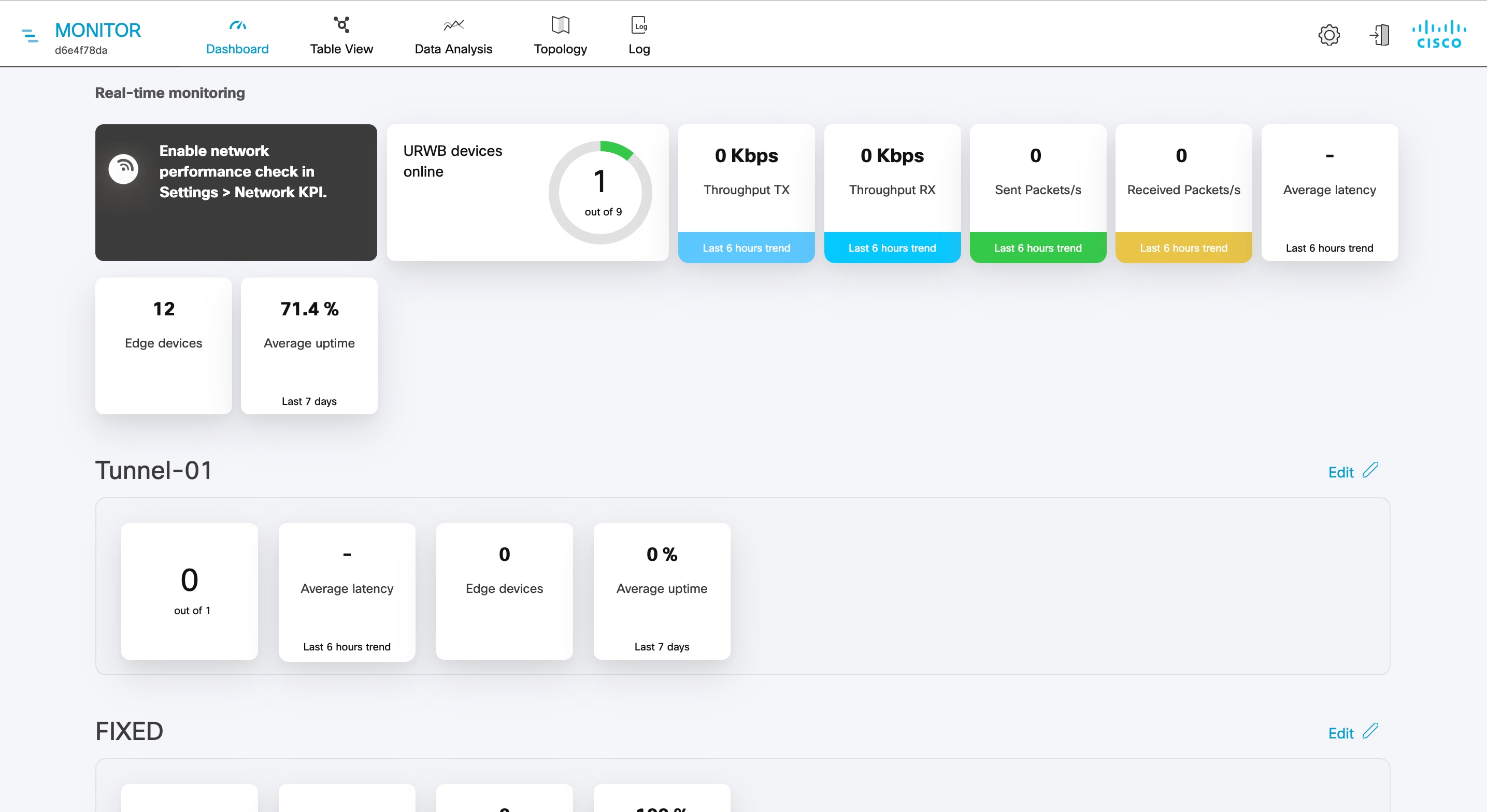
IW Monitor is a diagnostic and analysis interface based on a virtual image. You install it in Docker format to monitor Fluidmesh and Industrial Wireless devices.
Functionalities of IW Monitor application
The IW Monitor application provides these functionalities:
-
Monitor the real time condition of networks.
-
Generate statistics from network history.
-
Verify if the device configuration settings are optimal for current network conditions.
-
Detect network-related events for diagnostics and generate alerts if network-related faults arise.
-
Analyze network data to increase system uptime and maintain optimal network performance.
To configure the IW devices, you can use any of these methods:
-
To add and configure devices using cloud-based IW Service, see IoT OD IW documentation.
-
To manually configure devices by using the device’s built-in Configurator interface or through CLI, see Cisco Ultra-Reliable Wireless Backhaul for Catalyst IW Access Points, Software Configuration Guide or Cisco IEC6400 Edge Compute Appliance Installation and Configuration Guide.
 Feedback