Add devices to the IW Monitor
Procedure
|
Step 1 |
Click the A table appears with the list of configured devices. |
||
|
Step 2 |
Click the
|
||
|
Step 3 |
Click Add Devices to add the IP addresses of the devices. 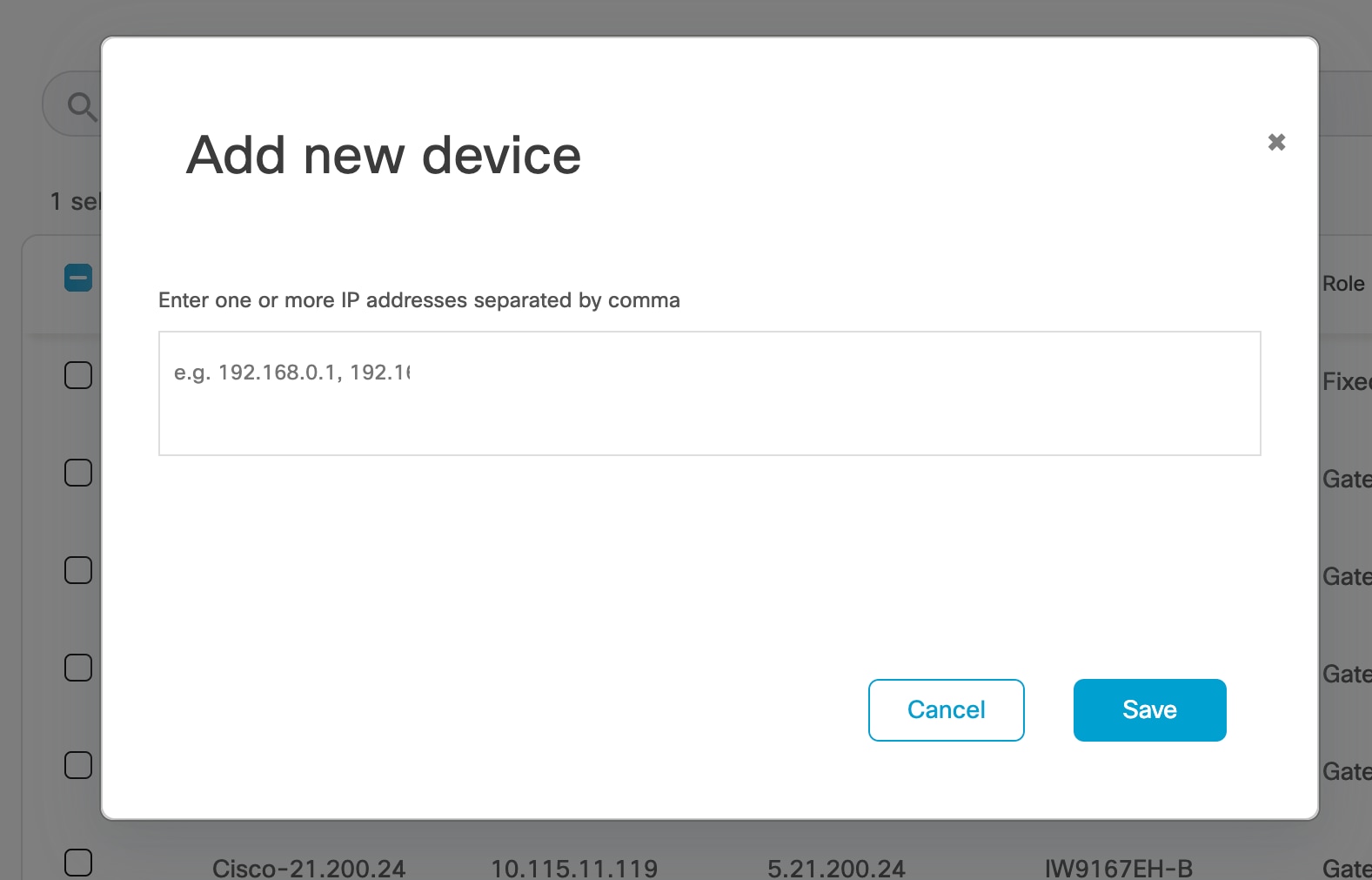
|
||
|
Step 4 |
Add the IP addresses of the devices, separated by a comma and a space. You can use an Excel file to enter all IP addresses in a column, then copy and paste them into the application. For example: 192.168.0.1, 192.168.0.2, 192.168.0.3
|
||
|
Step 5 |
Click Save. The newly added devices appear in the table. |
 (settings icon)
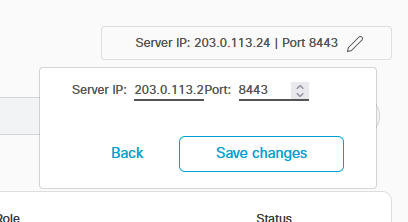
 (edit icon) and configure the IP address of the main network server.
 Feedback