High availability in Firewall Management Center
A high availability pair in Firewall Management Center is a redundancy feature that
-
designates redundant Firewall Management Centers to manage devices
-
supports Active/Standby roles. One appliance is active and manages devices, while the standby unit does not actively manage devices, and
-
enables event data streaming from managed devices to both units, enabling uninterrupted monitoring if one fails.
High availability reference information
High availability in Firewall Management Center allows configuration of a secondary unit to take over the functionality of a primary unit if the primary fails. When the primary fails, you must promote the secondary to become the active unit.
Event data streams from managed devices to both units in the high availability pair. If one unit fails, you can monitor your network without interruption using the other unit.
Firewall Management Centers configured as a high availability pair do not need to be on the same trusted management network, nor do they have to be in the same geographic location.
 Caution |
Because the system restricts some functionality to the active Firewall Management Center, if that appliance fails, you must promote the standby Firewall Management Center to active. |
 Note |
Triggering a switchover on Firewall Management Center immediately after a successful change deployment can lead to preview configuration not working on the new active Firewall Management Center. This does not impact policy deploy functionality. It is recommended to trigger a switchover on the Firewall Management Center after the necessary sync is completed. Similarly, when Firewall Management Center HA synchronization is in degraded state, triggering a switchover or changing roles could cause Firewall Management Center HA to damage the database, which may result in catastrophic failure. We recommend that you immediately contact Cisco Technical Assistance Center (TAC) for further assistance to resolve this issue. This HA synchronization can end up in degraded state due to various reasons. The Replace Firewall Management Centers in a high availability pair section in this chapter covers some of the failure scenarios and the subsequent procedure to fix the issue. If the reason or scenario of degraded state matches to the scenarios explained, follow the steps to fix the issue. For other reasons, we recommend that you contact TAC. |
Remote access VPN high availability
If the primary device has Remote Access VPN configuration with an identity certificate enrolled using a CertEnrollment object, the secondary device must have an identity certificate enrolled using the same CertEnrollment object. The CertEnrollment object can have different values for the primary and secondary devices due to device-specific overrides. The limitation is only that the same CertEnrollment object is enrolled on the two devices before high availability formation.
SNMP behavior in Firewall Management Center high availability
In an SNMP-configured HA pair, when you deploy an alert policy, the active Firewall Management Center sends the SNMP traps. When the primary Firewall Management Center fails, the secondary Firewall Management Center which becomes the active unit starts sending the SNMP traps without the need for any additional configuration.
High availability example
For example, if the primary Firewall Management Center fails, you can promote the secondary unit to active and continue managing devices and monitoring events without interruption.
Roles and statuses in Firewall Management Center high availability
Primary and secondary roles
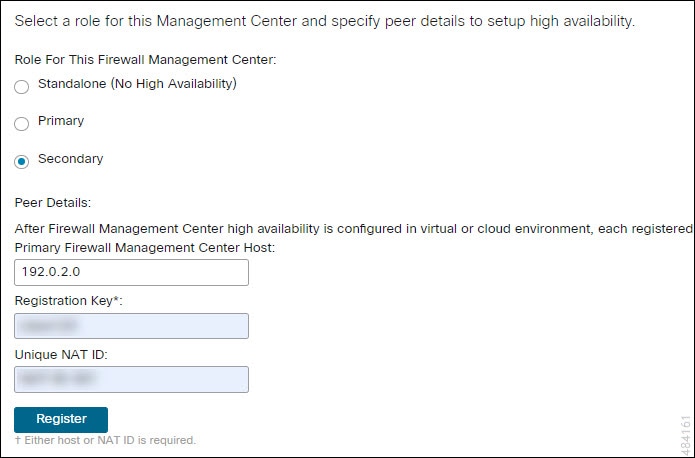
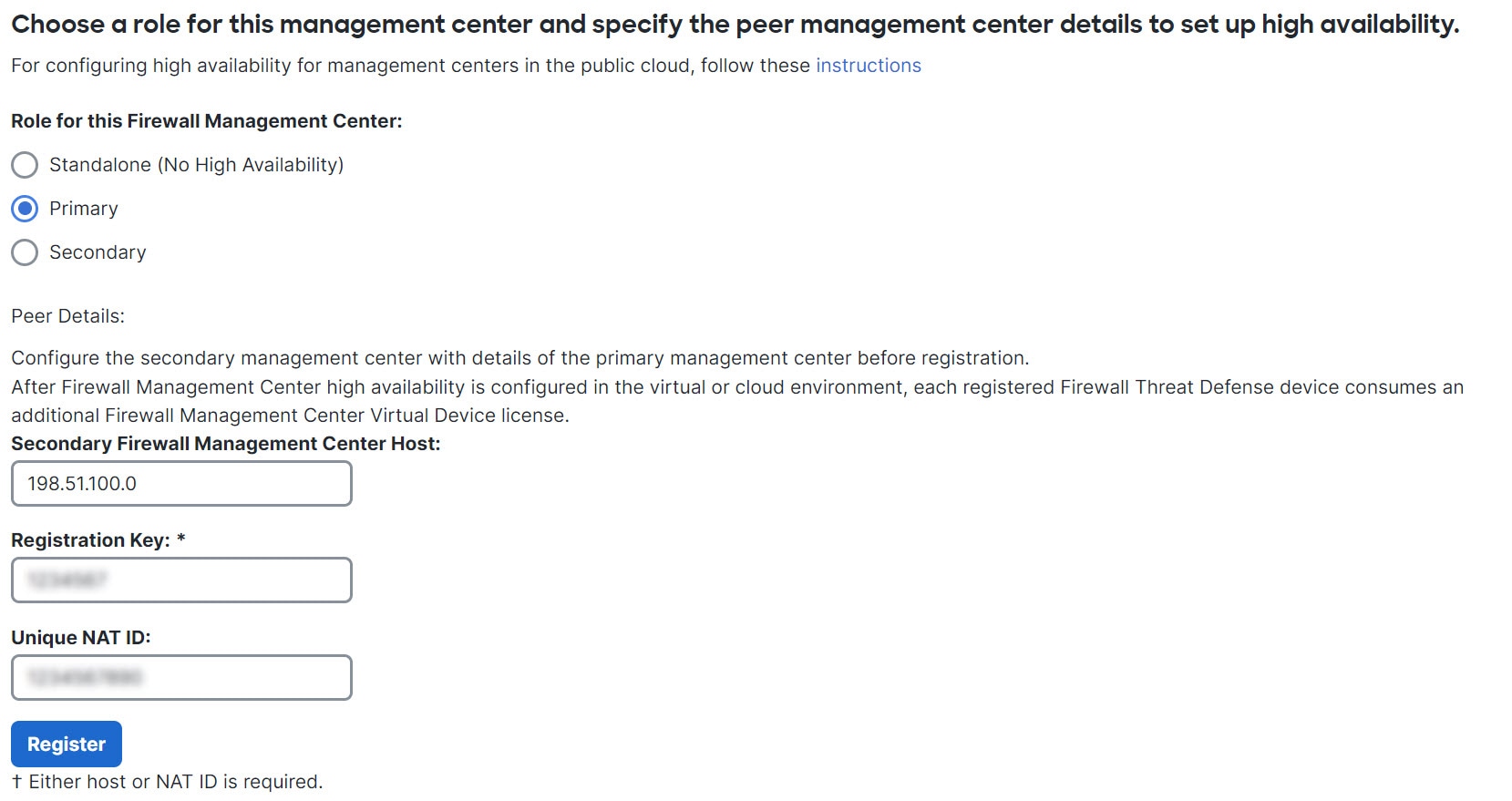
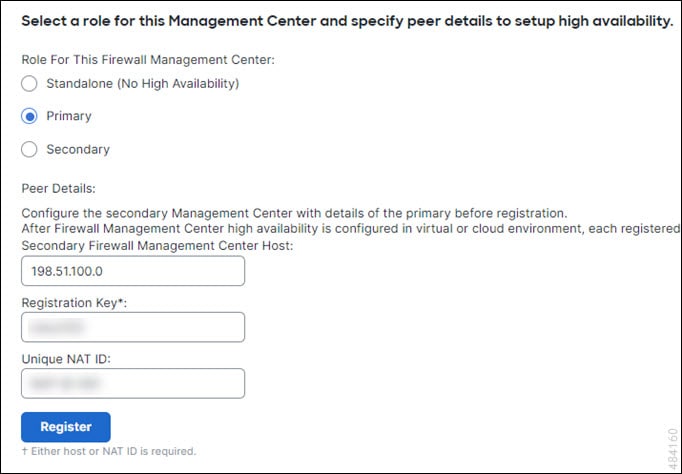
When setting up Firewall Management Centers in a high availability pair, you configure one Firewall Management Center to be primary and the other as secondary. During configuration, the primary unit's policies are synchronized to the secondary unit. After this synchronization, the primary Firewall Management Center becomes the active peer, while the secondary Firewall Management Center becomes the standby peer. The two units act as a single appliance for managed device and policy configuration.
Active and standby statuses
The main difference between the two Firewall Management Centers in a high availability pair is whether the peer is active or standby. The active Firewall Management Center remains fully functional, where you can manage devices and policies. Configuration options are hidden on the standby Firewall Management Center, and you cannot make any changes.
Event processing on Firewall Management Center high availability pairs
An event processing configuration is a high-availability feature that
-
allows both Firewall Management Centers in a high-availability pair to receive events from managed devices
-
ensures that the appliances do not share management IP addresses, and
-
provides continuous processing of events without intervention if one Firewall Management Center fails.
AMP cloud connections and malware information
AMP cloud connections and malware information are security features that
-
operate independently for Firewall Management Centers in a high availability pair
-
do not share malware dispositions between paired Firewall Management Centers, and
-
require both primary and secondary Firewall Management Centers to have access to the AMP cloud to ensure consistent malware dispositions.
AMP cloud connection requirements
Both primary and secondary Firewall Management Centers must have access to the AMP cloud to ensure continuity of operations and consistent malware dispositions.
URL filtering and security intelligence
Synchronization of URL filtering information
URL filtering and Security Intelligence configurations and information are synchronized between Secure Firewall Management Centers in a high availability deployment.
The primary Secure Firewall Management Center downloads URL category and reputation data required for Security Intelligence feed updates.
Updating Threat Intelligence after primary failure
After a primary failure, update threat intelligence data by confirming that the secondary Secure Firewall Management Center can access the internet and is promoted to active using the web interface.
Processing user data during Firewall Management Center failovers
Summary
The key components involved in processing user data during Firewall Management Center failovers are:
-
Primary Firewall Management Center: The main device responsible for managing user and SGT mappings.
-
Secondary Firewall Management Center: Takes over propagation of mappings when the primary fails.
-
TS Agent identity source: Provides user-to-IP mappings.
-
ISE/ISE-PIC identity source: Provides SGT mappings.
-
Unknown users: Users not yet seen by identity sources.
This process ensures continuity of user and SGT mapping propagation during failover events and proper handling of unknown users after downtime.
Workflow
The process of handling user data during failover involves these stages:
- Primary Firewall Management Center fails.
- The secondary Firewall Management Center propagates user-to-IP mappings from the TS Agent identity source. It also sends SGT mappings from the ISE or ISE-PIC identity source to managed devices. Users not yet seen by identity sources are identified as Unknown.
- After downtime, Unknown users are re-identified and processed according to the rules in the identity policy.
Configuration management on Firewall Management Center high availability pairs
Configuration management on Firewall Management Center high availability pairs is a deployment feature that
-
allows only the active Firewall Management Center to manage devices and apply policies
-
keeps both Firewall Management Centers continuously synchronized, and
-
requires you to manually promote the standby appliance to active when the current active appliance fails.
Firewall Management Center high availability disaster recovery
A Firewall Management Center high availability disaster recovery is a failover mechanism that requires manual switchover between primary and secondary Firewall Management Center units.
Manual switchover in disaster recovery
Manual switchover is required when a disaster recovery situation occurs in a high availability pair.
-
When the primary Firewall Management Center, FMC1, fails, use the web interface of the secondary Firewall Management Center, FMC2, to switch peers.
-
This process is applicable if either the primary or secondary unit fails.
For more information, see Switch peer roles in the Firewall Management Center high availability pair.
For restoring a failed unit, see Replace Firewall Management Centers in a high availability pair.
Configure single sign-on for high availability pairs
Firewall Management Centers in a high availability configuration can support Single Sign-On, but you must keep these considerations in mind:
-
SSO configuration is not synchronized between the members of the high availability pair. Configure SSO separately on each member.
-
Both Firewall Management Centers in a high availability pair must use the same identity provider (IdP) for SSO. Configure a service provider application at the IdP for each Firewall Management Center for SSO.
-
In a high availability pair of Firewall Management Centers where both support SSO, you must log in to the primary Firewall Management Center for the first time.
-
When configuring SSO for Firewall Management Centers in a high availability pair:
-
If you configure SSO on the primary Firewall Management Center, you are not required to configure SSO on the secondary Firewall Management Center.
-
If you configure SSO on the secondary Firewall Management Center, you are required to configure SSO on the primary Firewall Management Center as well. (This is because SSO users must log in to the primary Firewall Management Center at least once before logging into the secondary Firewall Management Center.)
-
Firewall Management Center high availability behaviors during a backup
A Firewall Management Center high availability backup behavior is a system operation that
-
pauses synchronization between peers during the backup process
-
allows continued use of the active Firewall Management Center, but not the standby peer, and
-
briefly disables processes on the active peer after backup completion, displaying a holding page until all processes resume.
Firewall Management Center high availability split-brain
A high availability split-brain is a failure state in high availability pairs that
-
occurs when both Firewall Management Center appliances assume the active role,
-
results from the original active appliance coming back online after a failure, and
-
requires manual intervention to select an active appliance and demote the other to standby.
Device registration and policy configuration impact
The split-brain state impacts device registrations and policy configurations for the intended standby appliance.
Note |
The intended standby loses all of its device registrations and policy configurations when you resolve split-brain. For example, modifications to policies that exist on the intended standby but not on the intended active are lost. If the Firewall Management Center is in a high availability split-brain scenario where both appliances are active, and you register managed devices and deploy policies before you resolve split-brain, you must export any policies and unregister any managed devices from the intended standby Firewall Management Center before re-establishing high availability. After re-establishing high availability, register the managed devices and import policies to the intended active Firewall Management Center. |
Split-brain scenario example
If the active Firewall Management Center in a high-availability pair fails due to power or network issues, promote the standby Firewall Management Center to active. When the original active peer becomes operational, both peers assume active status, which results in split-brain.
Degraded state scenario
If the active Firewall Management Center goes down or disconnects due to a network failure, you may break high availability or switch roles. The standby Firewall Management Center enters a degraded state, which is not split-brain.
Troubleshoot Firewall Management Center high availability
|
Error |
Description |
Solution |
||
|---|---|---|---|---|
|
You must reset your password on the active Firewall Management Center before you can log in to the standby. |
You attempted to log in to the standby Firewall Management Center when a force password reset is enabled for your account. |
Because the database is read-only for a standby Firewall Management Center, reset the password on the login page of the active Firewall Management Center. |
||
|
500 Internal |
This error may occur when you try to access the web interface during critical high availability operations, such as switching peer roles or pausing and resuming synchronization. |
Wait until the operation completes before using the web interface. |
||
|
System processes are starting, please wait Also, the web interface does not respond. |
This error may occur when the system reboots manually or while recovering from a power down during high availability or data synchronization operations. |
|
||
|
Device Registration Status:Host <string> is not reachable (occurs during initial configuration) |
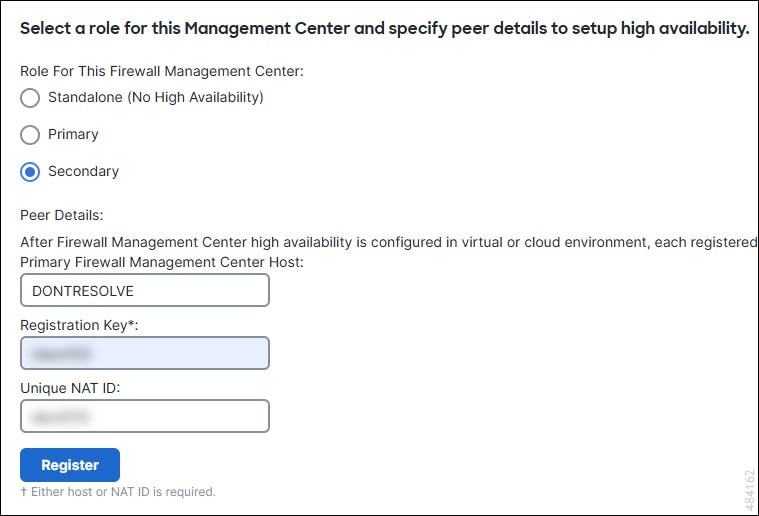
During the initial configuration of a Firewall Threat Defense, if the Firewall Management Center IP address and NAT ID are specified, the Host field can be left blank. However, in an HA environment with both the Firewall Management Centers behind a NAT, this error occurs when you add the Firewall Threat Defense on the secondary Firewall Management Center. |
|
||
|
Device Registration Status:Host <string> is not reachable (occurs when adding device to the secondary Firewall Management Center) |
The error occurs when adding Firewall Threat Defense device to the secondary Firewall Management Center center in a high-availability deployment where both the secondary Firewall Management Center and the Firewall Threat Defense device are behind NAT. |
On the standby Firewall Management Center web interface, click . Under the pending device registration table, click the IP address of the pending device, then update it to the public IP address of the Firewall Threat Defense. Alternatively, follow these steps:
|



 Feedback