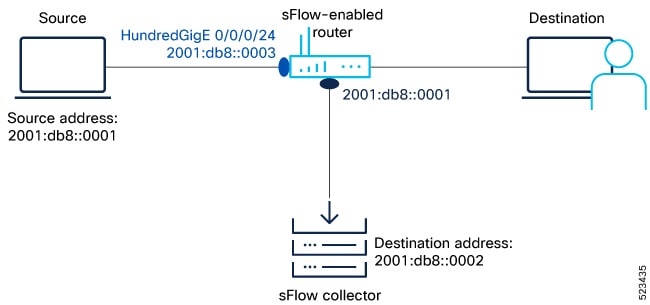
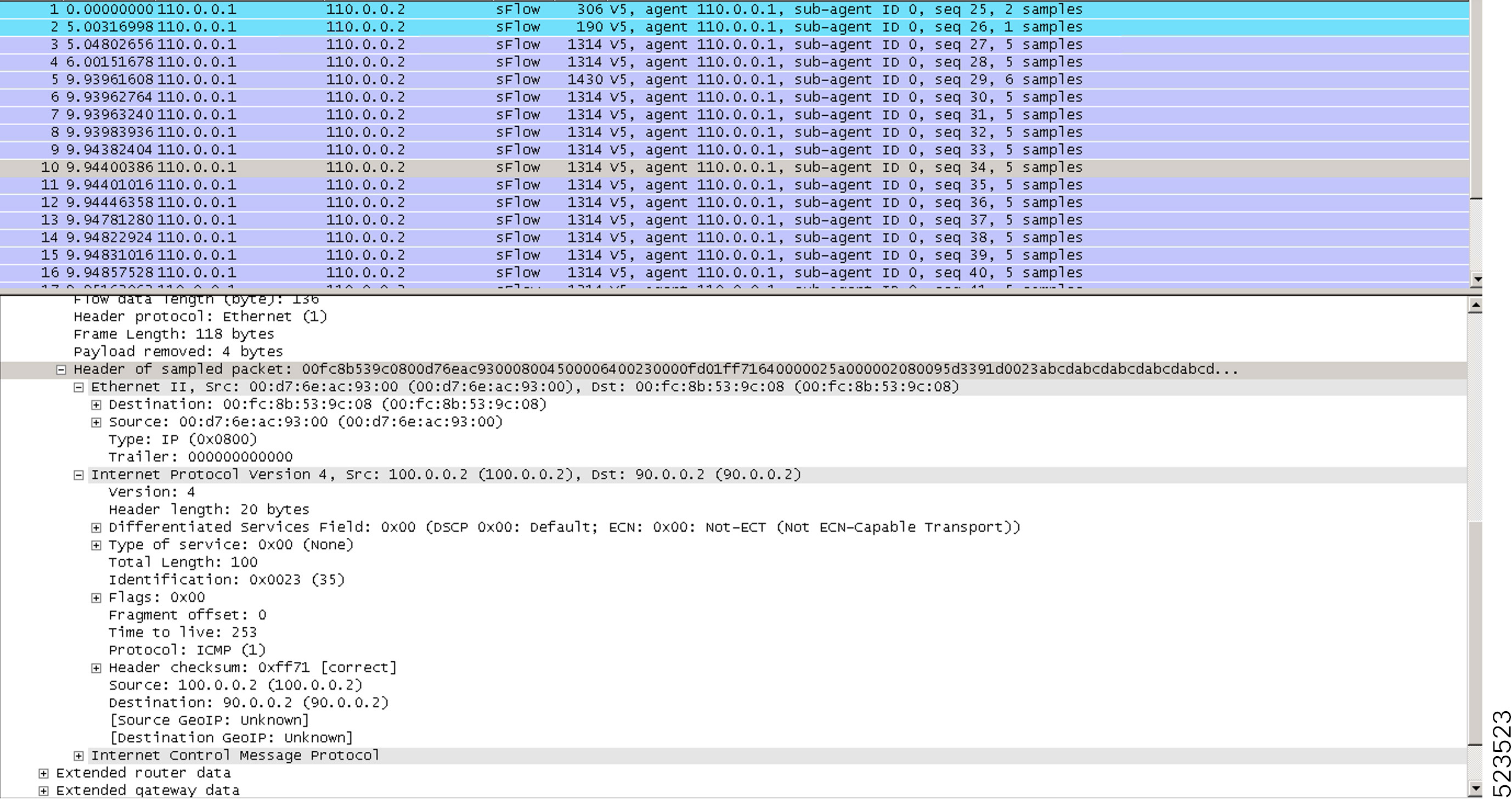
Configure sFlow to monitor network traffic using sampled data.
Enable sFlow to monitor network traffic by collecting sampled data from network devices.
-
sFlow provides visibility into network traffic patterns and supports efficient monitoring.
sFlow is used to monitor network traffic by collecting sampled data from network devices, allowing administrators to analyze traffic patterns and optimize network performance.
This task guides you through configuring sFlow on network devices.
-
Monitoring sampled data helps identify network issues and supports troubleshooting.
Before you begin
Ensure you have access to the device configuration interface and the necessary privileges to modify sFlow settings.
-
Verify that the device supports sFlow and that you have administrative access.
Follow these steps to configure sFlow for network traffic monitoring.
Procedure
sFlow is enabled and begins monitoring network traffic using sampled data.
What to do next
Verify sFlow operation by checking traffic statistics and collector reports.
-
Review collected data to ensure sFlow is functioning as expected.